

Expert guide
Forensic video analysis – the process of reviewing surveillance footage to establish facts about a specific event – is one of the most time-intensive tasks in security operations. For most organizations, “forensic analysis” means a security analyst sitting at a workstation manually scrubbing through footage from multiple cameras, trying to identify the window when an incident occurred and piece together what happened.
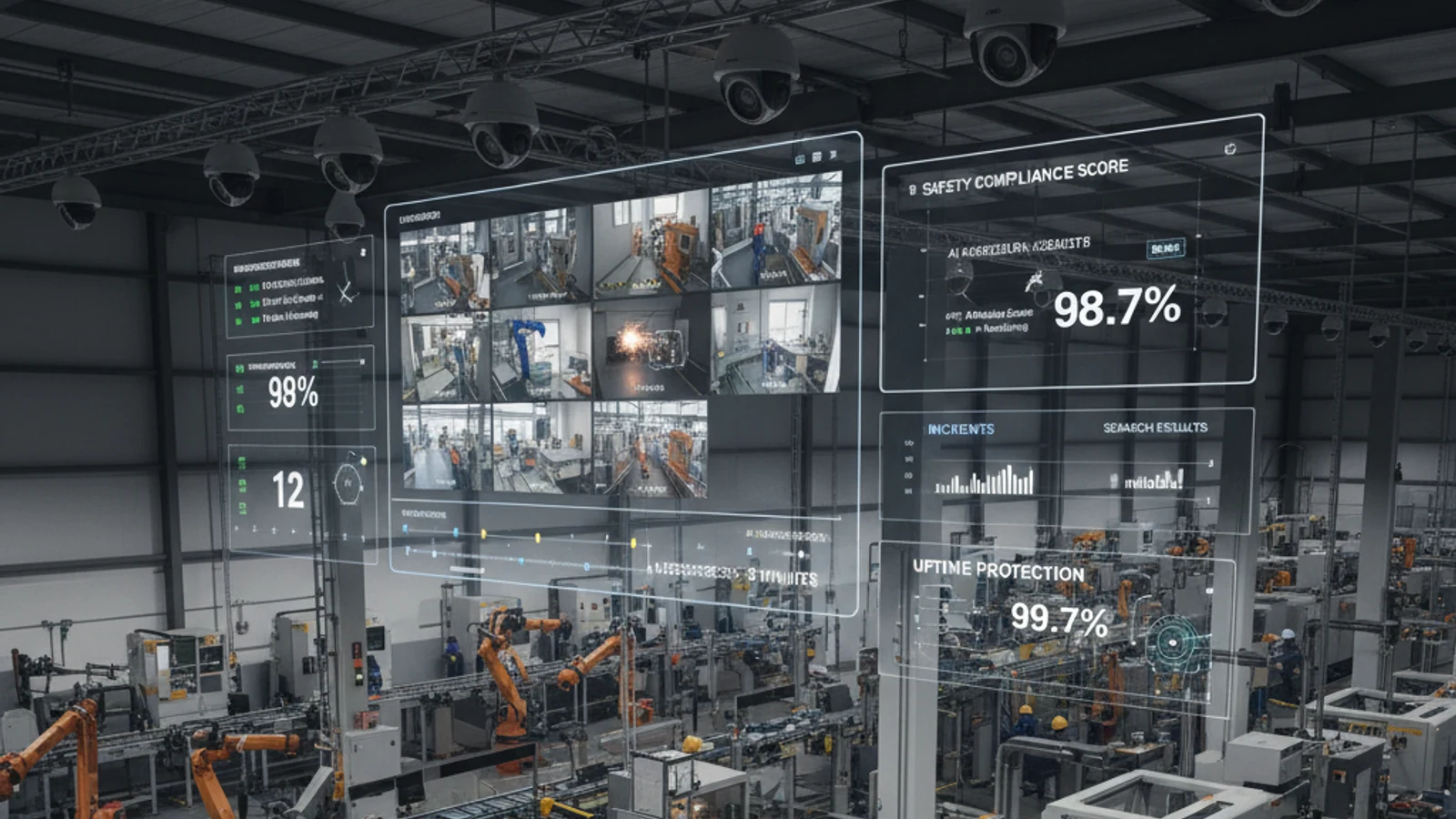
Forensic video analysis – the process of reviewing surveillance footage to establish facts about a specific event – is one of the most time-intensive tasks in security operations. For most organizations, “forensic analysis” means a security analyst sitting at a workstation manually scrubbing through footage from multiple cameras, trying to identify the window when an incident occurred and piece together what happened.
Cloud-first access
Centralize live view, playback, user permissions, and investigation workflows.
AI analytics built in
Use smarter search and event detection to reduce manual review time.
Camera flexibility
Deploy with supported existing cameras and avoid unnecessary rip-and-replace projects.
AI forensic search replaces manual scrubbing with intelligent, query-driven analysis. This guide explains what AI forensic search is, how it works in practice, and what it means for security operations efficiency.
What Makes Video Forensics So Time-Consuming Without AI
Consider a typical scenario: a retail theft is reported at approximately 3pm on a Tuesday. The store manager wants to know what happened, document it for police, and understand if the same individual has been in the store before.
Without AI forensic search, this investigation requires:
- Identifying which cameras had line-of-sight to the incident area
- Accessing each camera’s footage individually at the approximate time
- Scrubbing backward and forward to find the actual incident
- Reviewing additional cameras to track the individual’s movement through the store
- Checking historical footage to see if the individual appeared on prior dates
For a single incident with 6 cameras and a 2-hour investigation window, this process takes 3-6 hours. For a complex incident with 20 cameras and uncertainty about the time window, it can take an entire workday. For incidents that require cross-checking historical footage across days or weeks, the investigation is often simply not pursued because the time cost is prohibitive.
Turn this into a practical surveillance plan
iFovea can review your camera fleet, sites, bandwidth, AI analytics needs, and migration path.
How AI Forensic Search Works
AI forensic search replaces manual scrubbing with a query-driven approach. The AI has continuously indexed the footage – detecting and classifying objects, people, vehicles, and behaviors as they appear in the video stream. When you submit a forensic search query, the AI returns results from its pre-built index rather than processing footage in real time.
Step 1: Define the Search Query
Describe what you’re looking for. Effective forensic search queries include:
- Object type: person, vehicle, package, animal
- Visual attributes: clothing color, vehicle color, carried items
- Location: specific camera, specific area of a camera’s view
- Time window: specific date and time range
- Behavior: running, loitering, entering/exiting a zone
A query like “person in a dark jacket entering the north loading dock area between 10pm and midnight on Friday” is specific enough to return a manageable set of candidate clips.
Step 2: Review AI-Surfaced Results
The AI returns a ranked set of footage clips matching your query – typically 5-30 clips rather than hours of raw footage. Each clip shows the detected match with surrounding context. Human review of these candidates takes minutes rather than hours.
Step 3: Cross-Camera Timeline Reconstruction
Once a person of interest is identified in one clip, the AI can build a cross-camera timeline – showing every camera where that individual appeared, in chronological order. This reconstructs the full movement path through a facility automatically, without the investigator needing to check each camera individually.
Step 4: Historical Search
AI forensic search can operate across the full retention window – not just the current incident. If you want to know whether a person matching this description appeared in the previous 30 days, the AI searches historical footage using the same indexing approach. This enables proactive identification of repeat offenders, patterns of behavior, and pre-incident reconnaissance activity.
AI Forensic Search Applications
Theft Investigation
Most security investigations start with a theft report. AI forensic search accelerates the process from report to footage evidence from hours to minutes – making documentation for police reports, insurance claims, and internal records practical at the scale and frequency that high-volume retail and commercial operations experience.
Workplace Safety Incidents
OSHA recordable incidents and workers’ compensation claims require documented footage of what actually occurred. AI forensic search enables rapid retrieval of incident footage – even when the exact camera, time, and location aren’t precisely known at the time of investigation.
Access Control Verification
When an unauthorized individual is reported in a restricted area, AI forensic search identifies all footage of that individual throughout the facility – establishing when they entered, where they went, how long they were present, and how they exited.
Vehicle Incident Investigation
Parking lot accidents, hit-and-run incidents, and vehicle theft investigations benefit from AI vehicle search. Find footage of a specific vehicle color and type, or search by license plate using integrated ALPR, across all exterior cameras and the full time window of the reported incident.
Compliance Documentation
In regulated industries – healthcare, food service, financial services – documented footage of compliance activities (proper procedures followed, access controls respected, safety protocols maintained) provides audit documentation that manual footage review makes impractical to produce at scale. AI forensic search makes compliance documentation retrieval fast enough to be operationally viable.
Forensic Search Best Practices
- Camera positioning matters: AI forensic search is most effective when cameras are positioned for good identification angles – not just coverage of an area. Consider camera positioning for forensic value during initial deployment, not just surveillance coverage.
- Resolution affects accuracy: 2MP minimum for forensic identification; 4MP or higher recommended for areas where detailed forensic analysis is expected.
- Lighting consistency: Infrared-capable cameras maintain forensic quality in low-light conditions. Footage from poorly lit areas reduces AI classification accuracy.
- Retention windows: Forensic value accumulates over time. 60-90 day retention provides meaningful historical search capability; 30-day retention limits historical pattern analysis.
- Access governance: Forensic search should be available only to authorized personnel. Role-based access controls ensure forensic capabilities are appropriately governed.
Frequently Asked Questions
How is AI forensic search different from motion search?
Motion search returns any footage where motion was detected – which is often a large volume of results that still requires manual review. AI forensic search returns footage where specific objects, attributes, or behaviors were detected – dramatically narrowing the candidate set before human review begins.
Can AI forensic search identify specific individuals?
AI forensic search identifies people by visual attributes – clothing color, carried items, physical characteristics – rather than biometric identification. Face recognition is a separate capability that involves different privacy and legal considerations. Attribute-based search is effective for many forensic use cases without the complexity of biometric identification.
Does AI forensic search work across all my cameras simultaneously?
Yes. Ifovea’s forensic search operates across all cameras in your account simultaneously. There’s no need to search camera by camera; a single query returns results from every relevant camera and site.
How long does a forensic search take?
For pre-indexed searches (object type, attributes, behaviors), results return in seconds to minutes. Cross-camera timeline reconstruction for a specific person of interest typically completes in under 10 minutes for a 30-day search window across dozens of cameras.
Experience AI Forensic Search
The difference between manual footage review and AI forensic search is best understood through demonstration. Contact Ifovea’s team to see forensic search in action on a sample deployment.
Frequently asked questions
Who is AI Forensic Video Search: How to Investigate Surveillance Incidents in Minutes most relevant for?
It is most relevant for organizations evaluating cloud VMS, AI analytics, camera compatibility, or migration away from legacy surveillance systems.
Does iFovea support existing cameras?
iFovea is designed to support many existing IP camera deployments through compatible camera and ONVIF workflows.
How does AI search help investigations?
AI search reduces manual review by helping teams find people, vehicles, objects, colors, areas, and events faster than timeline scrubbing alone.
What should I do next?
Request a demo or assessment so iFovea can map the topic to your camera fleet, sites, bandwidth, and retention requirements.
Related resources
Continue comparing options, planning migration, and estimating the right cloud surveillance architecture.
Ready to plan the next step?
iFovea can review your camera fleet, sites, bandwidth, AI analytics needs, and migration path.