

Direct Answer
What is AI video search for surveillance?
AI video search lets you find any event across all cameras by describing it — “person in red jacket at the back door after 10 PM.” The AI scans footage and returns timestamped results in seconds, replacing hours of manual timeline scrubbing after an incident.
- ✓Search by person description, vehicle type, color, object, or time range
- ✓Results returned in seconds — across all cameras, all locations
- ✓No special camera required — works on any 1080p+ ONVIF camera
AI surveillance feature
Traditional surveillance investigation looks like this: an incident is reported, a security team member sits down at a workstation, identifies which cameras might have captured the event, scrubs manually through footage, and hours later – sometimes days later – has an answer. At scale across dozens of cameras and multiple sites, this process is simply not viable for organizations that need to respond operationally to security events.
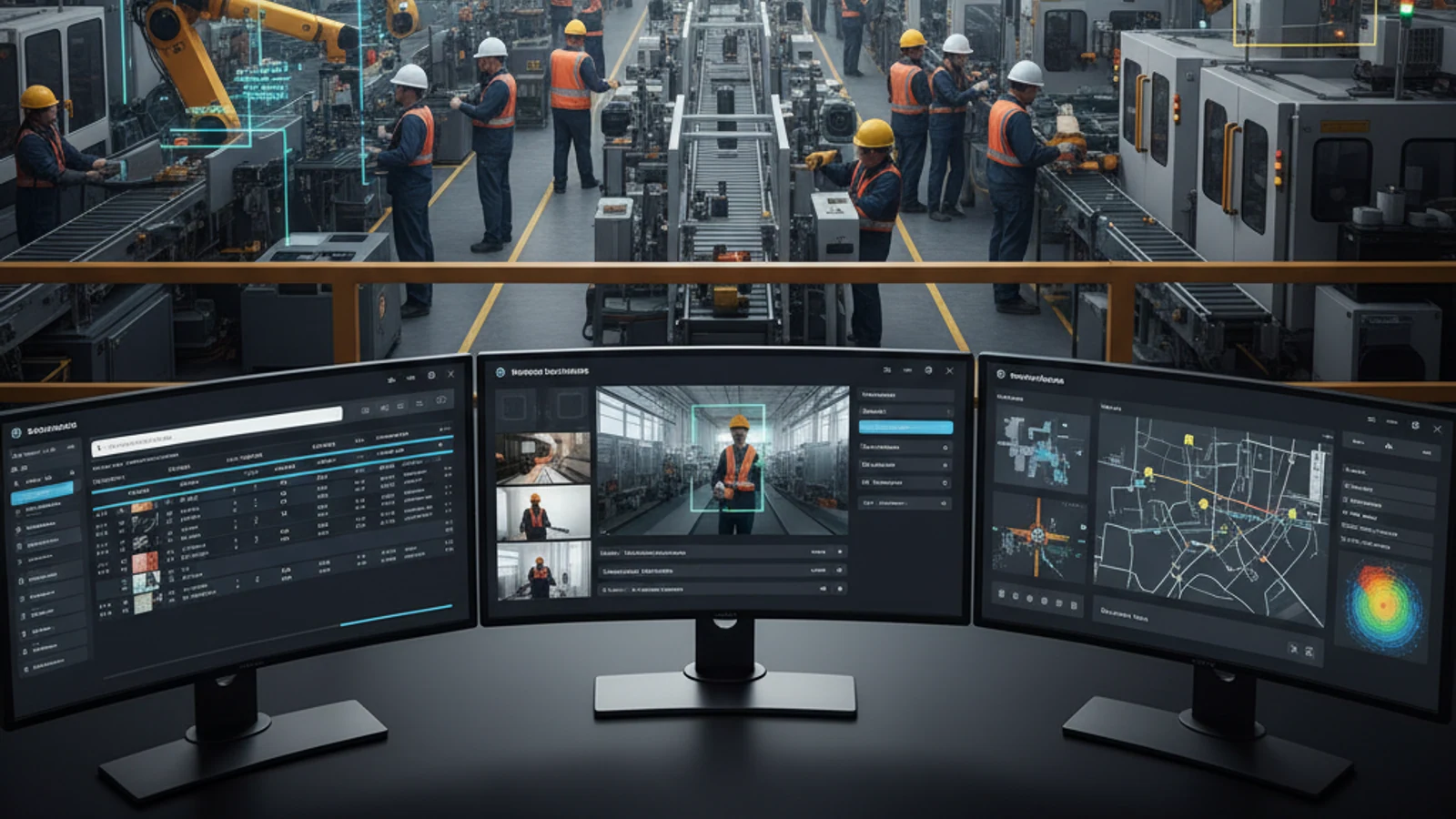
Traditional surveillance investigation looks like this: an incident is reported, a security team member sits down at a workstation, identifies which cameras might have captured the event, scrubs manually through footage, and hours later – sometimes days later – has an answer. At scale across dozens of cameras and multiple sites, this process is simply not viable for organizations that need to respond operationally to security events.
Cloud-first access
Centralize live view, playback, user permissions, and investigation workflows.
AI analytics built in
Use smarter search and event detection to reduce manual review time.
Camera flexibility
Deploy with supported existing cameras and avoid unnecessary rip-and-replace projects.
Find Any Incident in Minutes Across Your Entire Camera Network
AI video search changes the equation entirely. Instead of watching footage, you describe what you’re looking for. The AI analyzes your footage – across every camera, at every site, across any time window – and surfaces the relevant results in minutes.
What Is AI Video Search?
AI video search is the capability to search surveillance footage using natural language descriptions, object attributes, behavior patterns, or visual characteristics rather than manually scrubbing video by time and camera.
Instead of asking: “Check camera 12 between 11pm and 1am last Tuesday” – you ask: “Show me footage of a person in a red jacket near the loading dock between 10pm and 2am on Tuesday.”
The AI processes your query, analyzes the footage across all relevant cameras and time windows, and returns timestamped results that match your description. Investigation time that previously took hours is compressed to minutes.
Turn this into a practical surveillance plan
iFovea can review your camera fleet, sites, bandwidth, AI analytics needs, and migration path.
How Ifovea’s AI Video Search Works
Ifovea’s AI video search operates at the platform level – meaning it works across all ONVIF cameras connected to the platform, regardless of manufacturer. The AI analytical layer includes:
Object Detection and Classification
The AI continuously classifies objects detected in footage: people, vehicles, animals, packages, and other relevant object categories. When you search for a specific object type, the AI has already indexed which cameras detected that object and when – so your search results return immediately rather than requiring the system to analyze footage in real time.
Attribute-Based Search
Search by specific visual attributes: a person wearing a specific clothing color, carrying a specific item, or with specific physical characteristics. A vehicle of a specific color, make, or type. Attribute-based search dramatically narrows the footage set without requiring license plate recognition or face recognition – just visual attributes that any observer would describe.
Behavioral Pattern Detection
AI video search goes beyond static object identification to include behavioral patterns. Search for footage where a person was running, loitering for more than a defined time threshold, jumping a fence, or entering a restricted area. Behavioral pattern matching surfaces operationally significant events that wouldn’t appear in an object-only search.
Cross-Camera Timeline Reconstruction
One of the most powerful investigation capabilities: given an event or person of interest, Ifovea’s AI can reconstruct a timeline showing where that person or vehicle appeared across multiple cameras – building a movement map across the facility or campus automatically. What might take a security team hours to reconstruct manually happens in minutes with AI-assisted cross-camera analysis.
Use Cases Across Industries
Retail and Loss Prevention
- Find footage of a person of interest across all store cameras after a theft report
- Identify which cameras captured a specific vehicle in the parking lot during a vandalism window
- Search for activity at a specific register or display area during a shift
Warehouse and Distribution
- Locate a specific forklift in a specific aisle at a specific time after an incident report
- Find all footage of a contractor who was on site during a missing inventory window
- Search for activity at a loading dock during after-hours periods
Healthcare and Campus Security
- Locate a patient who wandered from a designated area
- Find footage of an unauthorized individual who was reported in a restricted ward
- Reconstruct the timeline of a security event across a multi-building campus
Commercial Real Estate and Property Management
- Investigate a reported incident in a parking garage or common area across all relevant cameras
- Find footage supporting or refuting a tenant complaint about another tenant’s activities
- Document property damage evidence for insurance or legal proceedings
AI Video Search vs. Traditional Footage Review
| Task | Traditional Manual Review | Ifovea AI Video Search |
|---|---|---|
| Find a specific person across 20 cameras, 4-hour window | 4-8 hours | 5-15 minutes |
| Reconstruct movement timeline across 5 cameras | Full day or more | 30-60 minutes |
| Search all cameras for a specific vehicle | Hours per camera | Minutes across all cameras |
| Find all after-hours activity across a site | Review entire night, every camera | Instant – AI pre-indexed motion events |
| Cross-site search across 10 locations | Not practical without physical travel | Unified search from any device |
Privacy and Access Controls
AI video search is a powerful tool that requires appropriate access governance. Ifovea’s role-based access control ensures that forensic search capabilities are available only to authorized users, with access scoped to the cameras and time windows relevant to their role. All search activity is logged in the platform’s access audit trail – creating accountability for who searched for what and when.
Frequently Asked Questions
Does AI video search work on footage from any camera?
Yes. Ifovea’s AI analytics operate at the platform level on footage from any ONVIF-compliant camera. Camera manufacturer doesn’t affect AI video search capability.
How far back can I search?
AI video search operates across the full retention window configured for each camera. If you retain 60 days of footage, you can search across 60 days. For pre-indexed objects and events, results return instantly regardless of how far back in the retention window you’re searching.
Does AI video search require additional hardware or processing equipment on-site?
No. AI processing happens in Ifovea’s cloud infrastructure. No on-premises AI hardware is required. The Ifovea gateway handles local recording; AI analytics processing is cloud-side.
Can AI video search find people across multiple sites simultaneously?
Yes. Cross-site search is a core capability. Specify the time window and description, and the search covers all cameras at all sites in your Ifovea account simultaneously.
How accurate is Ifovea’s AI video search?
Accuracy depends on footage quality (camera resolution, lighting, angle) and search specificity. AI video search is designed to surface candidate footage for human review – not to make conclusive determinations. The goal is to narrow a four-hour, 20-camera investigation to the 3-5 most relevant clips in minutes. Even at moderate accuracy, this represents a dramatic efficiency improvement over manual review.
See AI Video Search in Action
Request a demonstration of Ifovea’s AI video search capabilities in your specific operational context – retail, warehouse, healthcare, or multi-site enterprise.
Frequently asked questions
Who is AI Video Search for Surveillance: Find Any Incident in Minutes | Ifovea most relevant for?
It is most relevant for organizations evaluating cloud VMS, AI analytics, camera compatibility, or migration away from legacy surveillance systems.
Does iFovea support existing cameras?
iFovea is designed to support many existing IP camera deployments through compatible camera and ONVIF workflows.
How does AI search help investigations?
AI search reduces manual review by helping teams find people, vehicles, objects, colors, areas, and events faster than timeline scrubbing alone.
What should I do next?
Request a demo or assessment so iFovea can map the topic to your camera fleet, sites, bandwidth, and retention requirements.
Related resources
Continue comparing options, planning migration, and estimating the right cloud surveillance architecture.
Ready to plan the next step?
iFovea can review your camera fleet, sites, bandwidth, AI analytics needs, and migration path.