

Migration planning resource
Moving from a proprietary surveillance platform, legacy NVR system, or on-premises VMS to cloud-managed AI surveillance is the right decision for most organizations – but the path from here to there requires planning. These migration guides cover every phase of the transition: from initial assessment through go-live and decommission.
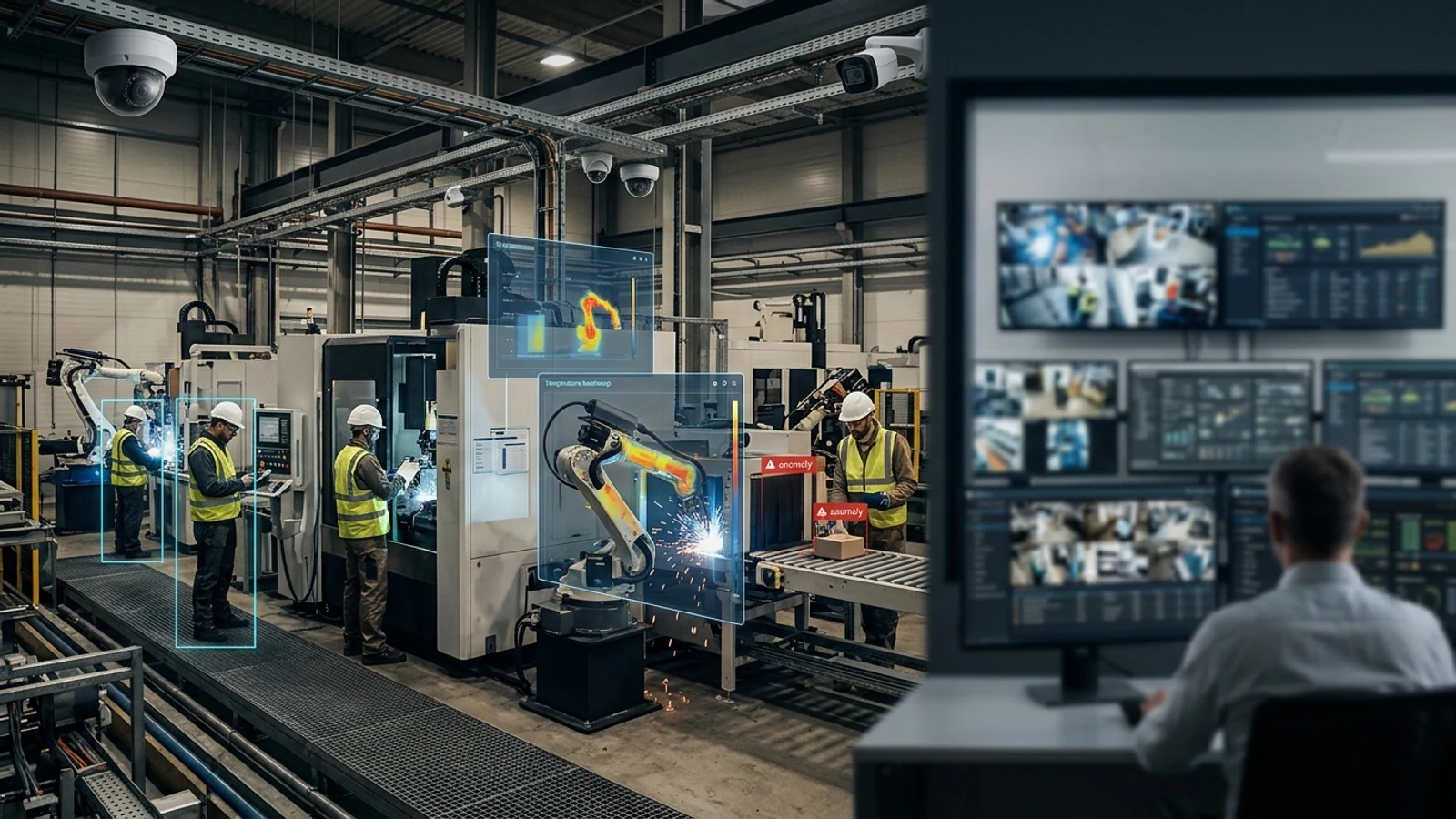
Moving from a proprietary surveillance platform, legacy NVR system, or on-premises VMS to cloud-managed AI surveillance is the right decision for most organizations – but the path from here to there requires planning. These migration guides cover every phase of the transition: from initial assessment through go-live and decommission.
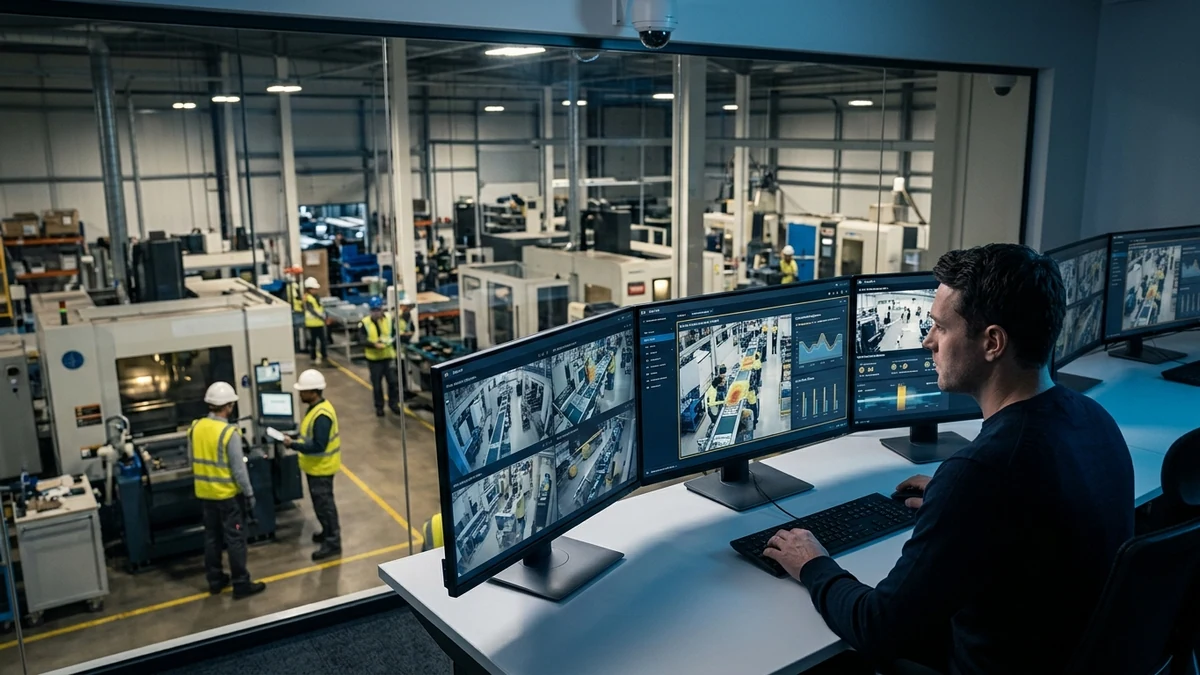
Inventory first
Confirm camera models, ONVIF support, bandwidth, retention, and access requirements before cutover.
Pilot before rollout
Validate live view, playback, AI search, alerts, and local survivability at a lower-risk site.
Decommission cleanly
Archive required footage, document ownership, and retire legacy hardware without gaps.
Cloud Surveillance Migration Hub
Migration Guides
- How to Migrate from Verkada – Step-by-step guide for Verkada-specific migration planning
- Replacing Legacy DVR and NVR Systems – Complete guide to transitioning from on-premises recording hardware
- Cloud Surveillance Migration Checklist – Complete pre-migration, deployment, and validation checklist
- Can You Reuse Your Existing Cameras? – ONVIF compatibility guide for camera migration
- Hybrid Cloud Surveillance Explained – Architecture guide for organizations needing local recording resilience
Turn this into a practical surveillance plan
iFovea can review your camera fleet, sites, bandwidth, AI analytics needs, and migration path.
Planning Tools
Common Migration Concerns
Start Your Migration Assessment
Ifovea’s team provides no-cost migration assessments – covering camera compatibility, network requirements, phasing recommendations, and total cost of ownership comparison against your current platform.
Migration Engineering Center
Use this hub to turn migration from a risky camera replacement project into a staged infrastructure plan. Start with the current camera estate, confirm ONVIF readiness, choose the edge/cloud recording model, and sequence locations by operational risk.
Best first step
Audit the existing camera network before choosing a cloud VMS. That prevents unnecessary hardware replacement and exposes bandwidth, retention, and site-readiness constraints early.
Best migration path
For multi-site teams, the lowest-risk path is usually hybrid transition: preserve usable cameras, keep resilient local recording where needed, and centralize search, health monitoring, and operations visibility in the cloud.
Cloud VMS Without Lock-InUnderstand how open camera support changes migration economics.
ONVIF Migration PlanningValidate streams, profiles, recording, and edge requirements before rollout.
Reduce Replacement CostsFind where existing cameras can stay in service and where replacement is justified.
Hybrid Cloud TransitionMove from legacy NVRs to cloud operations without forcing a hard cutover.
Multi-Site ChecklistStandardize discovery, pilots, cutover, and operational acceptance across locations.
Migrate From MilestonePlan cloud migration for complex camera estates and existing servers.
Migrate From AvigilonEvaluate camera reuse, analytics needs, and staged modernization.
Migrate From GenetecCompare enterprise control requirements with open hybrid cloud architecture.
Frequently asked questions
What should be checked before migration?
Camera model, ONVIF support, network bandwidth, retention policy, user permissions, legal hold footage, and legacy contract dates should be reviewed first.
Should every location migrate at once?
Usually no. A pilot site helps validate configuration, recording, alerts, AI search, and user workflows before a broader rollout.
Can hybrid cloud reduce risk?
Hybrid cloud can preserve local recording during internet interruptions while still giving teams cloud access and centralized management.
What does iFovea review in an assessment?
iFovea can review camera compatibility, deployment architecture, network readiness, retention needs, and total cost considerations.
Thinking about migrating from a self-hosted NVR to cloud VMS?
Most existing IP cameras (Hikvision, Axis, Uniview, Dahua) work directly with cloud VMS via ONVIF — no hardware replacement required. See the comparison guides and cost calculator below.
Related resources
Continue comparing options, planning migration, and estimating the right cloud surveillance architecture.
Ready to plan the next step?
iFovea can review your camera fleet, sites, bandwidth, AI analytics needs, and migration path.