

Planning calculator
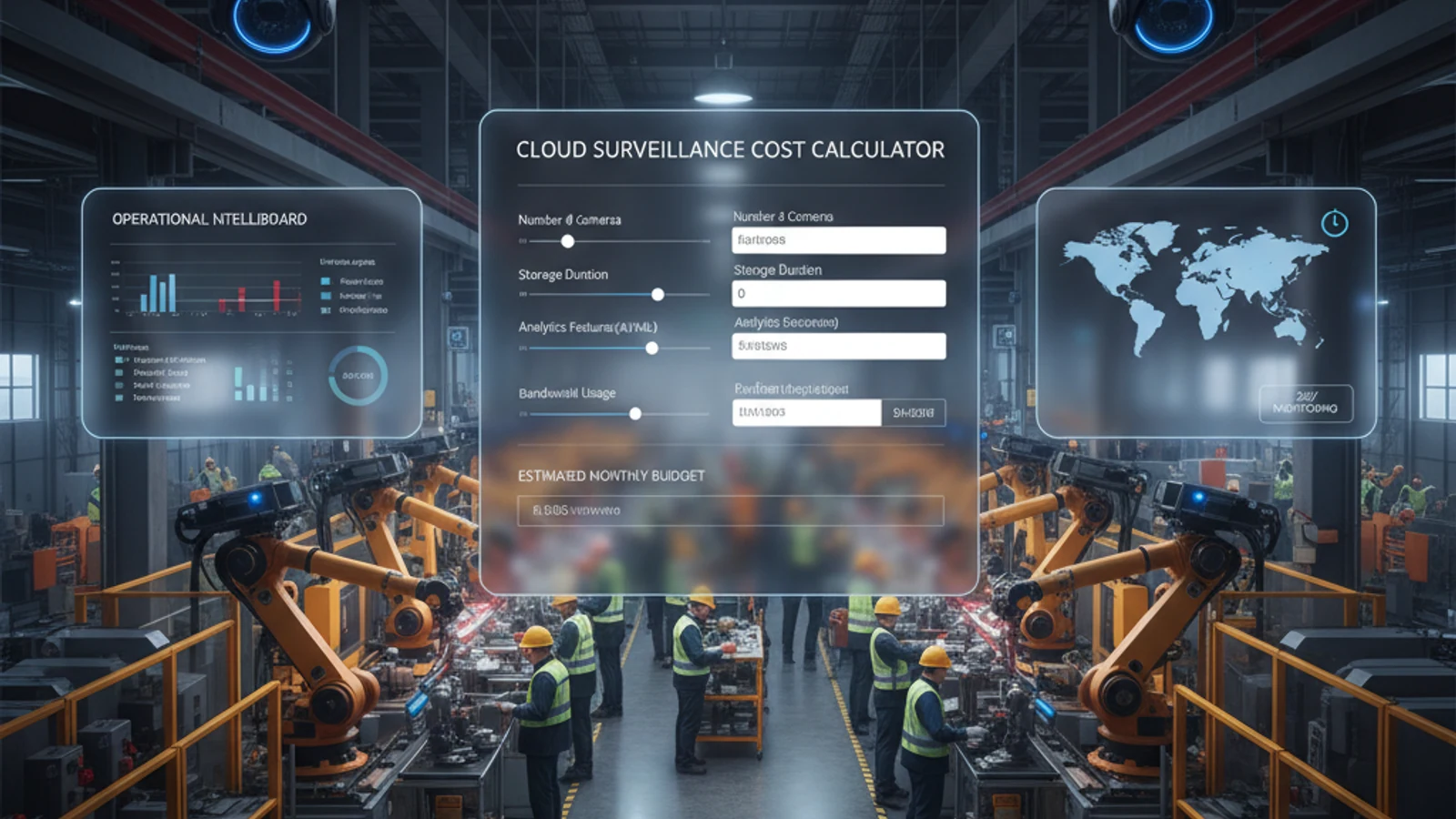
Cloud surveillance pricing looks simple on the surface – a per-camera monthly fee. The actual cost of a surveillance deployment involves hardware, licensing, storage, and professional services components that vary significantly by platform, architecture, and camera count. Use this reference guide to estimate costs for your deployment and compare the total cost of ownership across different platform approaches.
Executive summary
Cloud surveillance pricing looks simple on the surface – a per-camera monthly fee. The actual cost of a surveillance deployment involves hardware, licensing, storage, and professional services components that vary significantly by platform, architecture, and camera count. Use this reference guide to estimate costs for your deployment and compare the total cost of ownership across different platform approaches.
Plan bandwidth
Estimate upload requirements before adding cameras or changing retention strategy.
Model retention
Match storage planning to resolution, frame rate, motion, and compliance requirements.
Compare costs
Use the estimate to evaluate replacement hardware, software licensing, and operational overhead.
Cloud Surveillance Cost Calculator: Estimate Your Total Deployment Cost
Cost Components in a Cloud Surveillance Deployment
1. Camera Hardware
| Camera Type | Proprietary Platform (e.g. Verkada) | Open ONVIF Camera (e.g. Hanwha, Axis) |
|---|---|---|
| Indoor Fixed Dome (1080p) | $400-$700 per camera | $80-$200 per camera |
| Outdoor Fixed Bullet (4MP) | $500-$900 per camera | $120-$300 per camera |
| PTZ Camera (optical zoom) | $1,200-$2,500 per camera | $400-$1,200 per camera |
| License Plate Recognition Camera | Proprietary add-on | $200-$600 per camera |
Note: Organizations with existing ONVIF-compliant cameras can migrate to Ifovea without hardware replacement cost. Hardware cost is $0 for cameras that reuse existing equipment.
2. Cloud VMS Subscription (Per Camera, Per Month)
| Platform Type | Base Subscription | With AI Analytics | With ALPR |
|---|---|---|---|
| Proprietary lock-in (Verkada, Rhombus) | $15-$30/camera/mo | Included (limited) | Add-on: +$10-$20/camera/mo |
| Open ONVIF platform (Ifovea) | Contact for pricing | Core AI analytics included | ALPR included in platform |
| On-premises NVR (no cloud) | $0 subscription | Not available | Separate system required |
3. Edge Gateway (Hybrid Architecture)
| Gateway Configuration | Approximate Hardware Cost | Coverage |
|---|---|---|
| Small site gateway (up to 16 cameras) | $300-$600 one-time | 1 site / small office or retail location |
| Mid-size gateway (up to 32 cameras) | $600-$1,200 one-time | 1 site / medium commercial property |
| Enterprise gateway (64+ cameras) | $1,200-$3,000 one-time | Large facility / warehouse / campus |
Note: Gateway hardware is one-time cost per site. No gateway required for pure cloud deployments (not recommended for sites with unreliable internet).
4. Storage
| Storage Approach | Retention | Approximate Cost |
|---|---|---|
| Cloud-only (included in subscription) | 30-60 days typical | Usually included in per-camera subscription |
| Cloud extended retention | 90 days | +$2-$5/camera/mo typically |
| Local edge storage (hybrid) | Depends on drive size | One-time: ~$100-$300 per TB of local storage |
| Combined cloud + local (Ifovea hybrid) | 30 days local + 60 days cloud (example) | Local hardware (one-time) + cloud subscription |
5. Professional Services
| Service | Approximate Cost |
|---|---|
| Camera installation (per camera, professional installer) | $75-$200 per camera |
| Network/switch infrastructure assessment | $500-$2,000 per site |
| Cloud platform configuration and setup | $200-$500 per site (Ifovea) |
| Staff training | $200-$500 per group |
Turn this into a practical surveillance plan
iFovea can review your camera fleet, sites, bandwidth, AI analytics needs, and migration path.
Sample Deployment Estimates
Small Retail Location – 8 Cameras, 1 Site
| Cost Component | Proprietary Platform | Ifovea (ONVIF cameras) |
|---|---|---|
| Camera hardware (8 cameras) | $4,000-$6,000 | $800-$1,600 |
| Subscription (Year 1, 8 cameras) | $1,440-$2,880 | Contact for quote |
| Installation | $600-$1,600 | $600-$1,600 |
| Total Year 1 | $6,040-$10,480 | Contact for full quote |
| 5-Year Total (hardware + subscription) | $11,200-$20,400 | Typically 30-50% lower |
Mid-Size Warehouse – 40 Cameras, 1 Site
| Cost Component | Proprietary Platform | Ifovea (ONVIF cameras) |
|---|---|---|
| Camera hardware (40 cameras) | $20,000-$36,000 | $4,800-$12,000 |
| Gateway hardware (1 site) | N/A (proprietary cloud) | $800-$1,500 |
| Subscription (Year 1, 40 cameras) | $7,200-$14,400 | Contact for quote |
| Installation | $3,000-$8,000 | $3,000-$8,000 |
| Total Year 1 | $30,200-$58,400 | Contact for full quote |
Enterprise Multi-Site – 200 Cameras, 10 Sites
| Cost Component | Proprietary Platform | Ifovea (ONVIF cameras) |
|---|---|---|
| Camera hardware | $100,000-$180,000 | $24,000-$60,000 |
| Gateway hardware (10 sites) | N/A | $8,000-$15,000 |
| Subscription (Year 1, 200 cameras) | $36,000-$72,000 | Contact for enterprise pricing |
| 5-Year Subscription Total | $180,000-$360,000 | Contact for enterprise pricing |
Get an Accurate Quote for Your Deployment
These estimates are based on industry-typical pricing ranges. Actual costs depend on your camera count, site count, internet connectivity at each site, retention requirements, and the specific cameras and hardware used. Ifovea provides no-cost detailed quotes for any deployment size – including camera compatibility checks for organizations with existing hardware.
Turn the cost estimate into a deployment plan
The calculator gives a planning range. Share your camera count, site count, retention goals, and migration constraints so iFovea can validate the estimate against your actual camera environment.
Cost planning resources
A cost estimate is stronger when it accounts for camera reuse, replacement avoidance, hybrid architecture, and staged migration risk.
Frequently asked questions
Are calculator estimates final pricing?
No. They are planning inputs. Final requirements depend on camera count, resolution, frame rate, retention, bandwidth, analytics, and deployment architecture.
What inputs matter most?
Camera count, resolution, recording schedule, motion level, retention period, and upload capacity usually have the largest effect.
Can iFovea help validate the estimate?
Yes. iFovea can review site details and camera inventory to turn rough estimates into a practical deployment plan.
How should teams use the result?
Use the result to compare cloud, hybrid, and legacy system costs, then validate assumptions before procurement.
Related resources
Continue comparing options, planning migration, and estimating the right cloud surveillance architecture.
Ready to plan the next step?
iFovea can review your camera fleet, sites, bandwidth, AI analytics needs, and migration path.