

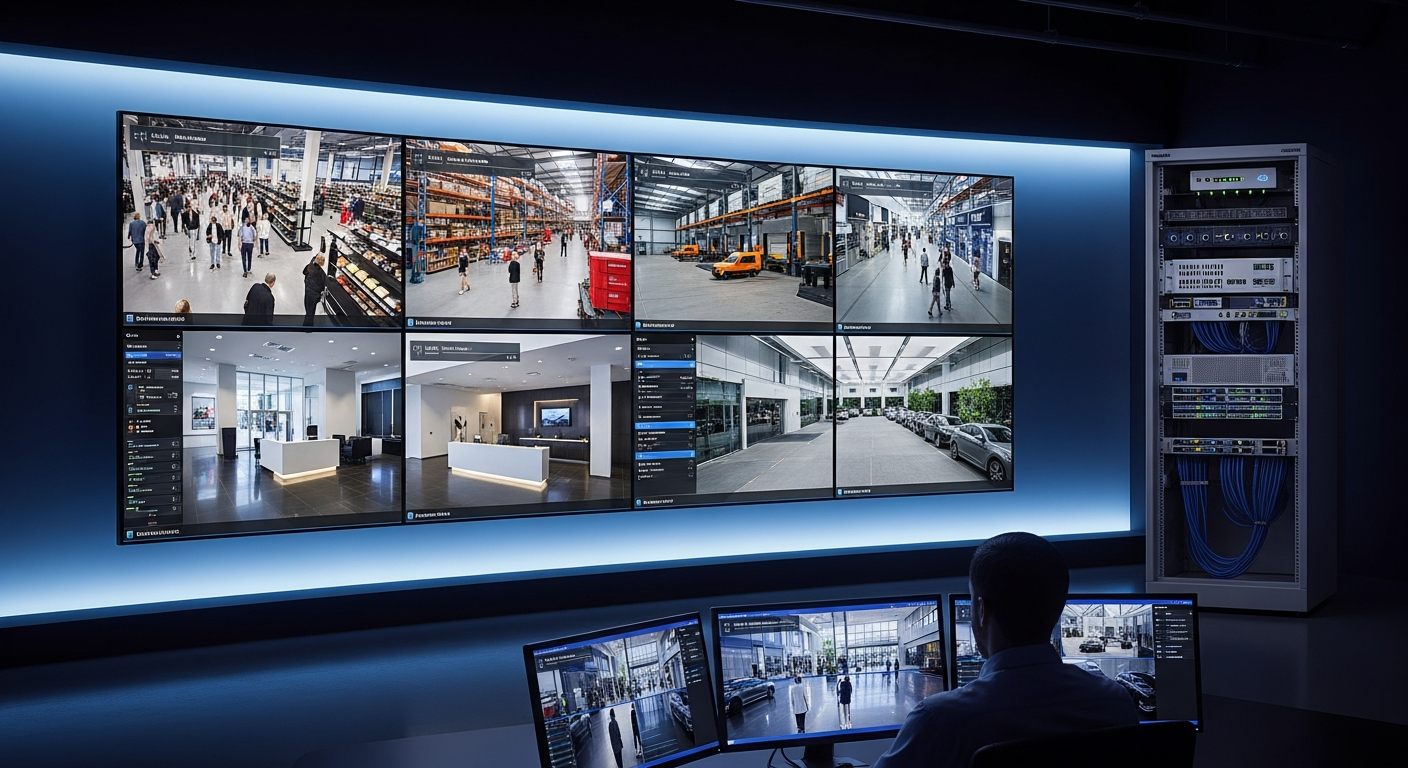
Security cameras are now in almost every commercial building. But most of them — connected to an NVR server in a back room, accessible only on-site, generating footage no one watches — are not surveillance systems in any meaningful operational sense. They’re documentation archives that get accessed reactively, weeks after the fact, when something bad already happened.
Cloud video surveillance changes the operational model fundamentally. This page documents what cloud VMS actually delivers for organizations that move from traditional NVR/DVR systems — or from proprietary camera ecosystems like Verkada — to an open cloud platform that works with existing cameras.
The Operational Gap Cloud Surveillance Closes
Before quantifying the benefits, it’s worth being specific about the operational limitations of traditional video surveillance that cloud VMS addresses:
🚫 NVR/DVR Systems
- On-site access required for footage review
- VPN complexity for any remote access
- No AI analytics capability
- Single point of hardware failure
- Manual, time-consuming incident investigation
- No multi-site unified management
🚫 Proprietary Camera Systems
- Camera replacement required (Verkada, Rhombus: $500–$2,000+/camera)
- Vendor lock-in when platform or pricing changes
- AI analytics as expensive add-ons
- License fee increases on renewal
- Can’t reuse cameras if switching platforms
✓ iFovea Cloud VMS
- Remote access from any device, anywhere
- Works with 500+ existing ONVIF camera models
- 10+ AI analytics included in the platform
- No NVR server hardware required on-site
- Multi-site management from one dashboard
Ten Benefits of Moving to Cloud Video Surveillance
1. Remote Access From Any Device, Without VPN
Cloud VMS eliminates the remote access complexity that makes NVR-based systems practically inaccessible from outside the building. The iFovea cloud video portal is browser-based — accessible from any device on any network, without VPN tunnels, port forwarding configurations, or location-specific IP address management. Area managers, security directors, and operations teams gain visibility into every location from a laptop or the mobile app rather than requiring on-site presence to review footage.
2. Works With Existing ONVIF-Compatible Cameras
The most significant cost difference between iFovea and proprietary cloud camera systems is camera replacement. Verkada, Rhombus, and similar platforms require replacing all existing cameras with proprietary hardware at $500–$2,000+ per camera. iFovea connects to existing ONVIF-compatible IP cameras from Hikvision, Axis, Uniview, Hanwha, Milesight, Dahua, and 500+ other compatible models — a facility with 30 existing cameras saves $15,000–$60,000+ in hardware replacement costs compared to a proprietary platform migration.
3. AI Analytics Included — Not Sold as Add-Ons
On proprietary platforms, AI analytics are typically sold as expensive add-on modules. iFovea includes 10+ AI video analytics types in the base platform: ALPR (license plate recognition), face recognition, people counting, heat maps, loitering detection, fire and smoke detection, PPE compliance monitoring, object detection, AI forensic video search, and color/area search. Organizations that couldn’t justify the add-on cost for analytics on proprietary platforms gain enterprise AI analytics as part of the standard subscription.
4. Multi-Site Management From One Dashboard
Organizations with multiple locations — retail chains, restaurant groups, warehouse networks, property management portfolios — manage all their cameras from a single cloud dashboard rather than maintaining separate NVR systems at each location. Multi-site cloud VMS means that adding a new location requires a Gateway installation rather than purchasing, configuring, and maintaining a new NVR server.
5. AI Forensic Video Search Reduces Investigation Time From Hours to Minutes
Manual NVR footage review for an incident investigation — scrubbing through hours of footage from multiple cameras to find a specific moment — typically takes 2–4 hours of investigator time per incident. AI forensic video search narrows relevant footage by object type, color, behavioral pattern, license plate, or person attributes across all cameras simultaneously — compressing a multi-hour investigation to a targeted 5–10 minute review.
6. No NVR Hardware at Each Location
On-premises NVR servers are the single point of failure in traditional surveillance infrastructure — and a persistent maintenance burden. Hard drive failures, power supply issues, network configuration problems, and physical tampering all represent risks that disappear when the recording infrastructure moves to the cloud. The iFovea Gateway replaces the NVR server with a compact, low-maintenance device that bridges cameras to the cloud — no server management, no RAID configuration, no on-site IT required.
7. Hybrid Cloud for Bandwidth and Resilience
Full-cloud video uploading requires reliable internet connectivity at each location. For locations with bandwidth constraints or connectivity concerns, hybrid cloud architecture provides local recording at the Gateway during internet outages — footage is never lost — while delivering cloud access for remote viewing and AI analytics when connectivity is available. Hybrid deployment reduces upstream bandwidth requirements by 70–90% compared to continuous full-cloud streaming.
8. Elimination of Hardware Lock-In
When a proprietary camera system changes its pricing model, discontinues hardware, or is acquired, the organization’s camera investment is tied to that vendor’s decisions. Cloud VMS on an open ONVIF architecture eliminates this lock-in: cameras are yours, the footage is yours, and switching cloud platforms (if you ever need to) means replacing the Gateway device — not replacing cameras at thousands of dollars per unit.
9. Configurable Retention Aligned to Operational Reality
Cloud VMS retention is a policy decision, not a hardware constraint. Rather than buying more NVR hard drives when you need longer retention, cloud VMS allows configuring the right retention period — by camera, by location, or by organization — to match regulatory requirements, insurance expectations, and investigation timelines. Use the storage calculator to estimate retention costs before deployment.
10. Operational Intelligence Beyond Security Monitoring
Cloud VMS with AI analytics delivers operational insights that extend beyond security into business intelligence: retail foot traffic and conversion analytics, restaurant drive-through queue monitoring, warehouse PPE compliance and workflow efficiency, healthcare occupancy management, and manufacturing process monitoring. The same camera infrastructure that documents security incidents generates operational intelligence that improves business performance — making the ROI calculation extend beyond loss prevention into operational efficiency.
Cloud VMS vs. NVR: Total Cost of Ownership
| Cost Category | On-Premises NVR | iFovea Cloud VMS |
|---|---|---|
| Initial hardware | NVR server + hard drives ($500–$5,000+/location) | iFovea Gateway only; no server required |
| Camera compatibility | Varies by NVR brand; may require replacement | 500+ ONVIF models; no replacement typically required |
| AI analytics | Not included; separate add-on or not available | 10+ AI types included in subscription |
| Remote access | VPN or port forwarding required; unreliable | Browser + mobile, no VPN required |
| Hardware failure | Footage loss risk; replacement cost + downtime | Cloud redundancy; local backup via Gateway |
| Ongoing maintenance | IT management per location | Centralized cloud; minimal on-site maintenance |
| Multi-site expansion | New NVR server per location | Gateway installation; no new server hardware |
Industries That Benefit Most From Cloud Video Surveillance
Cloud video surveillance benefits are consistent across industries, but the operational impact is highest in environments where: (1) multiple locations need to be managed from a central team, (2) manual footage review is a significant operational burden, or (3) AI analytics deliver measurable safety or efficiency improvements.
- Retail and restaurant chains — multi-site visibility without area manager travel; operational intelligence on drive-through performance, loss prevention, and compliance
- Warehouses and distribution centers — forklift safety monitoring, PPE compliance, shrinkage investigation, workflow analysis
- Healthcare facilities — occupancy monitoring, access documentation, patient safety oversight, compliance evidence
- Property management and HOAs — multi-property visibility from one login, no on-site IT at each property, professional security documentation
- School networks — centralized management across campuses, rapid incident investigation, safety compliance documentation
- Manufacturing and industrial — PPE compliance at scale, anomaly detection, operational intelligence on process efficiency
Frequently Asked Questions
Do I need to replace my existing cameras to use cloud VMS?
Not in most cases. If your existing cameras support ONVIF or RTSP protocols — which most commercial IP cameras installed in the past 8–10 years do — they can connect to iFovea without replacement. The iFovea Gateway handles the cloud connection for existing cameras. See the camera compatibility guide to check your specific models.
Is cloud video surveillance more expensive than NVR?
Cloud VMS has a different cost structure — ongoing subscription versus upfront hardware investment. The total cost comparison depends on camera count, location count, AI analytics requirements, and the cost of current NVR maintenance and replacement. The cost calculator models the specific economics for your deployment, accounting for hardware savings, subscription costs, and operational efficiency gains.
What happens to my footage if the internet goes down at a location?
In hybrid cloud deployments with the iFovea Gateway, local recording continues during internet outages. No footage is lost during connectivity disruptions. Once internet connectivity is restored, footage recorded during the outage synchronizes to the cloud and becomes available in the portal’s timeline view.
Can cloud VMS provide evidence that holds up in legal proceedings?
Cloud VMS footage exports include full timestamp metadata and are delivered as standard MP4 files. Every footage export is logged in an audit trail with chain-of-custody documentation. iFovea supports legal hold capability to preserve specific footage beyond its standard retention period when relevant to anticipated litigation. Consult legal counsel about the specific evidentiary requirements in your jurisdiction.
Related Resources
- Cloud VMS Platform: Complete Guide
- Camera Compatibility Guide: Works With Existing Cameras
- Hybrid Cloud Surveillance: Architecture and Deployment
- Cloud VMS Cost Calculator
- AI Video Analytics: 10+ Analytics Types Included
- Cloud VMS Pricing
See What Cloud Video Surveillance Could Look Like for Your Business
Request a demo to see remote access, AI analytics, multi-site management, and forensic video search working with your existing cameras — without replacing any hardware.