

VPN vs Cloud Remote Access for Surveillance
Three approaches to remote camera access compared — DDNS/port-forwarding, VPN, and cloud VMS — on security, reliability, and operational complexity.
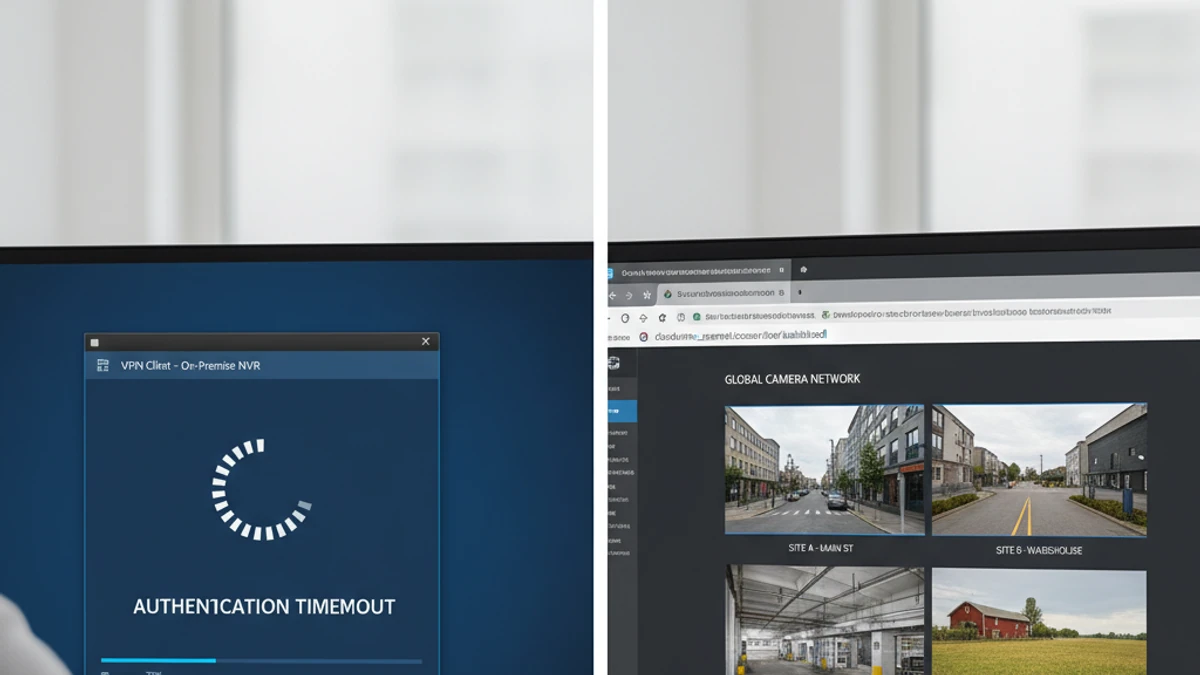
Why remote access to self-hosted NVR is hard: Accessing your NVR from outside creates a chain of dependencies — ISP stability, correct port forwarding, IP address not changing, DDNS updating correctly, ISP not blocking ports, corporate network not blocking your VPN — each becomes a failure point. Cloud VMS eliminates this chain entirely.
The Three Remote Access Approaches
DDNS / Port Forwarding
PROS
- No VPN client required
- Simple to set up initially
CONS
- NVR exposed to internet
- ISP may block ports
- DDNS propagation delays
Security advisory: Exposing NVR interfaces via port forwarding is one of the most common entry points for surveillance system compromise.
VPN (WireGuard / OpenVPN)
PROS
- Proper security architecture
- Encrypted end-to-end
- Free to operate
CONS
- VPN client on every device
- Corporate networks block VPN
- Complex for non-IT staff
Cloud VMS (iFovea)
PROS
- No VPN required
- Works on any network
- Native mobile app
- All sites one URL
TRADEOFFS
- Subscription cost
- Requires internet at site
Head-to-Head Comparison
Bandwidth Requirements for Remote Surveillance Viewing
256–512 Kbps
Sub-stream / 480p
per camera viewed remotely
1–3 Mbps
Main stream / 1080p H.265
per camera viewed remotely
4–8 Mbps
4K stream H.265
per camera viewed remotely
Use the cloud surveillance bandwidth calculator to estimate upload requirements for your specific deployment.
Struggling With Remote NVR Access?
Most self-hosted remote access problems are solved completely by cloud VMS. See how iFovea provides reliable browser-based access to all your cameras — without VPN, port forwarding, or DDNS.
The True Cost of Running Self-Hosted NVR Remote Access: What “Free” Actually Costs
Remote access to a self-hosted NVR is not a one-time setup — it’s an ongoing operational dependency.
The software license is the smallest item in your total cost. The real costs are infrastructure: the server that runs it, the electricity that powers it, the storage that holds footage, the IT time that keeps it running, and the remote access tools required to view it from anywhere. Here is what 10 cameras on a self-hosted VMS actually costs per month.
Self-Hosted VMS (10 cameras, conservative)
$8–$27 / camera / month
Infrastructure + labor. Software license not the main cost.
- No native AI analytics (people counting, ALPR, forensic search)
- No multi-site dashboard
- Remote access requires VPN or cloud relay setup
- You are responsible for uptime, backups, and recovery
iFovea Cloud VMS (10+ cameras)
Contact for per-camera quote
One line item. Infrastructure, AI, and maintenance included.
- 10 AI analytics types included: ALPR, people counting, forensic search, heat maps, and more
- All sites on one dashboard
- Native mobile app remote access — no VPN required
- Cloud infrastructure managed and monitored by iFovea
The honest math
For organizations with a dedicated sysadmin who manages many other systems (where surveillance is a minor time allocation), self-hosted VMS can make sense. For businesses paying someone to manage surveillance infrastructure specifically — or where IT time has opportunity cost — cloud VMS is often cheaper on a per-camera basis when all costs are counted. Use the NVR Replacement ROI Calculator to model your specific deployment.
Open-Source VMS Resource Center
Compare platforms, estimate costs, and plan your migration
Blue Iris Alternative
Frigate NVR Alternative
ZoneMinder Alternative
Shinobi Alternative
NX Witness Alternative
Self-Hosted VMS Security Risks
GPU Requirements for AI Surveillance
Migrate Blue Iris to Cloud VMS
Edge Recording vs Cloud Recording
NVR Replacement ROI Calculator
Centralized Camera Management