

GPU Requirements for AI Surveillance
How to size inference hardware for self-hosted AI camera analytics — and when cloud AI eliminates the hardware requirement entirely.
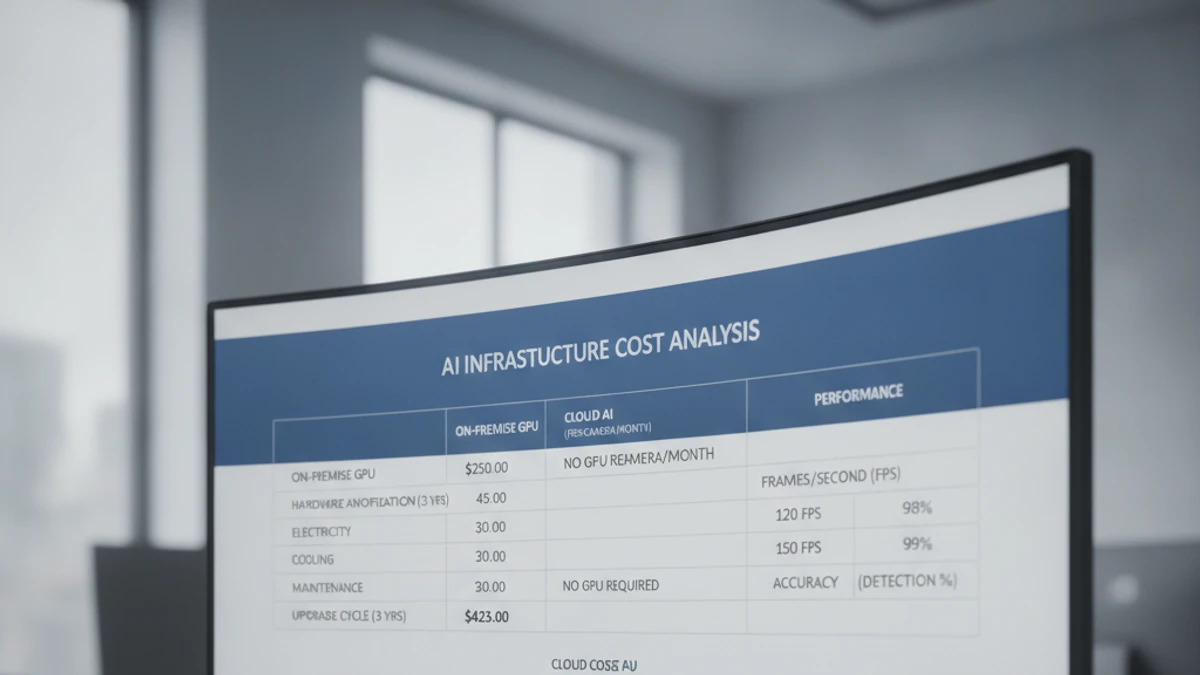
Why AI Surveillance Requires Dedicated Hardware
Motion detection runs on CPU. AI object detection runs neural network inference on each processed frame — computationally intensive even at reduced resolution. Inference must complete faster than the frame rate being processed. For real-time detection at 10 FPS across 4 cameras, the hardware must process 40 frames per second. CPU-only inference cannot approach these throughputs.
Option 1: Google Coral TPU — Best for Low-Power Small Deployments
Coral TPU Specs
- Edge TPU ASIC — 4 TOPS
- USB or M.2/PCIe form factor
- USB 3.0: $60–$80
- M.2 / Mini PCIe: $40–$50
- Dual Edge TPU: $100–$120
- Power draw: 2–4W
- Inference: 50–80 FPS (TFLite)
Best for: Small residential or micro-commercial deployments of 1–8 cameras. The primary hardware recommendation for Frigate NVR at home scale.
Limitations: Only runs TensorFlow Lite models compiled specifically for the Edge TPU. For cameras above 4MP or complex scenes requiring larger models, the Coral begins to bottleneck.
Availability note: Coral TPU products have experienced significant supply constraints since 2022 due to semiconductor shortages and Google’s reduced focus on the product line.
NVIDIA GPU Requirements by Camera Count
Consumer GPUs and 24/7 Duty Cycle
RTX series consumer GPUs are rated for consumer workloads, not 24/7 inference. For production deployments requiring high reliability, professional GPUs (NVIDIA A-series) are the appropriate choice — designed for continuous compute workloads despite their higher cost per TFLOPS.
Total Infrastructure Cost: Beyond the GPU
$480–$580
RTX 4070 GPU
$400–$1,200
Server chassis
$100–$600
Storage (SSD + HDD)
$150–$500
UPS (power protection)
$380–$1,200
Power cost (3yr)
$1,500–$6,000
IT setup labor
Total estimated 3-year infrastructure cost: $3,100–$10,300 — before ongoing maintenance labor
Cloud AI vs. On-Premise GPU: When Each Makes Sense
Want to Compare Cloud AI vs. On-Premise GPU for Your Deployment?
Share your camera count and analytics requirements — we’ll build a side-by-side cost model for your specific scenario.
The True Cost of Running AI Self-Hosted VMS: What “Free” Actually Costs
AI analytics on self-hosted VMS requires dedicated inference hardware. Cloud VMS does not.
The software license is the smallest item in your total cost. The real costs are infrastructure: the server that runs it, the electricity that powers it, the storage that holds footage, the IT time that keeps it running, and the remote access tools required to view it from anywhere. Here is what 10 cameras on a self-hosted VMS actually costs per month.
Self-Hosted VMS (10 cameras, conservative)
$8–$27 / camera / month
Infrastructure + labor. Software license not the main cost.
- No native AI analytics (people counting, ALPR, forensic search)
- No multi-site dashboard
- Remote access requires VPN or cloud relay setup
- You are responsible for uptime, backups, and recovery
iFovea Cloud VMS (10+ cameras)
Contact for per-camera quote
One line item. Infrastructure, AI, and maintenance included.
- 10 AI analytics types included: ALPR, people counting, forensic search, heat maps, and more
- All sites on one dashboard
- Native mobile app remote access — no VPN required
- Cloud infrastructure managed and monitored by iFovea
The honest math
For organizations with a dedicated sysadmin who manages many other systems (where surveillance is a minor time allocation), self-hosted VMS can make sense. For businesses paying someone to manage surveillance infrastructure specifically — or where IT time has opportunity cost — cloud VMS is often cheaper on a per-camera basis when all costs are counted. Use the NVR Replacement ROI Calculator to model your specific deployment.
Open-Source VMS Resource Center
Compare platforms, estimate costs, and plan your migration
Blue Iris Alternative
Frigate NVR Alternative
ZoneMinder Alternative
Shinobi Alternative
NX Witness Alternative
Self-Hosted VMS Security Risks
VPN vs Cloud Remote Access
Migrate Blue Iris to Cloud VMS
Edge Recording vs Cloud Recording
NVR Replacement ROI Calculator
Centralized Camera Management