

Axis Cloud VMS Compatibility | iFovea
Most Axis IP cameras support ONVIF and connect to iFovea cloud VMS without replacing hardware. Check your series below and confirm before migrating.
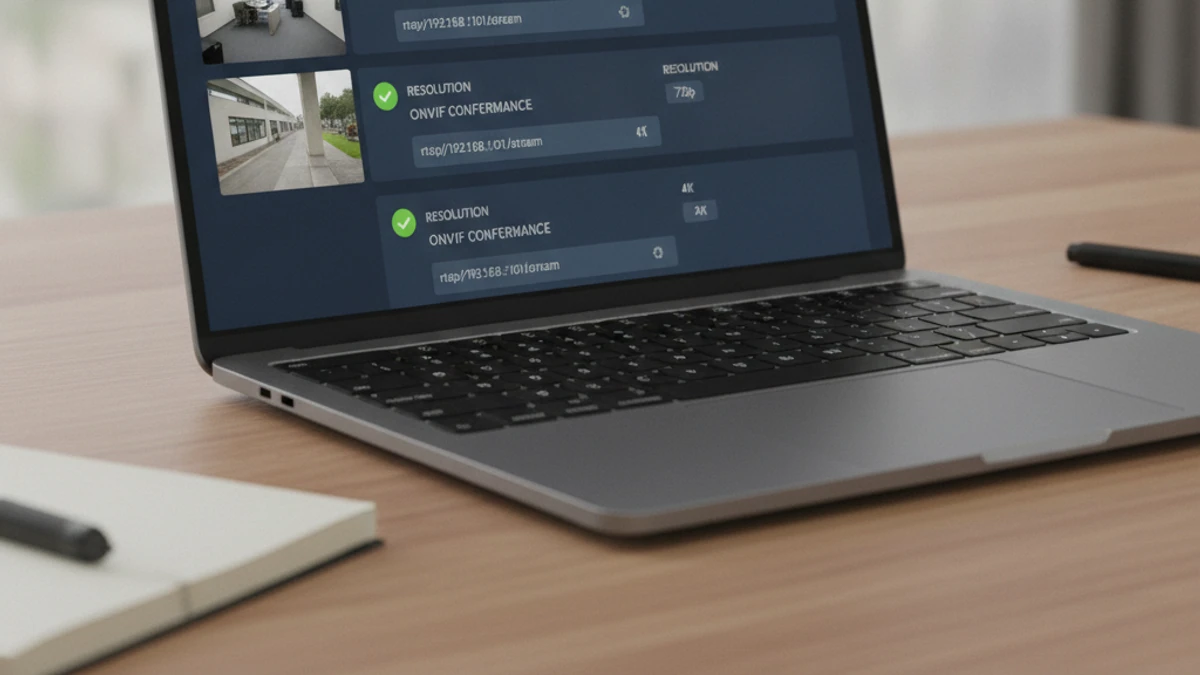
Do Axis cameras work with cloud VMS?
Yes. Axis cameras are known for strong ONVIF compliance. Most Axis P, Q, M, and T series cameras support ONVIF Profile S and connect to iFovea via RTSP or ONVIF. Axis cameras are a premium brand with excellent interoperability — iFovea works natively with the vast majority of installed Axis models.
ONVIF Compatibility and What It Means
ONVIF (Open Network Video Interface Forum) is an open standard for IP camera interoperability. Axis cameras with ONVIF Profile S support connect to iFovea cloud VMS without requiring Axis’s own NVR or management software.
To connect a Axis camera to iFovea you will typically need:
- ONVIF enabled in the camera’s network settings
- Camera firmware updated to a version that supports ONVIF Profile S
- Network path from the camera to the internet (direct IP or via gateway)
- RTSP stream URL or ONVIF device credentials
For cameras that do not natively support ONVIF, iFovea’s onboarding team can advise on edge gateway options. See the full camera compatibility and ONVIF guide.
Axis Camera Series — Compatibility Reference
| Camera Series | Example Models | ONVIF Profile | Notes |
|---|---|---|---|
| AXIS P Series (Fixed Dome) | P3245-V, P3267-V, P3268-V | Profile S/T | Full ONVIF compliance; VAPIX API also available |
| AXIS Q Series (PTZ/Multi-sensor) | Q6135-LE, Q3536-LVE, Q3819-PVE | Profile S/G/T | PTZ control via ONVIF Profile G; high-res options |
| AXIS M Series (Value Fixed) | M3106-L, M3115-LVE, M2026-LE Mk II | Profile S | Entry-level to mid-range; widely deployed |
| AXIS T Series (Specialty) | T85 series, T8504-R | Profile S | Ruggedized and specialty formats |
| AXIS Companion / Home | Various Companion series | Profile S | SMB-oriented; verify ONVIF on model before migrating |
Contact iFovea support to confirm compatibility for specific models before migrating.
Frequently Asked Questions
Do Axis cameras work with iFovea cloud VMS?
Yes. Most Axis IP cameras that support ONVIF Profile S are compatible with iFovea. iFovea connects via RTSP or ONVIF — no Axis NVR or proprietary software required.
Can I replace my Axis NVR with iFovea?
Yes. iFovea replaces the NVR with cloud-hosted storage and management. Your Axis cameras continue operating — iFovea connects to them over the network and the NVR can be decommissioned once migration is validated.
How do I verify my Axis camera supports ONVIF?
In the camera’s web interface, check Configuration → Network → Integration Protocol or similar. If ONVIF is listed and can be enabled, the camera is compatible. You can also verify on the official ONVIF Product Conformant database using your camera model number.
Does iFovea support Axis VAPIX API cameras?
iFovea connects to Axis cameras via ONVIF or RTSP rather than VAPIX API. Axis cameras that support ONVIF Profile S (which covers virtually all modern Axis models) work natively with iFovea. VAPIX-specific features are not required.
Connect Your Axis Cameras to iFovea
Get a free migration assessment to confirm your Axis models are compatible and plan your deployment to cloud VMS.
Running Blue Iris or another self-hosted NVR?
Cloud VMS connects to the same cameras. No hardware swap required. See the step-by-step migration guide and cost comparison.