

AI surveillance feature
iFovea loitering detection identifies individuals who remain in a defined area longer than a configured threshold and alerts your security team before suspicious behavior escalates. The system delivers a 98% improvement in detection accuracy over traditional pixel-based motion methods.
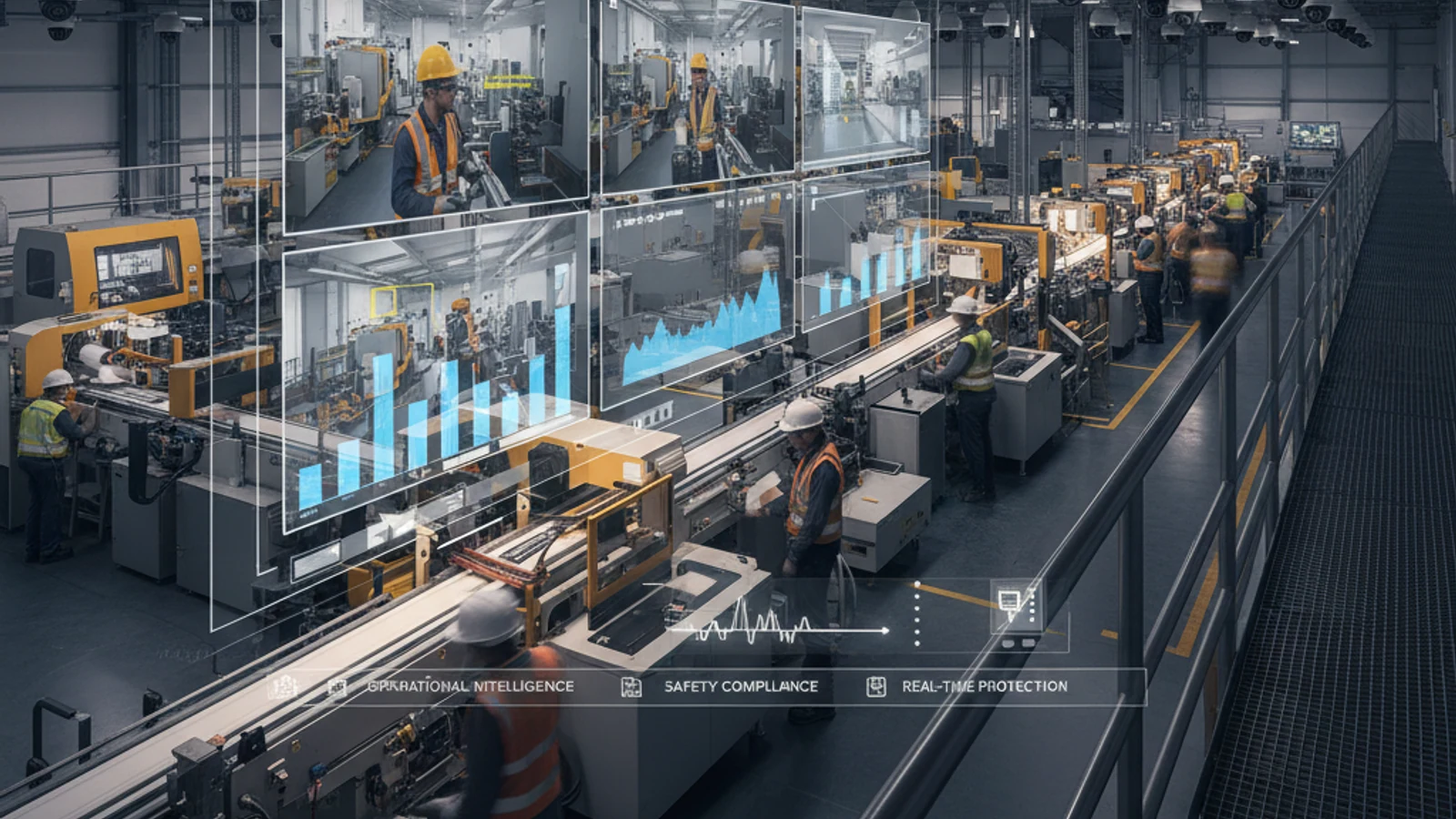
iFovea loitering detection identifies individuals who remain in a defined area longer than a configured threshold and alerts your security team before suspicious behavior escalates. The system delivers a 98% improvement in detection accuracy over traditional pixel-based motion methods.
Cloud-first access
Centralize live view, playback, user permissions, and investigation workflows.
AI analytics built in
Use smarter search and event detection to reduce manual review time.
Camera flexibility
Deploy with supported existing cameras and avoid unnecessary rip-and-replace projects.
How It Works
- Zone Setup: Define monitoring zones in each camera view – ATM vestibules, back entrances, parking stairwells, or restricted areas.
- Person Tracking: AI identifies and tracks people within those zones, distinguishing them from animals, vehicles, and background movement.
- Dwell Time: Measures how long each detected person remains in the zone. Default threshold: 1-2 minutes, fully adjustable per zone.
- Alert: When dwell time exceeds threshold – instant dashboard notification, email, mobile push, or API webhook.
Loitering Detection Capabilities
- Fully customizable dwell time threshold per zone
- Scheduled detection – armed automatically after hours, disarmed at opening
- Multi-person tracking – each individual tracked independently in the same zone
- Low-light operation – effective for overnight and parking structure coverage
- Alert escalation – second alert if person remains for 2x the threshold
- 98% improvement over motion detection – no false alerts from animals, weather, or lighting changes
Turn this into a practical surveillance plan
iFovea can review your camera fleet, sites, bandwidth, AI analytics needs, and migration path.
Use Cases
- Retail loss prevention – identify shoplifters casing merchandise before they act
- ATM and banking – flag extended presence at ATM vestibules
- Parking structures – monitor stairwells and isolated bays
- Campus security – watch restricted building entrances after hours
- Residential communities – alert when individuals linger near building entrances
- Public transit – identify suspicious behavior in waiting areas and platforms
FAQ
What is the default loitering threshold?
Approximately 1-2 minutes, but fully adjustable per zone from 30 seconds to several minutes.
Will it alert on browsing customers?
Only if they exceed your configured threshold. Set longer thresholds for shopping areas and shorter thresholds for restricted areas.
Request a Free Demo – See Loitering Detection Live
Works with existing cameras. Zone configuration in minutes. No hardware replacement required.
Frequently asked questions
Who is Loitering Detection – AI-Powered Suspicious Behavior Alerts with 98% Accuracy Improvement most relevant for?
It is most relevant for organizations evaluating cloud VMS, AI analytics, camera compatibility, or migration away from legacy surveillance systems.
Does iFovea support existing cameras?
iFovea is designed to support many existing IP camera deployments through compatible camera and ONVIF workflows.
How does AI search help investigations?
AI search reduces manual review by helping teams find people, vehicles, objects, colors, areas, and events faster than timeline scrubbing alone.
What should I do next?
Request a demo or assessment so iFovea can map the topic to your camera fleet, sites, bandwidth, and retention requirements.
Related resources
Continue comparing options, planning migration, and estimating the right cloud surveillance architecture.
Ready to plan the next step?
iFovea can review your camera fleet, sites, bandwidth, AI analytics needs, and migration path.
Related iFovea Capabilities
- Object Detection Analytics: Classify What Triggers Your Alerts
- Alarm Monitoring Portal: Video-Verified Event Response
- People Counting Analytics: Occupancy and Traffic Data
- Cloud Video Portal: Loitering Event Feed and Review
- Mobile App: Loitering Alerts on iOS and Android
- Compliance and Security: Governance for AI Analytics