

AI surveillance feature
iFovea Color and Area Search turns your archived surveillance footage into an instantly searchable database. Instead of manually scrubbing through hours of recordings, you describe what you are looking for – a person in a red jacket, a vehicle near the east entrance between 2pm and 4pm – and iFovea returns matching clips in seconds.
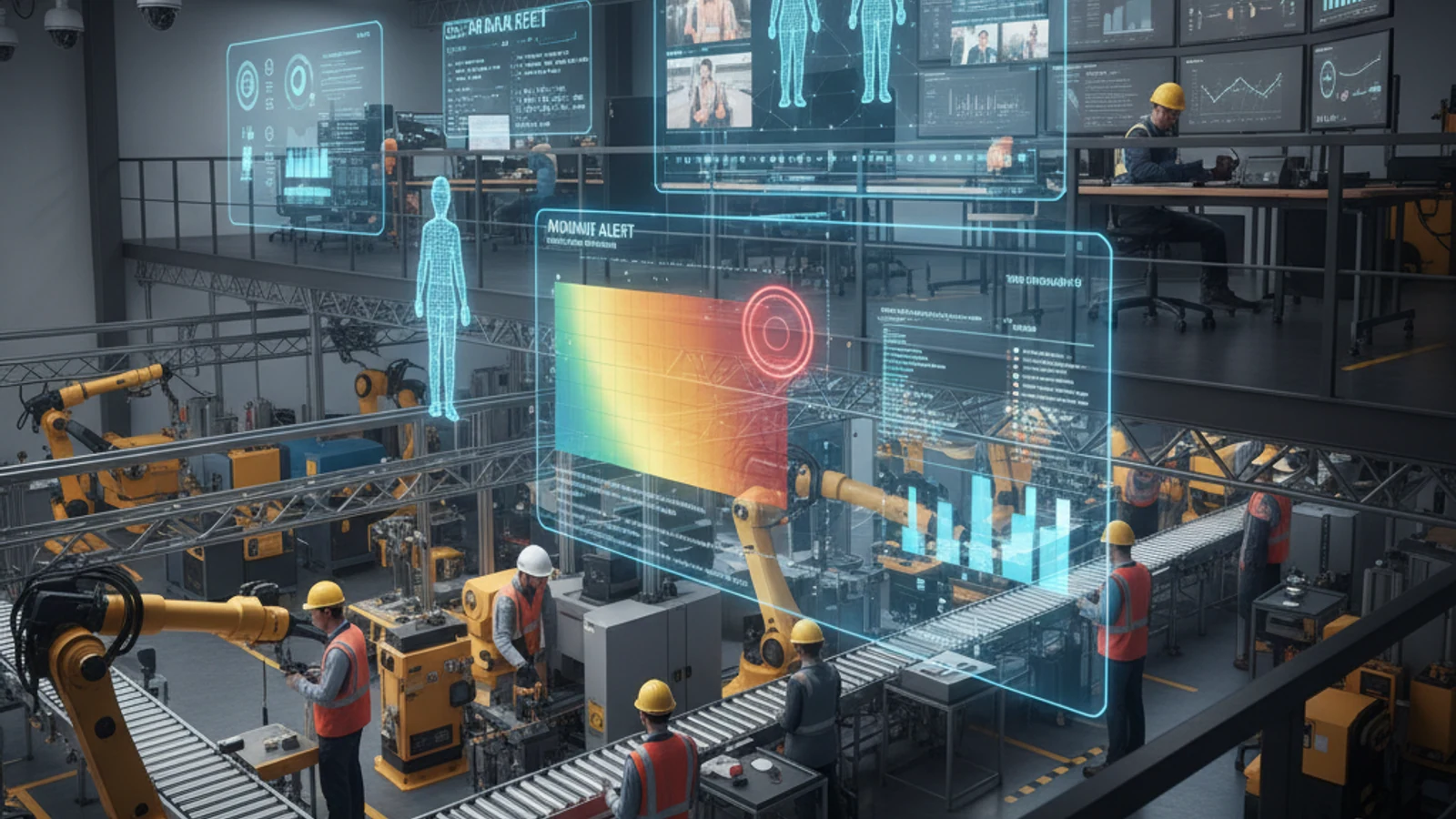
iFovea Color and Area Search turns your archived surveillance footage into an instantly searchable database. Instead of manually scrubbing through hours of recordings, you describe what you are looking for – a person in a red jacket, a vehicle near the east entrance between 2pm and 4pm – and iFovea returns matching clips in seconds.
Cloud-first access
Centralize live view, playback, user permissions, and investigation workflows.
AI analytics built in
Use smarter search and event detection to reduce manual review time.
Camera flexibility
Deploy with supported existing cameras and avoid unnecessary rip-and-replace projects.
Color Search
Search historical footage across all cameras by object color. Describe the clothing color, vehicle color, or object color you are looking for, and iFovea AI scans your entire archive to surface every matching appearance within the time range you specify.
- Search by clothing color: “Show all people wearing red jackets on Saturday”
- Search by vehicle color: “Find all dark-colored vehicles entering the parking lot between midnight and 6am”
- Multi-attribute search: Combine color with object type – “red jacket person near the east entrance after 8pm”
- Results include timestamp, camera, and preview thumbnail for fast review
Area Search
Define a specific region within any camera frame and search for every object that appeared in that zone during a time range. Draw a box around the cash register area, the server room door, or a specific product shelf – and instantly retrieve every person or object that appeared there.
- Zone-based footage retrieval without reviewing full-camera recordings
- Combines with color search – “red jacket person in Zone B between 3pm and 5pm on Friday”
- Forensic investigation tool: identify suspects, verify access, confirm incidents in minutes instead of hours
- Works across multiple cameras simultaneously – same search applied to all designated cameras at once
Turn this into a practical surveillance plan
iFovea can review your camera fleet, sites, bandwidth, AI analytics needs, and migration path.
Investigative Use Cases
- Loss prevention – trace a shoplifter across multiple cameras by clothing description after an incident
- Access control verification – confirm who entered a restricted area and when
- Incident reconstruction – build a complete timeline of an event from multiple camera angles
- Witness identification – locate individuals near an incident scene by physical description
- Vehicle tracking – follow a specific vehicle across a parking lot or multi-entrance facility
Request a Free Demo
Works with your existing cameras. No hardware replacement. No long-term contracts.
Frequently asked questions
Who is Color & Area Search – Find Anyone in Hours of Footage in Seconds most relevant for?
It is most relevant for organizations evaluating cloud VMS, AI analytics, camera compatibility, or migration away from legacy surveillance systems.
Does iFovea support existing cameras?
iFovea is designed to support many existing IP camera deployments through compatible camera and ONVIF workflows.
How does AI search help investigations?
AI search reduces manual review by helping teams find people, vehicles, objects, colors, areas, and events faster than timeline scrubbing alone.
What should I do next?
Request a demo or assessment so iFovea can map the topic to your camera fleet, sites, bandwidth, and retention requirements.
Related resources
Continue comparing options, planning migration, and estimating the right cloud surveillance architecture.
Ready to plan the next step?
iFovea can review your camera fleet, sites, bandwidth, AI analytics needs, and migration path.