

Migration planning resource
Hanwha Vision (formerly Samsung Techwin) has built a strong position in the North American IP camera market through a combination of competitive pricing, strong image quality, and comprehensive ONVIF support. Hanwha cameras are widely deployed across retail, healthcare, education, and commercial real estate – often as the camera of choice for cost-conscious enterprise deployments that don’t want to compromise on image quality.
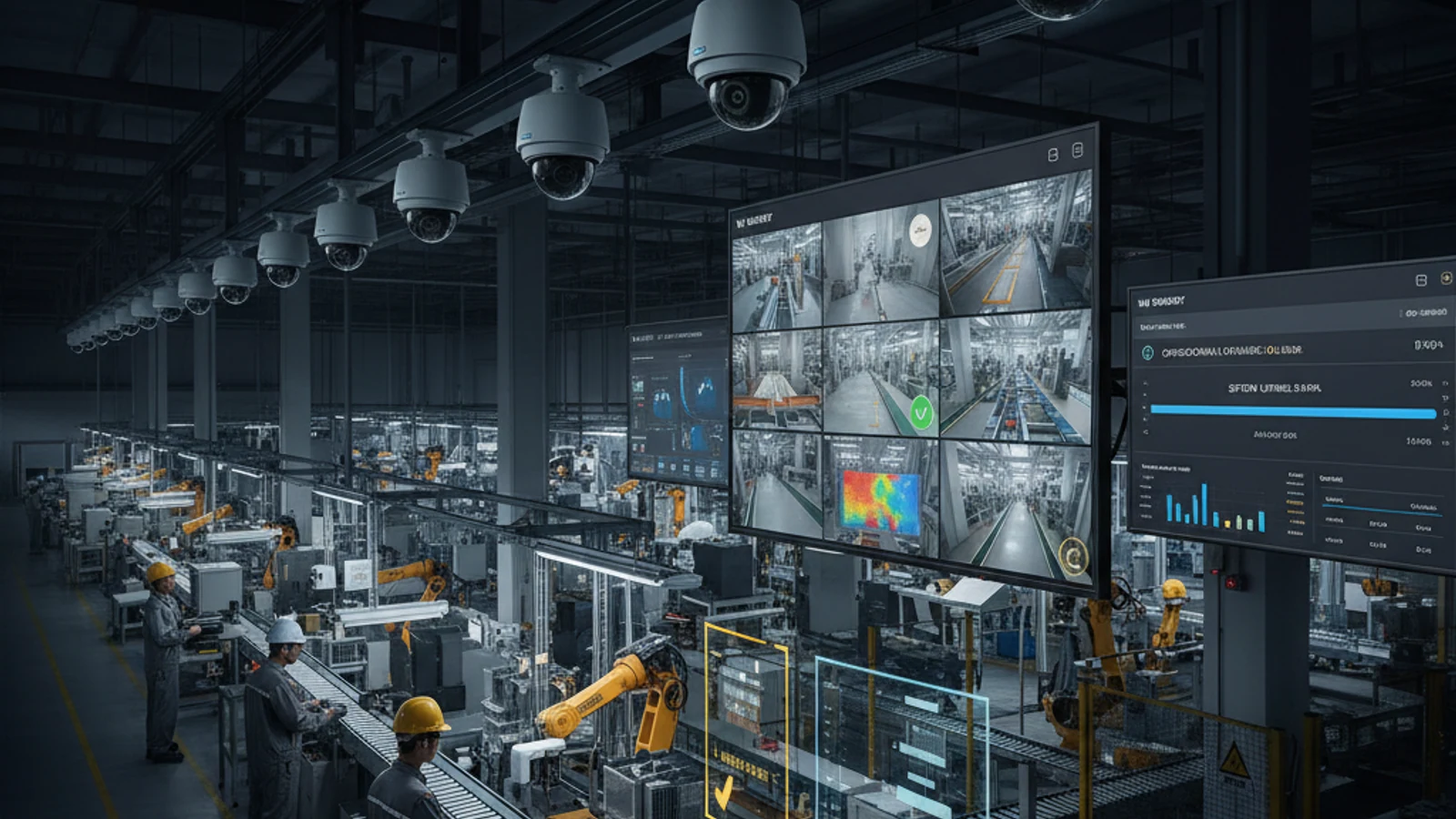
Hanwha Vision (formerly Samsung Techwin) has built a strong position in the North American IP camera market through a combination of competitive pricing, strong image quality, and comprehensive ONVIF support. Hanwha cameras are widely deployed across retail, healthcare, education, and commercial real estate – often as the camera of choice for cost-conscious enterprise deployments that don’t want to compromise on image quality.
Inventory first
Confirm camera models, ONVIF support, bandwidth, retention, and access requirements before cutover.
Pilot before rollout
Validate live view, playback, AI search, alerts, and local survivability at a lower-risk site.
Decommission cleanly
Archive required footage, document ownership, and retire legacy hardware without gaps.
If you’re running Hanwha cameras on an aging NVR or an on-premises VMS, the migration path to cloud VMS is straightforward – Hanwha’s ONVIF compliance is robust, and the cameras connect to Ifovea without configuration rebuilding or hardware replacement.
Hanwha Camera Compatibility With Cloud VMS
Hanwha Vision cameras are ONVIF Profile S compliant across their product lines – including the QNV, XNV, QNO, XNO, and PNV/PNO series. ONVIF Profile G (edge storage) is supported on cameras with SD card slots. This comprehensive ONVIF compliance means Hanwha cameras connect to any ONVIF-compatible cloud VMS, including Ifovea, without proprietary drivers or manufacturer-specific adapters.
Hanwha Product Lines Compatible With Ifovea
- QNV / XNV Series: Vandal-resistant dome cameras – widely deployed in retail and commercial environments. Full ONVIF Profile S compliance.
- QNO / XNO Series: Outdoor bullet cameras for perimeter and parking coverage. ONVIF-compliant.
- PNV / PNO Series: Panoramic (multi-sensor) cameras for wide-area coverage with fewer camera positions. ONVIF-compliant.
- QNE Series: Edge AI cameras with onboard deep learning analytics. ONVIF-compliant; edge analytics operate independently of the VMS platform.
- XNZ / QNZ Series: Speed dome PTZ cameras. ONVIF Profile S compliant with PTZ control through standard ONVIF PTZ commands.
Turn this into a practical surveillance plan
iFovea can review your camera fleet, sites, bandwidth, AI analytics needs, and migration path.
Why Hanwha Customers Move to Cloud VMS
Wisenet NVR to Cloud Transition
Many Hanwha camera deployments use Hanwha’s Wisenet NVR hardware or Wisenet WAVE VMS software for local recording. While functional, these solutions require on-premises hardware at each site, local storage management, and the IT overhead that multi-site organizations consistently find unsustainable at scale. Transitioning to Ifovea’s cloud VMS allows Hanwha camera infrastructure to stay in place while eliminating NVR/server overhead across all sites.
AI Analytics Beyond Wisenet’s Capabilities
Hanwha’s Wisenet WAVE VMS provides basic analytics and event management. For organizations requiring cross-site AI forensic search, natural language video search, platform-level ALPR across all cameras simultaneously, or behavioral analytics at the VMS level – Wisenet’s capabilities are limiting. Ifovea provides these capabilities as part of the platform.
Multi-Site Centralized Management
Wisenet WAVE provides some multi-site capabilities, but the architecture is still server-dependent at each location. Ifovea’s cloud-native architecture provides true multi-site management without server infrastructure at each location – critical for organizations scaling beyond 5-10 sites.
Connecting Hanwha Cameras to Ifovea
- Enable ONVIF on the camera: Access the camera’s web interface ? Setup ? Network ? ONVIF ? Enable ONVIF and set ONVIF credentials (may differ from admin credentials)
- Note the camera IP address: Each camera must be accessible on the local network segment where the Ifovea gateway is installed
- Add to Ifovea: Via the Ifovea gateway’s ONVIF discovery or manual IP addition
- Select stream profile: Hanwha cameras support multiple stream profiles; select the appropriate resolution and frame rate for your recording requirements
- Configure retention and analytics: Apply retention policies and AI analytics settings through the Ifovea cloud platform
Hanwha Edge AI + Ifovea Platform AI
Hanwha’s QNE-series cameras include onboard AI analytics (deep learning object detection, attribute recognition) running at the camera edge. These edge analytics are a valuable complement to Ifovea’s platform-level AI:
- Camera-edge (Hanwha AI): Real-time object detection and classification at the camera, independent of VMS or network connectivity
- Platform-level (Ifovea AI): Cross-camera forensic search, natural language search, ALPR across the full camera network, cross-site timeline reconstruction – capabilities that require a platform with footage from all cameras
Both layers operate simultaneously. Camera-edge events can trigger Ifovea alerts via ONVIF event integration; Ifovea’s AI processes the video stream for platform-level analytics.
Frequently Asked Questions
Do Hanwha cameras need special configuration to work with Ifovea?
Standard ONVIF configuration – enable ONVIF mode and set ONVIF credentials on each camera. No firmware modifications or special configuration beyond standard ONVIF setup is required.
Can I mix Hanwha cameras with cameras from other brands in Ifovea?
Yes. Ifovea’s ONVIF platform supports mixed-manufacturer environments. Hanwha cameras alongside Axis, Hikvision, Dahua, Uniview, or any other ONVIF-compliant brand are managed identically within the platform.
What happens to my Wisenet NVR when I migrate to Ifovea?
Wisenet NVRs can be decommissioned after cameras are migrated to Ifovea. Critical historical footage should be exported from the NVR before decommissioning. The cameras themselves stay in place – only the NVR is replaced by the Ifovea cloud + gateway architecture.
Does Ifovea support Hanwha cameras’ WDR and low-light features?
Yes. Camera-level features (Wide Dynamic Range, Wise IR, LightFinder, etc.) operate at the camera hardware level independent of the VMS platform. The VMS receives the camera’s processed output video stream – all camera-level image quality features continue to function when cameras are connected to Ifovea.
Migrate Your Hanwha Cameras to Cloud VMS
Ready to move your Hanwha camera deployment from on-premises NVR or Wisenet WAVE to cloud-managed AI surveillance? Ifovea’s team provides camera compatibility assessments and migration planning for Hanwha deployments of any size.
Frequently asked questions
What should be checked before migration?
Camera model, ONVIF support, network bandwidth, retention policy, user permissions, legal hold footage, and legacy contract dates should be reviewed first.
Should every location migrate at once?
Usually no. A pilot site helps validate configuration, recording, alerts, AI search, and user workflows before a broader rollout.
Can hybrid cloud reduce risk?
Hybrid cloud can preserve local recording during internet interruptions while still giving teams cloud access and centralized management.
What does iFovea review in an assessment?
iFovea can review camera compatibility, deployment architecture, network readiness, retention needs, and total cost considerations.
Related resources
Continue comparing options, planning migration, and estimating the right cloud surveillance architecture.
Ready to plan the next step?
iFovea can review your camera fleet, sites, bandwidth, AI analytics needs, and migration path.