

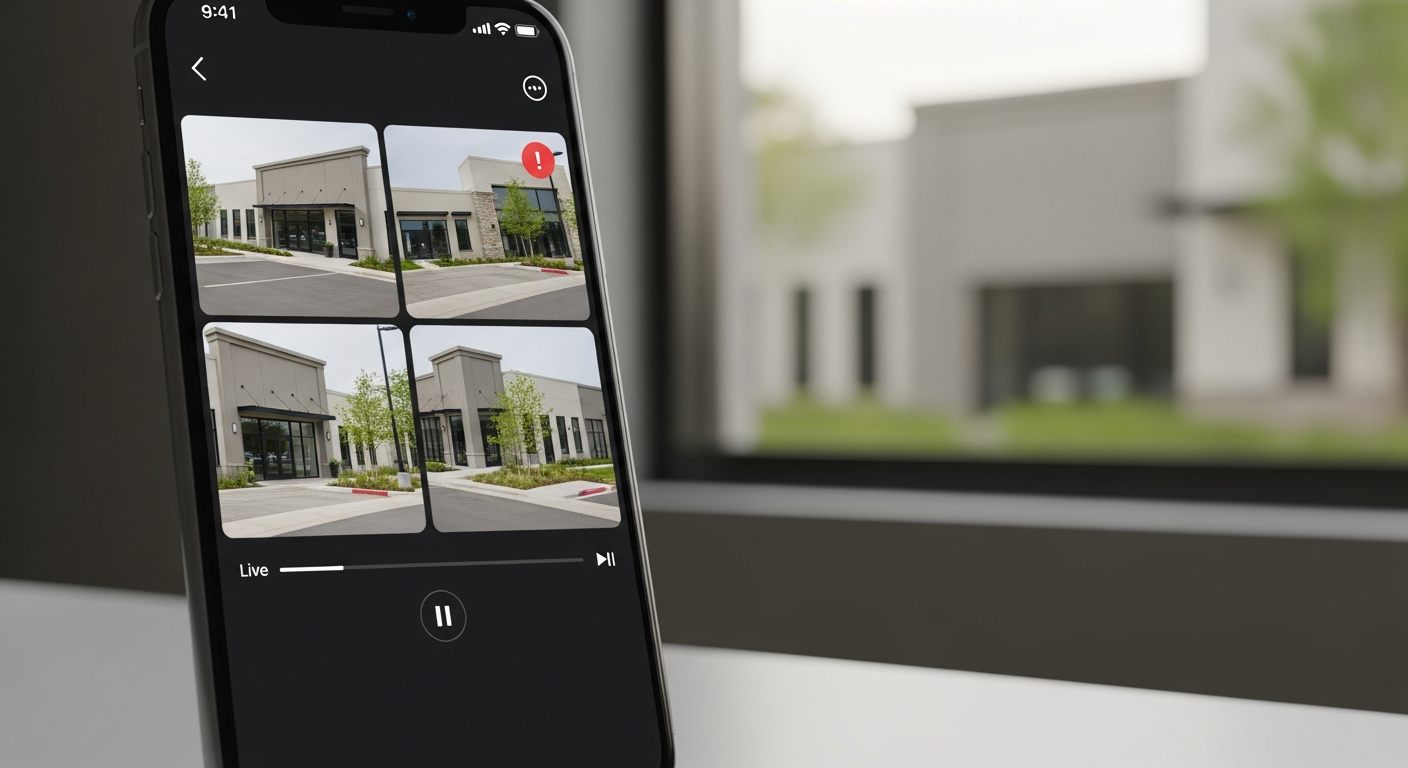
When an alert fires at a location at 2 AM, the decision — is this a real security event or a false alarm? — gets made in the next 30 seconds. Whether the right person can make that decision depends on whether they can pull up live camera footage from their phone faster than the time it takes to call the location’s overnight contact.
The iFovea mobile app puts live video, recorded footage, AI event alerts, and remote camera controls on any iOS or Android device — with no VPN, no local software, and no location-specific configuration required. The same cameras accessible in the browser-based portal are accessible from any smartphone or tablet through the mobile app, with the same role-based access controls enforced at the platform level.
What the iFovea Mobile App Provides
Live Camera Viewing
View live feeds from any connected camera at any location. Single camera or multi-camera grid view, with bandwidth-adaptive streaming that adjusts quality to available mobile data connection.
Recorded Footage Playback
Review recorded footage from any camera within the configured retention window. Timeline navigation with AI event markers allows fast navigation to relevant moments without scrubbing through hours of footage.
Push Notifications for AI Alerts
Receive push notifications when AI-detected events occur — loitering alerts, zone violations, ALPR watchlist matches, fire detection events. Tap the notification to open the relevant camera’s live or recorded view instantly.
PTZ Camera Controls
Pan, tilt, and zoom PTZ-enabled cameras directly from the mobile app using touchscreen gesture controls. Respond to an alert by repositioning a camera remotely without being at the location.
Clip Sharing
Select a footage clip from any camera’s recorded timeline and share it directly from the mobile app — to law enforcement, insurance representatives, HR, or internal stakeholders — as a secure link or downloadable file.
Multi-Site Access
All locations, all cameras, all AI alerts — in one app. Switch between locations, camera groups, and sites without separate logins or configurations. The same multi-site architecture from the cloud video portal in a mobile interface.
Who Uses the Mobile App and How
Area Managers and Regional Supervisors
Area managers responsible for multiple locations use the mobile app for rapid visual checks during field visits, travel time, and off-hours. Instead of calling a location to ask what’s happening, an area manager can open the app and view any location’s cameras in 15 seconds. The morning visual review of all locations — previously an on-site task — becomes a 20-minute app session from anywhere.
Security Directors and Operations Leadership
Senior security and operations personnel need mobile access for after-hours alert response, incident assessment, and executive oversight without requiring on-premises presence. When an alarm notification arrives at 11 PM, the security director can assess the camera feed, review the AI event context, and make an informed response decision — dispatch or false alarm — from the mobile app in under a minute.
Business Owners
For SMB owners with one or a few locations, the mobile app replaces the need to be physically present to know what’s happening at the business. Opening a camera view from a phone while traveling, reviewing footage from a register camera after a transaction dispute, or checking that the overnight cleaning crew finished on schedule — these operational checks happen from the app without requiring staff coordination or an on-site visit.
Security Integrators and Managed Service Providers
Integrators managing multiple customer deployments use the mobile app for field support — verifying camera health, reviewing footage during client consultations, and responding to customer alerts without returning to the office. The app’s multi-site architecture supports managing multiple customer accounts from a single mobile interface with the same access controls enforced at the admin portal level.
Mobile App Technical Specifications
| Feature | Details |
|---|---|
| Platforms | iOS and Android |
| Live streaming | Bandwidth-adaptive, adjusts to 4G/5G/WiFi connection quality |
| Recorded footage | Full retention window access, timeline navigation with AI event markers |
| Authentication | Biometric (Face ID / Touch ID) and username/password; MFA supported |
| Access controls | Same role-based permissions as the web portal — no additional configuration |
| PTZ support | Touch-gesture pan, tilt, zoom for PTZ-enabled cameras |
| Push notifications | AI alert notifications configurable per event type and camera |
| VPN required | No — cloud architecture eliminates VPN requirement |
Mobile Access Without VPN or Local Network Dependencies
Traditional NVR-based remote access via mobile requires VPN configuration, port forwarding, or dedicated remote access hardware at each location — creating IT complexity and unreliable mobile connections in practice. The iFovea cloud architecture eliminates this entirely.
Camera video streams are processed by the iFovea cloud platform. The mobile app connects to the cloud — not to the local network at each location. This means:
- No VPN client required on mobile devices
- No port forwarding configuration at each location’s router
- No static IP address requirement at locations
- Access is consistent regardless of the mobile device’s network (4G, 5G, any WiFi)
- Access is not affected by changes to location network configuration
AI Alert Response via Mobile
The mobile app is designed to be the fastest path from an AI-generated alert to an informed decision. When an AI event occurs — a loitering detection, a ALPR watchlist match, a fire detection flag, a zone violation — the alert workflow is:
- Push notification arrives on the mobile device, identifying the camera, location, and event type
- Tap opens the app directly to the relevant camera’s view — live feed or the recorded clip from the event moment
- Review the AI event context — what was detected, when, where in the frame — from the event detail panel
- Make an informed response decision — call the location manager, dispatch security, dismiss as a false positive, share the clip with relevant stakeholders
The elapsed time from alert to informed decision is typically under 60 seconds when the mobile app is the response path — versus 10–20 minutes for the equivalent decision cycle under a traditional system (phone call chain, manual footage review, delayed communication).
Frequently Asked Questions
Is the mobile app included in all iFovea subscription plans?
Mobile app access is included across all iFovea subscription plans. The cameras and features accessible through the mobile app match the user’s configured role permissions — no additional configuration or subscription is required for mobile access.
How many users can access the mobile app?
There is no per-user mobile access fee. All users provisioned in the admin portal can access the mobile app with their role permissions. Enterprise deployments with large user populations should confirm user seat limits with the iFovea team at the pricing discussion stage.
Does the mobile app work on WiFi-only tablets (no cellular)?
Yes. The mobile app connects to the iFovea cloud platform over any internet connection — WiFi or cellular. A WiFi-only tablet with a reliable WiFi connection provides equivalent functionality to a cellular-connected phone for camera viewing and alert response. Cellular connection is required for mobile access when WiFi is not available.
Can mobile app access be restricted for specific users?
Mobile access uses the same role-based permissions as web portal access. Administrators can restrict specific users to specific cameras, camera groups, or locations — the same restrictions apply whether the user is accessing via the web browser or the mobile app. There is no separate mobile-specific access configuration required.
Does the app support multiple organizations for integrators?
The mobile app supports multi-account access for integrators managing multiple customer deployments. Account switching is available through the app’s account management interface, enabling integrators to move between customer environments without logging out and back in with different credentials.
Related Resources
- Cloud Video Portal: Browser-Based Camera Management
- AI Video Analytics: 10+ Analytics Types
- Multi-Site Cloud Surveillance Management
- Alarm Monitoring Portal for Video Event Response
- iFovea Gateway: Existing Camera Cloud Connection
See iFovea Mobile Access in Action
Request a demo to see live camera viewing, AI alert push notifications, and multi-site access working across your cameras from a mobile device.