

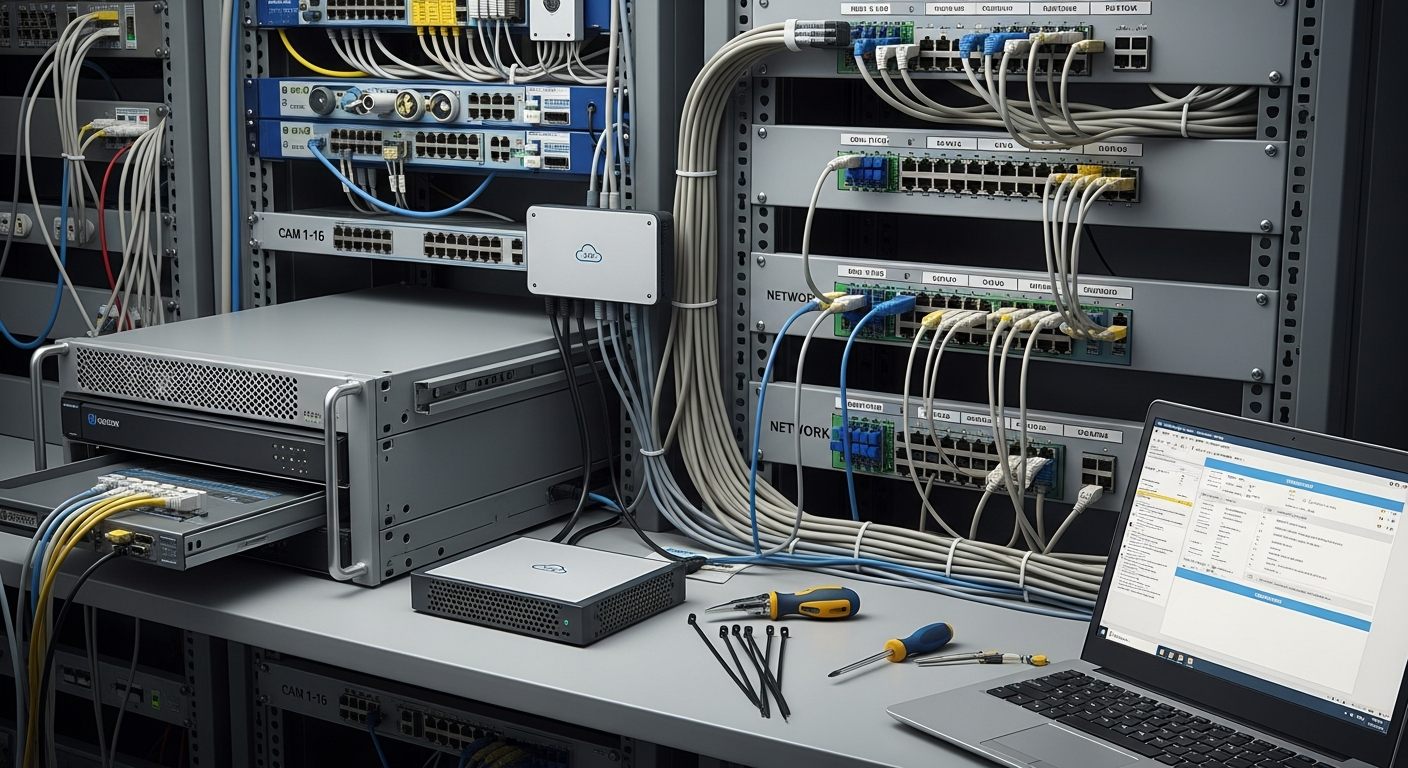
The Hikvision or Dahua NVR sitting in your equipment room is not the same problem as the cameras mounted on your walls. Many businesses with existing Hikvision, Dahua, or OEM Chinese-manufactured IP cameras are dealing with two very different operational and compliance questions at once — and conflating them leads to expensive decisions that may not be necessary.
The question isn’t always “do we need to replace every camera?” The more immediate operational question is often: “Do we need to keep depending on a local NVR that has no remote access, no AI analytics, no role-based access controls, and no cloud storage?” Those are two separate problems with potentially different solutions.
iFovea can help evaluate whether your existing compatible IP cameras can connect to cloud VMS — removing the NVR dependency while keeping cameras that are technically functional and compatible. This evaluation requires a compatibility and compliance review. It is not a guarantee that all cameras can or should be reused, and it does not address any regulatory compliance obligations your organization may have.
Why Businesses Are Rethinking Hikvision and Dahua NVRs
Hikvision and Dahua became the dominant IP camera hardware in U.S. commercial and industrial deployments for one reason: price-performance. Through the 2010s, they offered feature-rich cameras and NVR systems at a fraction of the cost of Axis, Bosch, or Hanwha alternatives. Integrators installed millions of cameras across every vertical.
Today, those deployments are aging in a changed environment:
- Regulatory landscape has tightened. Since November 2022, the FCC has prohibited authorization of new Hikvision and Dahua equipment in the United States under the Secure Equipment Act. In October 2025, the FCC voted unanimously to establish a process to revoke previously granted authorizations and worked with major U.S. retailers to remove listings through “Operation Clean Carts.” New equipment is increasingly difficult to source through compliant channels.
- The NVR is often the primary operational failure point. Old NVR hard drives fail. Firmware updates stop. Remote access via DDNS or port forwarding is unreliable and presents cybersecurity risk. The recorder — not the cameras themselves — is often the limiting factor in performance and security posture.
- No remote access, no AI, no multi-site visibility. A Hikvision NVR has none of the operational capabilities that cloud VMS provides: browser access from anywhere, AI video search, people counting, ALPR, role-based user permissions, and configurable cloud retention.
- Cybersecurity exposure. Researchers have documented significant vulnerabilities in Hikvision and Dahua products including hardcoded credentials and remote access exploits. An internet-connected NVR running outdated firmware creates network exposure beyond just the camera system.
The Difference Between Replacing Cameras and Replacing the NVR/VMS Layer
This is the distinction that most discussions about the “Hikvision ban” fail to make clearly:
Replacing Every Camera
- Highest cost — $150–$800+ per camera installed
- Significant labor and cabling disruption
- May be required for NDAA compliance (federal/regulated)
- Eliminates hardware risk at source
- Takes months to plan and execute at scale
Replacing the NVR/VMS Layer
- Lower cost — keep compatible existing cameras
- Removes recorder dependency and NVR attack surface
- Adds cloud access, AI analytics, multi-site management
- Does NOT resolve regulatory compliance for covered equipment
- Faster to implement — Gateway install, not camera rip-out
For private commercial businesses not subject to federal contracting, grant funding, or specific regulated compliance requirements — replacing the NVR/VMS layer while retaining compatible cameras may be a practical first step that delivers immediate operational improvement without full infrastructure replacement cost.
When Existing IP Cameras May Still Be Usable
Not all cameras can or should be kept. But for private commercial businesses evaluating whether their existing Hikvision or Dahua cameras can connect to iFovea cloud VMS, the technical criteria are:
- ONVIF or RTSP support. Most commercial-grade Hikvision and Dahua IP cameras manufactured since 2012 support ONVIF Profile S/G/T or RTSP streaming. This is the technical foundation for cloud VMS connection via the iFovea Gateway.
- Adequate resolution. 1080p (2MP) or higher is recommended for cloud VMS AI analytics to function effectively — people counting, ALPR, object detection, and forensic search.
- Network segmentation. Cameras should be on a properly segmented network with controlled external access. This is a cybersecurity hygiene requirement independent of the cloud VMS migration.
- No active compliance prohibition. The organization has reviewed and confirmed that no regulatory obligation requires immediate camera removal or prohibits continued use of existing equipment.
When Cameras Should Be Replaced Instead
Some cameras should be replaced regardless of technical compatibility:
- The organization is a federal contractor, federal agency, or recipient of federal grants — NDAA Section 889 may require removal of covered equipment
- The cameras have known unpatched critical vulnerabilities with no available firmware fix
- The cameras are no longer receiving firmware or security updates from the manufacturer
- The cameras use proprietary protocols that don’t support ONVIF or RTSP
- The organization’s cyber insurance policy requires removal
- The organization’s IT/security policy requires NDAA-compliant hardware
iFovea’s role is to help identify the right migration path — not to encourage hardware reuse where it creates compliance, cybersecurity, or business risk. A camera compatibility review can identify which cameras are technically compatible and flag scenarios where replacement may be the right recommendation.
How iFovea Cloud VMS Helps: NVR Replacement Architecture
For compatible IP cameras, the migration path from NVR dependency to cloud VMS works as follows:
- Camera compatibility assessment. Confirm ONVIF/RTSP support for existing cameras. iFovea supports 500+ camera models from all major manufacturers — check the camera compatibility guide.
- iFovea Gateway installation. The iFovea Gateway connects to the existing network switch where cameras are already cabled. No new camera cabling required. The NVR can be decommissioned once the Gateway is operational and footage retention is configured.
- Cloud platform configuration. Camera names, recording schedules, retention periods, user roles, and AI analytics are configured in the iFovea platform. Multi-site deployments can be managed from a single dashboard.
- NVR decommissioned. The local NVR server — and its attack surface, failure risk, and maintenance burden — is removed from the equation.
What this delivers that the old NVR could not: browser-based remote access from any device, AI forensic video search, role-based access controls with audit logging, configurable cloud retention, mobile app alerts, and 10+ AI analytics types — all on existing cameras that already know the layout of your facility.
Cost Comparison: Full Replacement vs. NVR/VMS Migration
| Cost Category | Full Rip-and-Replace | NVR/VMS Layer Replacement |
|---|---|---|
| New cameras | $150–$800+ per camera | $0 — existing cameras retained |
| Camera labor/installation | $50–$150+ per camera | $0 — existing cabling reused |
| New recorder/server | $500–$5,000+ | iFovea Gateway device only |
| Cloud VMS subscription | Per-camera/month | Same per-camera/month rate |
| Operational disruption | High — cameras down during replacement | Low — cameras remain operational |
| NDAA compliance | Achievable with NDAA-compliant cameras | Not applicable — does not address camera compliance |
| Timeline | Weeks to months | Days per location |
Pricing varies by camera count, location, bandwidth, storage duration, installation requirements, and compliance requirements. Estimates are illustrative. Use the cost calculator for a deployment-specific estimate.
Integrator Opportunity: Upgrade Existing Customers
Security integrators who built their customer base on Hikvision and Dahua installations have a significant upsell opportunity in this market transition. Your customers are asking questions about their existing systems. If your answer isn’t “here’s a cloud upgrade path,” they’ll find someone who has one.
iFovea’s white-label VMS program and VSaaS reseller program give integrators the platform to convert legacy NVR customers into recurring cloud VMS revenue — using camera knowledge they already have. See the integrator cloud upgrade guide for a complete overview.
Frequently Asked Questions
Can I replace my Hikvision or Dahua NVR with iFovea cloud VMS?
In many cases for private commercial businesses, yes — if existing cameras support ONVIF or RTSP protocols and meet minimum resolution requirements. iFovea’s Gateway connects to existing IP cameras and delivers cloud access, AI analytics, and remote management without the local NVR. Camera compatibility depends on specific models, firmware, and network configuration. A compatibility review confirms whether your specific cameras are supported.
Does replacing the NVR with iFovea cloud VMS make my Hikvision cameras NDAA compliant?
No. iFovea does not make restricted hardware NDAA compliant. Federal contractors, grant-funded organizations, and regulated buyers subject to NDAA Section 889 should conduct a full legal and compliance review. Camera replacement may be required regardless of the VMS platform used.
Do I need to do anything with my existing cameras for this to work?
No camera hardware changes are typically required. ONVIF-compatible cameras connect to the iFovea Gateway through the existing PoE switch infrastructure. No new cabling, no camera removal or reinstallation. The Gateway installation is the primary installation work.
What cybersecurity steps should I take even if I keep existing cameras?
Camera network segmentation (VLAN isolation), default password changes, disabling unnecessary services (UPnP, cloud features pointed at Chinese servers), and firewall rules limiting outbound camera traffic are baseline cybersecurity hygiene for any IP camera deployment — particularly for Hikvision and Dahua equipment where known vulnerabilities exist. iFovea’s cloud connection architecture uses the Gateway as the outbound connection point, keeping cameras off the open internet.
Are Hikvision or Dahua cameras banned for private commercial businesses?
As of mid-2026, no federal law requires private commercial businesses without government contracting relationships to remove existing Hikvision or Dahua equipment. The FCC’s equipment authorization ban affects new equipment entering the U.S. market — not existing lawfully installed equipment. However, sourcing new cameras, replacement parts, or expanded equipment through compliant authorized channels has become significantly more difficult. See the full explanation at Hikvision and Dahua Restrictions: What Businesses Should Know.
Can this migration be done in phases?
Yes. A phased approach — moving compatible cameras to cloud VMS first, then replacing high-risk or non-compatible cameras with NDAA-compliant hardware over time — is a common strategy for businesses balancing cost control against risk reduction. iFovea’s platform supports mixed camera inventories during transition periods. See the cost comparison guide and migration checklist for planning resources.
Related Resources
- Hikvision, Dahua, and Chinese Camera Restrictions: What Businesses Should Know
- NDAA Surveillance Compliance Migration Guide
- Replace NVR vs. Replace Entire Camera System: Cost Comparison
- Camera Compatibility Guide: Which Cameras Work With iFovea
- Hikvision Cloud VMS Guide
- Reusing Existing Cameras With Cloud VMS
- Cloud Surveillance Migration Checklist
Check If Your Existing Cameras Can Move to iFovea
Request a camera compatibility and migration review. Tell us your camera count, brands, and locations — we’ll identify which cameras are technically compatible and what a cloud VMS migration looks like for your specific deployment.
Federal contractors and grant-funded organizations: compliance review with legal counsel is required before any migration decisions.