

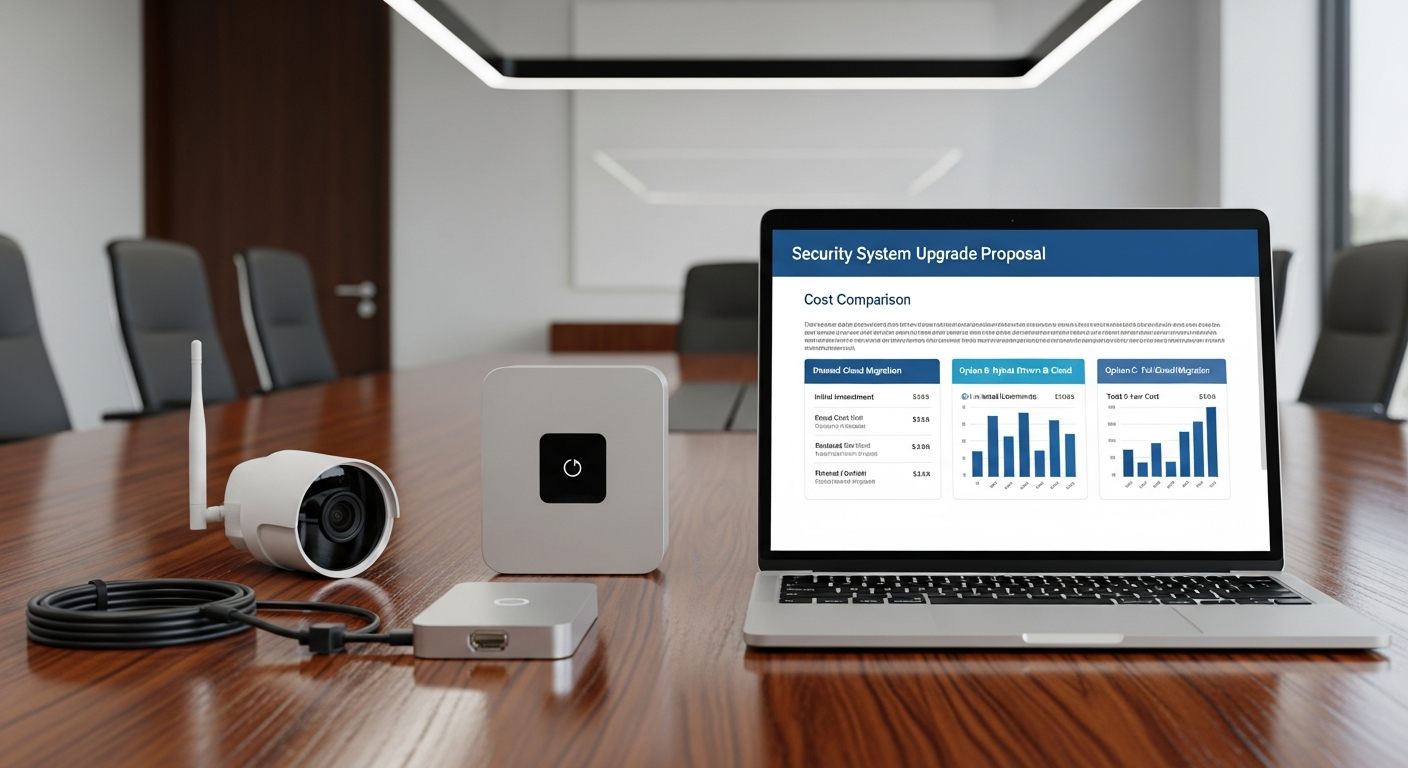
Before you write a check for a full camera system replacement, it’s worth spending 10 minutes understanding what you’re actually paying for — and whether you need all of it. Many security system upgrade decisions conflate two problems that have different price tags: the cameras and the recording/management layer. Understanding which one is actually causing your operational problems determines which solution you need.
This guide breaks down the cost buckets across three migration paths and provides a concrete example scenario so you can calibrate the numbers to your own deployment.
The Hidden Cost of Rip-and-Replace
The line items in a full camera system replacement proposal are predictable. The costs that don’t appear on the proposal — and often exceed the proposal in total impact — are less visible:
📷 Camera Hardware
$150–$800+ per camera depending on resolution, type, and brand. NDAA-compliant cameras typically cost more than the Chinese-manufactured cameras they replace. 30-camera system: $4,500–$24,000+ in camera hardware alone.
🔧 Camera Installation Labor
$50–$150+ per camera for installation labor — mounting, wiring termination, aiming, and testing. This cost exists whether cameras are replaced or not. 30 cameras: $1,500–$4,500+ in labor.
📝 New NVR or Cloud Gateway
On-premises NVR replacement: $500–$5,000+ depending on camera count and storage capacity. Cloud VMS Gateway: lower upfront hardware cost; storage moves to subscription pricing.
🔌 Cabling and Infrastructure
If existing Cat5e/Cat6 cabling is reusable (it usually is), cabling costs are minimal. If cabling must be replaced or extended for new camera positions, costs vary widely — $100–$500+ per camera run depending on construction access and run length.
📋 Licensing and Subscriptions
Cloud VMS subscriptions are per-camera per-month. This cost is the same whether cameras are replaced or retained — the subscription is for the cloud platform, not the camera hardware. AI analytics, storage, and feature tier determine the per-camera rate.
🚫 Downtime and Operational Disruption
During camera replacement, surveillance coverage in affected areas is interrupted. For retail, warehouse, or security-sensitive environments, this represents real operational and insurance risk. Minimizing downtime duration is a legitimate project cost consideration.
Three Migration Paths: What Each Costs and What Each Delivers
Option A: Full Rip-and-Replace
Best for: Federal contractors, NDAA-regulated buyers, organizations ready for a complete system refresh
Remove all existing cameras and NVR hardware. Install new NDAA-compliant cameras. Deploy cloud VMS. This is the most expensive and most disruptive option — and the required path for organizations with NDAA compliance obligations.
Full replacement eliminates hardware risk at the source, provides the newest camera technology, and delivers a clean compliance position. It also requires the highest capital investment and the most operational disruption during installation.
Option B: Replace the NVR/VMS Layer Only
Best for: Private commercial businesses with compatible existing cameras seeking immediate operational improvement
Retain compatible ONVIF-capable existing cameras. Remove the local NVR. Install iFovea Gateway. Configure cloud VMS. This path addresses the operational problems — no remote access, no AI analytics, NVR hardware failure risk — without camera replacement cost.
This path does not address NDAA compliance. It does not change the regulatory classification of existing cameras. It is a practical operational improvement for private commercial businesses where no compliance obligation requires camera removal.
Option C: Phased Migration
Best for: Organizations balancing cost control against risk reduction over a 12–36 month timeline
Replace cameras in highest-priority positions (primary entrances, cash areas, loading docks, gates) with NDAA-compliant hardware first. Migrate compatible remaining cameras to cloud VMS. Replace remaining cameras over time as budget allows. This distributes capital cost over time while delivering immediate cloud VMS benefits on compatible cameras.
30-Camera Business: Side-by-Side Cost Comparison
| Cost Bucket | Option A: Full Replace | Option B: NVR Layer Only | Option C: Phased (Y1) |
|---|---|---|---|
| New cameras (30 cameras, mid-range NDAA) | $9,000–$18,000 | $0 | $2,000–$4,000 (10 priority cameras) |
| Camera installation labor | $2,500–$5,000 | $0 | $750–$1,500 |
| Gateway/NVR hardware | Gateway device | Gateway device | Gateway device |
| Cloud VMS subscription (30 cameras/month) | Same | Same | Same |
| Estimated upfront hardware cost | $11,500–$23,000+ | Gateway + labor only | $2,750–$5,500 (Y1) |
| NDAA compliance | ✓ Achievable | ✗ Does not address cameras | △ Partial (replaced cameras only) |
| Operational disruption | High | Low | Low-Medium |
All estimates are illustrative ranges. Actual costs vary by camera model, brand, location, labor market, cabling requirements, bandwidth, storage duration, and compliance requirements. Use the iFovea cost calculator for deployment-specific estimates. iFovea does not make restricted hardware NDAA compliant. Organizations with compliance obligations should consult legal counsel.
What Makes Option B Work (and When It Doesn’t)
Option B — replacing only the NVR/VMS layer — works when:
- The organization has no NDAA compliance obligation requiring camera removal
- Existing cameras support ONVIF or RTSP protocols
- Camera resolution is adequate for intended AI analytics use (2MP+ recommended)
- Network can be configured to appropriately segment camera traffic
- Cameras are in working condition and don’t require imminent replacement for mechanical reasons
Option B does NOT work when:
- The organization is a federal contractor — NDAA Section 889 requires camera removal regardless of VMS platform
- The organization receives federal grants that restrict use of covered equipment
- Cameras don’t support ONVIF/RTSP protocols (some older models)
- Cybersecurity assessment identifies unacceptable risk from existing camera firmware vulnerabilities
- Cyber insurance policy requires removal
The Phased Migration Case Study
A 3-location retail operator with 90 cameras total (30 per location) has aging Hikvision NVRs with no remote access and no AI analytics. They’re a private company with no federal contracts. Their priorities:
- Get remote access immediately — they can’t see their locations without driving there
- Add AI forensic video search — incident investigations take hours of manual footage review
- Reduce NVR failure risk — two NVRs have had hard drive failures in the past year
- Eventually transition to NDAA-compliant cameras as existing cameras age out
The phased approach they chose:
- Year 1: Deploy iFovea Gateway at all 3 locations, migrate all 90 compatible cameras to cloud VMS. Replace 15 oldest cameras at highest-traffic positions with NDAA-compliant Hanwha cameras. Decommission NVRs.
- Year 2: Replace next 20 cameras as planned budget allows, starting with entrance cameras and register cameras
- Year 3: Complete camera transition to fully compliant inventory
Outcome: Immediate remote access, AI analytics, and NVR failure risk elimination on Day 1. Full camera transition over 3 years at a cost level that fits their capital budget — instead of a single $80,000+ full replacement project.
Frequently Asked Questions
Is it always cheaper to keep existing cameras?
For private commercial businesses not subject to compliance requirements, retaining compatible cameras while replacing the NVR/VMS layer is typically significantly less expensive in Year 1. Over a 5-year period, the total cost of ownership depends on whether existing cameras require replacement due to mechanical failure, changed positions, or planned upgrades. Use the cost calculator to model your specific scenario.
What if some cameras are compatible and some aren’t?
iFovea’s cloud VMS platform supports mixed camera deployments — compatible legacy cameras alongside new NDAA-compliant cameras, all managed from the same dashboard. Cameras that don’t support ONVIF/RTSP can be replaced first while compatible cameras migrate to cloud VMS. The phased approach allows a mixed inventory during the transition period.
Does cloud VMS cost more than NVR in the long run?
Cloud VMS has an ongoing subscription cost where on-premises NVR has mostly upfront hardware cost with lower ongoing fees. The full TCO comparison depends on NVR maintenance, hard drive replacement, IT management labor, and the operational value of cloud capabilities. iFovea publishes a detailed cloud VMS vs. NVR TCO comparison for organizations evaluating this decision over a 5-year horizon.
How do I estimate the cost for my specific deployment?
Use iFovea’s cloud VMS cost calculator to estimate monthly subscription costs by camera count, storage tier, and retention period. Contact the iFovea team through the migration review form for a deployment-specific assessment including compatibility check and migration timeline estimate.
Related Resources
- Hikvision and Dahua NVR Replacement With Cloud VMS
- NDAA Compliance Migration Guide
- Hikvision and Dahua Restrictions: What Businesses Should Know
- Cloud VMS Cost Calculator
- Cloud Surveillance Migration Checklist
- Cloud VMS vs. NVR: Total Cost of Ownership Comparison
- Camera Compatibility Guide
Estimate Your Cloud VMS Migration Cost
Use the cost calculator for a quick estimate, or request a migration review to get a deployment-specific assessment with compatibility check, migration timeline, and cost breakdown across all three options.