

Flock Safety Pricing vs. iFovea: What LPR for HOAs and Apartments Actually Costs
Flock Safety bundles hardware, installation, and software into an annual program with quote-only pricing. iFovea is a per-camera cloud subscription you run on cameras you already own. Here is what that difference actually means over two and five years.
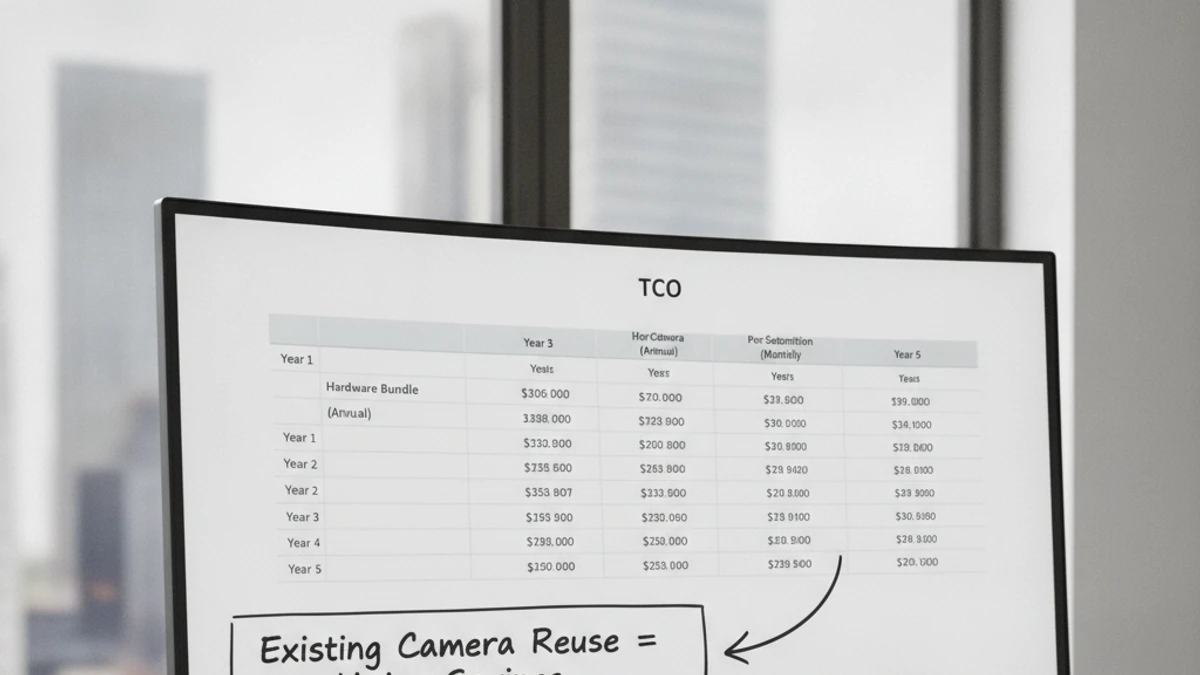
Pricing note: iFovea does not publish Flock Safety’s current rates, which are quote-only and vary by deployment. The comparison below focuses on cost structure — how each model is built — rather than specific dollar figures that change. Ask both vendors for a side-by-side quote at your exact camera count before making a decision.
How Flock Safety Pricing Works
Flock Safety is sold as an annual program, not a standalone software subscription. A typical deployment bundles:
- Proprietary hardware — Flock’s Solar-Powered LPR cameras (you don’t own the cameras; they’re part of the service)
- Installation — Flock or their partners handle physical setup
- Software access — the Flock platform, including the law-enforcement network integration
- Annual renewal — the entire bundle renews together each year
Because hardware is included, the upfront cost looks low — but the recurring annual cost reflects all three components indefinitely. Pricing is quote-based; Flock does not publish a public rate card, so you cannot compare costs without a sales conversation.
How iFovea Pricing Works
iFovea is a per-camera cloud VMS subscription. The model works like this:
- BYOC (Bring Your Own Cameras) — if your property already has ONVIF-compatible IP cameras, you connect them to iFovea without buying new hardware
- Per-camera subscription — you pay for cloud VMS access, storage, and all ten AI analytics (including ALPR) by camera count
- No hardware lock-in — cameras are owned outright and can be connected to a different platform if you ever switch
- Transparent pricing — costs scale predictably with camera count and retention needs
If your property does not already have cameras, you purchase standard ONVIF cameras from any hardware vendor — this is a one-time CapEx, not a recurring embedded cost. See which cameras work with iFovea for compatibility details.
Cost Model Comparison
The Hardware Factor: What BYOC Changes About the Math
The biggest variable in any Flock-vs-iFovea cost comparison is whether your property already has cameras installed. There are two scenarios:
Your property already has ONVIF-compatible IP cameras
iFovea connects to them directly — no hardware purchase needed. Your recurring cost is software only. Flock would require adding their proprietary units regardless of existing infrastructure, because their cameras are what drives the Flock platform.
Your property is starting from zero cameras
With iFovea, you buy standard ONVIF cameras once (CapEx) and pay per-camera subscription ongoing. With Flock, hardware is embedded in the annual cost — convenient upfront, but the camera cost recurs indefinitely because it never separates from the subscription.
The relevant question isn’t just “what does year one cost?” — it’s “what does year three or year five cost, and who owns the hardware at the end?” See the cloud surveillance cost calculator to model both paths for your property.
Multi-Site Cost Scaling
For property management companies, integrators, and multi-property HOA groups, the cost model differences compound as you scale:
- Flock deployments are negotiated per-property or per-location, usually on separate annual contracts — each renewal is a separate negotiation.
- iFovea’s per-camera subscription scales across all sites on a single platform — camera count determines cost, regardless of how many properties those cameras are spread across.
- For integrators and resellers, iFovea’s white-label VMS program allows a per-client billing model without the hardware liability that comes with bundled programs.
- Multi-site operations that already have cameras at some locations gain the most from BYOC — only new-build properties require hardware procurement.
See the full multi-site cloud surveillance management page for how centralized oversight is structured across locations.
What to Ask Before Signing Either Contract
Whether you’re evaluating Flock or iFovea, these questions will help you get to total cost of ownership rather than sticker price:
- “What happens to the cameras if we don’t renew?” — Understand exactly what you own vs. what you lose.
- “What does year-three pricing look like?” — Annual bundles can change at renewal; ask for historical renewal-rate trends or a multi-year rate lock in writing.
- “How does cost change if we add 4 cameras next year?” — Per-camera pricing should be predictable; bundled programs may re-price the entire deployment.
- “What’s included vs. billed separately?” — Confirm whether storage, analytics, integrations, and support are in the quoted price.
- “What are the terms for early termination?” — Multi-year contracts with hardware involved can have meaningful exit costs.
Frequently Asked Questions
Get a Side-by-Side Cost Model for Your Property
Tell us your camera count, existing hardware, and site configuration and we will build a realistic multi-year cost comparison — Flock’s model versus iFovea’s BYOC subscription — for your exact situation.