

Cloud VMS comparison
The debate between cloud VMS and on-premise NVR comes down to one question: what do you actually pay over 3-5 years? The upfront cost of an NVR system often looks lower than cloud. But when you add hardware refresh cycles, maintenance, IT overhead, and the cost of not having AI analytics, cloud VMS consistently wins on total cost of ownership for most commercial deployments.
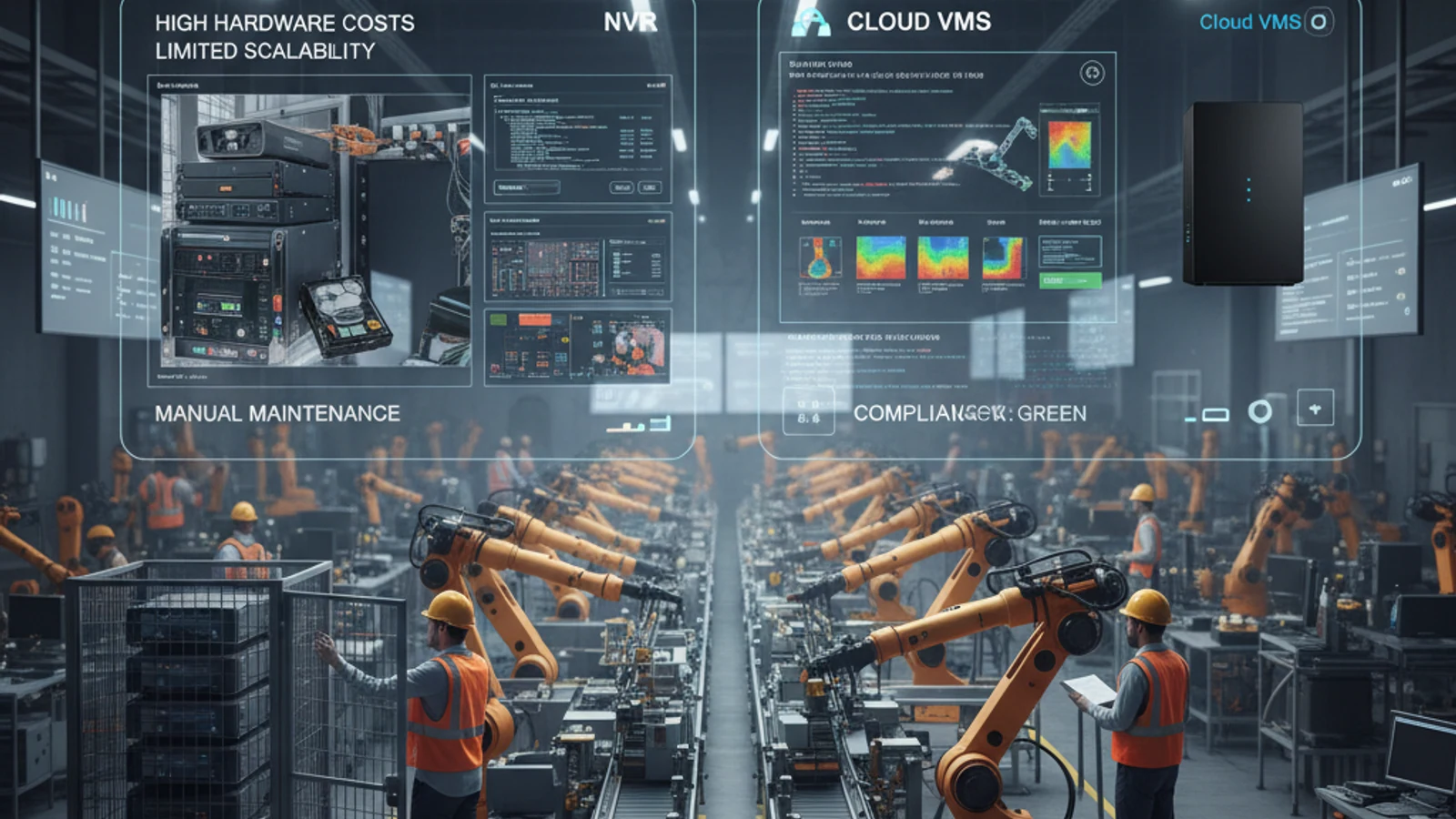
The debate between cloud VMS and on-premise NVR comes down to one question: what do you actually pay over 3-5 years? The upfront cost of an NVR system often looks lower than cloud. But when you add hardware refresh cycles, maintenance, IT overhead, and the cost of not having AI analytics, cloud VMS consistently wins on total cost of ownership for most commercial deployments.
No hardware lock-in
Keep compatible ONVIF and supported IP cameras instead of replacing working hardware.
Hybrid cloud resilience
Use cloud access with local recording continuity where uptime and bandwidth matter.
Lower migration risk
Phase the rollout by site, validate camera compatibility, and avoid all-at-once replacement.
What Is Cloud VMS vs. NVR?
A Network Video Recorder (NVR) is a dedicated on-premise device that stores your camera footage on local hard drives. Cameras connect to the NVR via your local network. Footage is accessible on-site and (with configuration) remotely via VPN or port forwarding.
A Cloud VMS (Video Management System) stores footage in the cloud rather than on local hardware. Cameras connect directly to the cloud via your internet connection. Footage is accessible instantly from any browser or mobile app – no VPN, no NVR, no local storage hardware.
Cloud VMS vs. NVR: Feature Comparison
| Feature | Cloud VMS (iFovea) | On-Premise NVR |
|---|---|---|
| Hardware required | None | NVR device + hard drives |
| Remote access | ? Instant – browser + mobile app | ?? VPN or port forwarding required |
| AI analytics | ? Built-in – face recognition, object detection, counting, heat maps | ? Not included; expensive add-ons |
| Maintenance | Zero – cloud-managed | Hard drive replacement, software updates, hardware refresh |
| Scalability | Add cameras instantly | Limited by NVR capacity; upgrade needed |
| Multi-site management | ? Single dashboard for all locations | ? Separate NVRs per site |
| Upfront cost | Low (subscription only) | Higher (hardware purchase) |
| 3-year TCO (20 cameras) | Lower for most deployments | Higher when you factor in hardware refresh |
| Footage access after internet outage | Cameras buffer; footage syncs on reconnect | ? Local access possible |
Turn this into a practical surveillance plan
iFovea can review your camera fleet, sites, bandwidth, AI analytics needs, and migration path.
Total Cost of Ownership: Cloud VMS vs. NVR (20-Camera Deployment, 3 Years)
| Cost Component | Cloud VMS | NVR |
|---|---|---|
| Hardware (NVR + drives) | $0 | $1,500-$4,000 |
| Software/subscription (3 years) | $2,400-$7,200 | $0-$1,500 (VMS license) |
| IT maintenance | $0 | $500-$2,000/year |
| Hardware refresh (year 4-5) | $0 | $1,500-$4,000 |
| AI analytics add-ons | Included | $2,000-$10,000+ |
| 3-year total estimate | $2,400-$7,200 | $7,000-$23,500 |
Note: These are estimates for illustration. Actual costs vary by brand, deployment complexity, and feature requirements. Cloud VMS cost increases with more cameras and longer retention; NVR cost increases with hardware quality and analytics add-ons.
The AI Analytics Advantage of Cloud VMS
This is where cloud VMS clearly wins. NVR systems are fundamentally recording devices – they store footage but don’t analyze it. Getting AI analytics on an NVR system requires either:
- Upgrading to a camera with on-device AI (expensive, brand-specific)
- Adding a separate analytics server (significant cost and complexity)
- Purchasing an enterprise VMS license with analytics modules
iFovea’s cloud VMS includes face recognition, object detection, people & vehicle counting, and heat maps in the base subscription. No separate analytics server. No additional modules. No per-feature licensing.
When NVR Is Still the Right Choice
Cloud VMS isn’t right for every situation. Choose on-premise NVR when:
- Your internet connection is unreliable or very limited bandwidth (cameras need cloud upload bandwidth)
- Your security policy prohibits footage leaving the premises (strict data sovereignty)
- You have analog cameras only (cloud VMS requires IP cameras)
- You need very long retention (90+ days for many cameras) where cloud storage costs may exceed NVR costs
When Cloud VMS Is the Right Choice
- You want remote access without VPN complexity
- You want AI analytics (face recognition, people counting, heat maps) without additional hardware
- You manage multiple sites and want centralized camera management
- You’re a security integrator building a recurring revenue cloud business
- You want to eliminate server maintenance and hardware refresh cycles
See cloud VMS in action with your existing cameras – request a free demo.
Related Reading
Frequently asked questions
Can iFovea reuse cameras from my current system?
In many deployments, yes. iFovea is designed around compatible IP cameras and ONVIF workflows, so teams can often keep supported cameras instead of replacing every device.
How is iFovea different from proprietary cloud camera platforms?
iFovea focuses on cloud VMS flexibility, hybrid recording options, AI search, and camera compatibility rather than forcing a single proprietary hardware stack.
Is migration disruptive?
A planned migration can be phased by location. The safest path is to inventory cameras, pilot a lower-risk site, validate recording and alerts, then roll out by priority.
What is the best next step?
Request a migration or compatibility assessment so iFovea can review camera models, bandwidth, retention requirements, and deployment goals.
Related resources
Continue comparing options, planning migration, and estimating the right cloud surveillance architecture.
Enterprise Cloud VMS from $14.99/Camera/Month
Professional AI analytics from $24.99/camera. Volume pricing for 25+ cameras. Works with existing ONVIF cameras in most deployments.
Ready to plan the next step?
iFovea can review your camera fleet, sites, bandwidth, AI analytics needs, and migration path.