

Cloud VMS Platform
Automatic License Plate Recognition (ALPR) for Cloud VMS
iFovea ALPR automatically reads and logs license plates from security cameras – ideal for parking management, gated access control, and vehicle tracking across business locations.
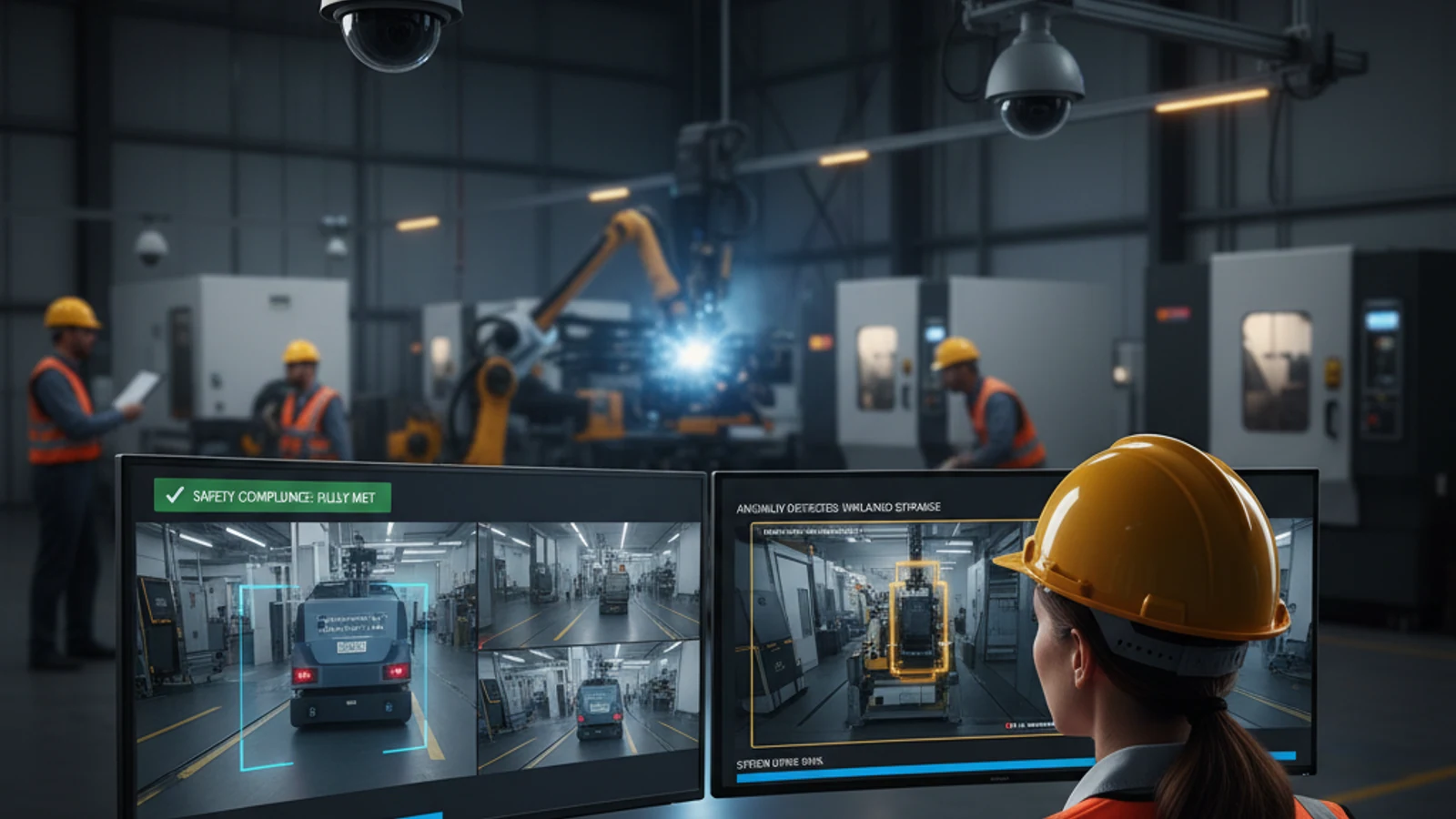
iFovea ALPR automatically reads and logs license plates from security cameras – ideal for parking management, gated access control, and vehicle tracking across business locations.
Cloud-first access
Centralize live view, playback, user permissions, and investigation workflows.
AI analytics built in
Use smarter search and event detection to reduce manual review time.
Camera flexibility
Deploy with supported existing cameras and avoid unnecessary rip-and-replace projects.
How iFovea ALPR Works
Automatic License Plate Recognition (ALPR) uses AI to read vehicle license plates directly from video streams – no separate hardware appliance required for most deployments.
iFovea's cloud-based ALPR pipeline works in three stages. First, your existing ONVIF-compatible camera streams live video to the iFovea cloud platform – the same connection used for standard recording and AI analytics. Second, the AI engine detects vehicles in the frame and isolates the license plate region using object detection models trained specifically for plate localization. Third, an optical character recognition (OCR) model reads the plate characters and logs the result with a timestamp, camera ID, direction of travel, and confidence score.
Because the heavy processing happens in the cloud rather than on the camera or a local NVR, ALPR can be enabled or disabled per camera without any firmware changes, and accuracy improvements roll out automatically as iFovea updates its AI models – no on-site visits required.
ALPR Use Cases
Parking Management
Multi-tenant parking garages and surface lots use ALPR to track every vehicle entry and exit automatically. Instead of manually checking permit stickers or hangtags, iFovea logs each plate against a permit list and flags vehicles that have overstayed a posted time limit – useful for retail centers enforcing 2-hour customer parking or apartment complexes managing reserved resident spaces.
Gated Access Control
At gated communities, corporate campuses, and self-storage facilities, ALPR can match incoming vehicles against an allow list and trigger the gate automatically for recognized residents, employees, or tenants. Unrecognized plates are logged with a snapshot and timestamp, giving property managers a searchable record of every vehicle that approached the gate – without requiring visitors to stop and use an intercom.
Drive-Through Timing
Quick-service restaurants use ALPR to measure how long a vehicle spends in the drive-through lane. By matching the same plate at the order point and the pickup window, iFovea calculates dwell time per vehicle and aggregates it into hourly and daily averages – a metric many QSR operators use to evaluate staffing and kitchen efficiency.
Dock and Yard Management
Warehouses and distribution centers use ALPR to log trailer and truck arrivals at dock doors and yard gates. Each plate read is timestamped and can be cross-referenced against scheduled deliveries, helping yard teams spot unscheduled arrivals, track detention time, and maintain a digital record of which carrier serviced which dock and when.
Camera Requirements for ALPR
ALPR accuracy depends heavily on camera placement, resolution, and lighting. The table below summarizes the minimum and recommended specifications for reliable plate reads.
| Requirement | Minimum | Recommended |
|---|---|---|
| Resolution | 1080p (2MP) | 2MP–4MP with varifocal lens |
| Frame rate | 15 fps | 25–30 fps for vehicles moving faster than 10 mph |
| Lighting | Built-in IR illuminator | Dedicated IR illuminator or low-lux sensor for nighttime gates |
| Mounting angle | Within 30° of head-on | Within 15° of head-on for highest accuracy |
| Plate-to-frame ratio | Plate fills at least 5% of frame width | Plate fills 10%+ of frame width |
| Vehicle speed | Up to 10 mph (gates, parking) | Up to 45 mph with a dedicated ALPR-rated camera |
Most existing ONVIF cameras positioned at gate entries, parking lot chokepoints, or dock doors already meet the minimum specification. For higher-speed applications such as roadway monitoring, a dedicated ALPR-rated camera with a faster shutter speed is recommended to avoid motion blur.
ALPR Accuracy
In good lighting and at recommended camera distances, iFovea ALPR achieves plate read accuracy above 95% for standard U.S. and Canadian license plates. Accuracy depends on several factors: plate condition (dirty, bent, or obscured plates reduce read rates), vehicle speed relative to camera frame rate, lighting consistency between day and night, and camera angle relative to the vehicle's direction of travel. iFovea logs a confidence score with every plate read, so low-confidence reads can be flagged for manual review rather than silently discarded.
Setting Up ALPR
Enabling ALPR on a new or existing camera takes a few steps inside the iFovea dashboard:
- Confirm the camera is ONVIF Profile S or T compliant and already connected to iFovea (see the camera compatibility checker).
- Position or reposition the camera so the target lane or gate area meets the plate-to-frame ratio guidance above.
- Enable the ALPR analytic for that camera from the Analytics tab – no firmware update required.
- Build an allow list or watchlist by uploading plate numbers manually or importing from a CSV.
- Configure alerts – for example, a notification when an unrecognized plate is read at a gate after hours, or when a watchlisted plate is detected at any site.
- Review the ALPR event log to confirm read accuracy, then adjust camera angle or lighting if confidence scores are consistently low.
Frequently asked questions
Who is ALPR most relevant for?
ALPR is most useful for any business that needs to track vehicles entering or leaving a property: gated communities and apartment complexes managing resident and visitor access, retail centers and parking garages enforcing time limits, restaurants measuring drive-through speed, and warehouses or distribution centers logging truck and trailer activity.
Does iFovea support existing cameras for ALPR?
Yes. Most existing ONVIF-compatible IP cameras can be used for ALPR if they meet the resolution, frame rate, and mounting guidelines above. No proprietary ALPR hardware is required for typical gate, parking, and drive-through use cases.
What camera resolution is needed for ALPR?
iFovea ALPR works with cameras as low as 1080p (2MP), but 2MP–4MP cameras with a varifocal lens are recommended for higher accuracy, especially at gates and parking entrances. See the camera requirements table above for full specifications by use case.
How does cloud ALPR compare to local ALPR?
Local (on-camera or NVR-based) ALPR processes plate reads on-site, which can work offline but requires dedicated ALPR-rated hardware and manual updates to improve accuracy. Cloud ALPR with iFovea processes reads in the cloud using your existing ONVIF cameras, so accuracy improvements deploy automatically and the same plate data is searchable across every site from one dashboard.
Does iFovea ALPR store plate data in the cloud?
Yes. Plate reads, timestamps, camera IDs, and confidence scores are stored in your iFovea account according to your configured retention period (14, 30, or 90 days). Plate data is encrypted at rest and access is limited to authorized users on your account.
How does AI search help with ALPR investigations?
Once a plate is read, it becomes searchable across your entire camera network. Instead of scrubbing through hours of footage from multiple cameras, you can search for a specific plate number and instantly see every time and location it was detected, along with a snapshot of the vehicle.
What should I do next?
Request a demo or assessment so iFovea can map ALPR to your camera fleet, sites, bandwidth, and retention requirements.
Related resources
Continue comparing options, planning migration, and estimating the right cloud surveillance architecture.
Ready to plan the next step?
iFovea can review your camera fleet, sites, bandwidth, AI analytics needs, and migration path.
Related iFovea Capabilities
- AI Video Analytics Platform: All 10+ Analytics Types
- Object Detection Analytics: Vehicles, People, and Objects
- Cloud Video Portal: ALPR Event Logs and Search
- Alarm Monitoring Portal: ALPR Watchlist Alert Response
- Mobile App: License Plate Alerts on iOS and Android
- Warehouse Surveillance: ALPR for Dock and Yard Management