

Direct Answer
What is the best Genetec alternative for cloud VMS?
iFovea is a cloud-native Genetec alternative for businesses moving away from on-premise VMS servers. Genetec is powerful but requires on-site servers and IT administration. iFovea eliminates local servers with full cloud management and AI analytics included.
- ✓No on-premise server — full cloud VMS with browser management
- ✓All 10 AI analytics included — no separate Genetec Analytics license
- ✓Works with same ONVIF cameras currently connected to Genetec
Cloud VMS comparison
Genetec Security Center is one of the most feature-rich video management systems on the market. It’s also one of the most complex – requiring dedicated server infrastructure, certified integrator deployment, significant IT expertise to maintain, and licensing costs that scale sharply with camera count and feature modules. For enterprise security teams managing sprawling physical infrastructure, Genetec delivers depth. For mid-market and growth-stage organizations, or any team that wants cloud-first simplicity without on-premises complexity, the total cost of ownership can be difficult to justify.
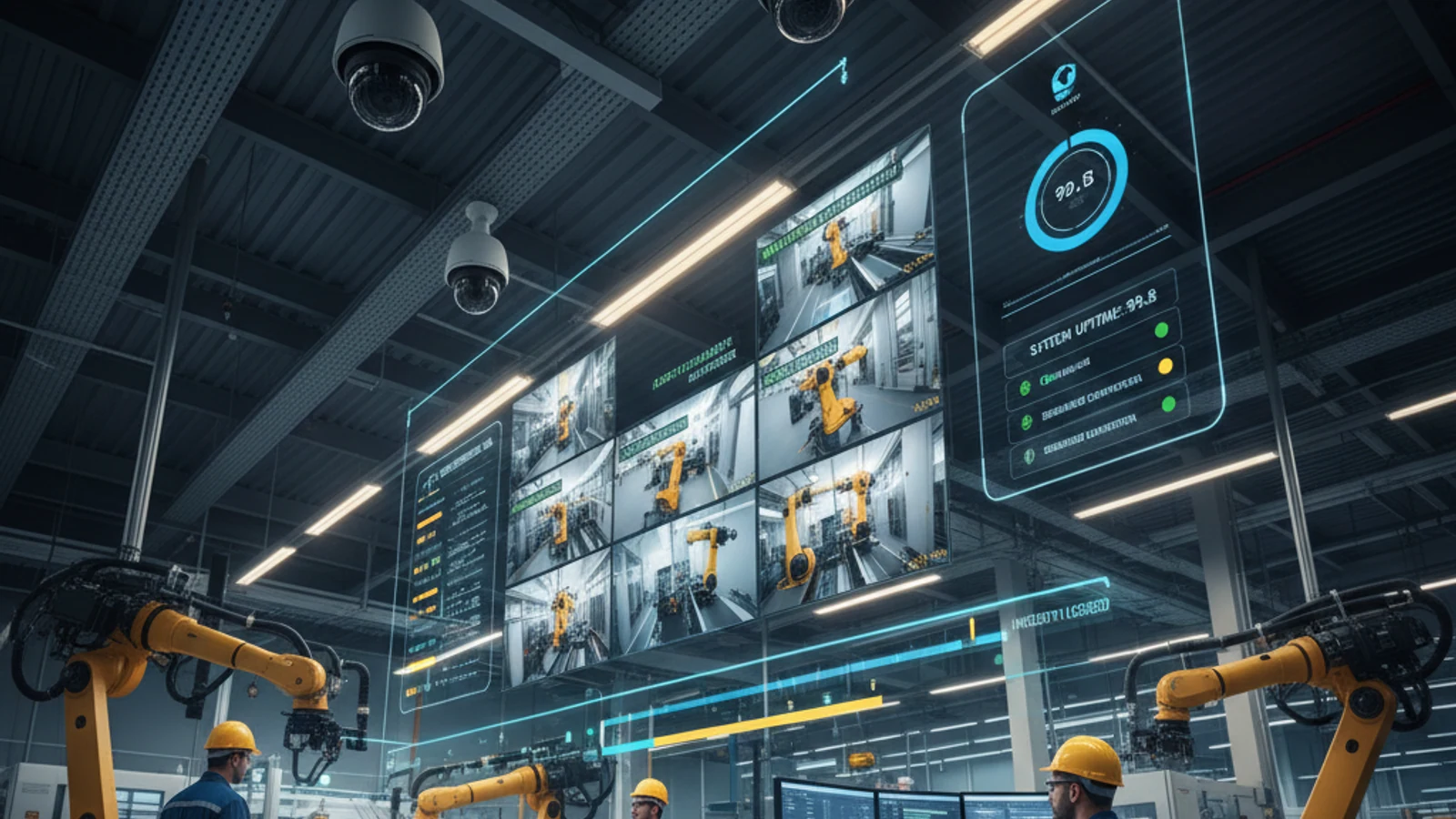
Genetec Security Center is one of the most feature-rich video management systems on the market. It’s also one of the most complex – requiring dedicated server infrastructure, certified integrator deployment, significant IT expertise to maintain, and licensing costs that scale sharply with camera count and feature modules. For enterprise security teams managing sprawling physical infrastructure, Genetec delivers depth. For mid-market and growth-stage organizations, or any team that wants cloud-first simplicity without on-premises complexity, the total cost of ownership can be difficult to justify.
No hardware lock-in
Keep compatible ONVIF and supported IP cameras instead of replacing working hardware.
Hybrid cloud resilience
Use cloud access with local recording continuity where uptime and bandwidth matter.
Lower migration risk
Phase the rollout by site, validate camera compatibility, and avoid all-at-once replacement.
Why Organizations Are Evaluating Genetec Alternatives
Ifovea provides the enterprise-grade multi-site management and AI analytics that make Genetec compelling – delivered as a cloud-native platform that doesn’t require on-premises servers, dedicated IT staff, or complex integrator deployments to maintain.
The Core Challenges With Genetec at Scale
On-Premises Infrastructure Dependency
Genetec Security Center is fundamentally an on-premises VMS. Even with Genetec’s cloud-connected options, the core architecture depends on local servers at each site. That means server procurement, server maintenance, storage management, backup procedures, software updates, and hardware lifecycle replacements – at every location. For organizations with 10, 20, or 50 sites, this is a significant ongoing operational burden.
Implementation and Maintenance Complexity
Genetec deployments typically require certified Genetec integrators for installation and configuration. System updates, camera additions, and configuration changes often require integrator involvement. This creates ongoing service dependency and costs that continue well beyond the initial deployment.
Licensing Depth and Complexity
Genetec’s licensing model includes base platform licenses, per-camera licenses, module licenses (analytics, access control, ALPR, etc.), and support agreements. The full-featured deployment most organizations need involves multiple license tiers. Budget planning becomes an exercise in license management rather than operational planning.
Cloud Transition Friction
Organizations that have built surveillance infrastructure on Genetec and want to transition to cloud-first architecture face significant migration complexity. The platform was designed for on-premises operation, and while Genetec has cloud-connected options, the migration path is not straightforward.
Turn this into a practical surveillance plan
iFovea can review your camera fleet, sites, bandwidth, AI analytics needs, and migration path.
Ifovea vs. Genetec Security Center
| Feature | Genetec Security Center | Ifovea |
|---|---|---|
| Deployment Architecture | On-premises (cloud-connected options available) | Cloud-native with hybrid edge recording |
| Server Infrastructure Required | Yes – at each site | No – cloud-managed, optional edge gateway |
| ONVIF Camera Compatibility | Yes – broad support | Yes – any ONVIF camera |
| AI Video Search & Forensics | Yes – Genetec KiwiVision | Yes – natural language + object/color search |
| License Plate Recognition | Yes – separate module | Yes – included in platform |
| Multi-Site Centralized Management | Yes – Federation | Yes – cloud-native hierarchy |
| IT Overhead | High – server management at each site | Low – cloud-managed, no on-prem servers |
| Implementation Complexity | High – integrator required | Low – cloud onboarding |
| Disaster Recovery | Requires backup planning at each site | Cloud-redundant with local failover |
| White-Label / Reseller Option | No | Yes – full white-label VSaaS platform |
Who Should Consider Switching from Genetec
Not every organization should move away from Genetec. If you have a dedicated security operations team, existing server infrastructure, and deep Genetec expertise in-house, the platform provides capabilities that few others match.
The organizations most likely to benefit from a Genetec alternative are those who:
- Want to eliminate on-premises server infrastructure at branch locations
- Are expanding rapidly and can’t cost-effectively replicate Genetec deployments at each new site
- Lack dedicated IT or security staff to maintain on-prem infrastructure
- Want predictable cloud subscription costs rather than CapEx server cycles
- Are consolidating multiple legacy VMS platforms onto one modern cloud platform
- Need faster incident response with AI-powered forensic search without analyst overhead
Migration from Genetec to Ifovea
Genetec supports a wide range of ONVIF cameras, and that’s good news for migration. Most cameras connected to a Genetec deployment will connect directly to Ifovea without replacement. The cameras stay; the on-premises infrastructure goes.
Migration planning focuses on three areas: camera reconfiguration (pointing cameras to Ifovea’s cloud platform), user access migration (recreating roles and permissions in Ifovea), and footage archival (exporting critical historical footage before decommissioning local servers). Ifovea’s onboarding team provides a structured migration framework for each of these phases.
Ifovea’s AI Analytics vs. Genetec KiwiVision
Genetec’s analytics capabilities are delivered primarily through KiwiVision – a separate module with its own licensing. Ifovea’s AI analytics are integrated into the core platform:
- Natural Language Forensic Search – Describe what you’re looking for; Ifovea finds it across all cameras
- ALPR – License Plate Recognition – Real-time alerts and historical plate search
- People Counting & Occupancy Tracking – Built-in, no additional module required
- Heat Maps & Dwell Time – Operational space analytics
- Loitering & Perimeter Alerts – Behavior-based proactive alerting
- Fire & Smoke Detection – AI-powered safety monitoring through existing cameras
- PPE Safety Compliance – Industrial safety monitoring without additional hardware
Frequently Asked Questions
Is Ifovea a realistic alternative to Genetec for large enterprises?
For multi-site video management and AI analytics, yes. Ifovea handles large enterprise deployments across hundreds of sites with centralized control and cross-site forensic search. Organizations requiring deep physical security convergence (video + access control + intrusion in one unified system) should evaluate their specific requirements in detail.
Can I keep my existing cameras when moving from Genetec?
In most cases, yes. Genetec supports ONVIF-compliant cameras extensively, and those same cameras connect to Ifovea directly. The camera infrastructure stays in place; you’re replacing the VMS and server layer, not the cameras.
What happens to my on-premises servers after migrating?
Once cameras are migrated to Ifovea, on-premises VMS servers can be decommissioned. For edge recording survivability, Ifovea’s optional gateway appliance handles local recording – but this is significantly simpler and less expensive than full on-premises server infrastructure.
How does Ifovea’s pricing compare to Genetec’s total cost?
When accounting for server hardware, software licensing, integrator maintenance fees, and IT overhead, Genetec’s TCO is substantial. Ifovea’s cloud model includes the VMS, analytics, storage, and management in a unified subscription. Request a TCO comparison for your specific deployment size.
Does Ifovea offer disaster recovery and redundancy?
Yes. Ifovea’s cloud infrastructure is geographically redundant. The hybrid architecture ensures local recording continues during internet outages, and footage is synced to cloud when connectivity is restored. No additional backup server infrastructure is required at each site.
Get Your Cloud Readiness Review
If your organization is maintaining aging Genetec infrastructure, evaluating alternatives before your next server refresh cycle, or simply tired of the operational overhead of on-premises VMS management – start with a cloud readiness assessment.
Genetec migration planning resources
Genetec migration planning is usually a multi-site architecture decision, not just a software replacement decision.
Enterprise Pricing Comparison: Ifovea vs Proprietary Cloud Surveillance
The full cost of ownership includes hardware, migration, and ongoing licensing – not just the subscription price.
| Cost Factor | Proprietary Platforms | Ifovea (Open Architecture) |
|---|---|---|
| Camera hardware | $500-$2,000+ per proprietary camera | Reuse existing ONVIF cameras |
| Subscription | Per-camera (varies by platform) | From $14.99/camera/month |
| AI analytics | Extra licensing or limited | All 10 types included |
| Migration cost | Full hardware replacement | Camera reuse in most deployments |
| Vendor lock-in | High – proprietary ecosystem | None – open ONVIF architecture |
What Enterprise Operators Say After Migrating
“After evaluating several platforms, we chose Ifovea because we could keep our existing camera infrastructure. Platform savings from avoided hardware replacement justified the migration in the first two quarters.”
“The AI forensic video search and ALPR in Ifovea Professional AI are more comprehensive than what we had previously. The open camera architecture gives us full infrastructure flexibility with no vendor lock-in.”
Frequently asked questions
Can iFovea reuse cameras from my current system?
In many deployments, yes. iFovea is designed around compatible IP cameras and ONVIF workflows, so teams can often keep supported cameras instead of replacing every device.
How is iFovea different from proprietary cloud camera platforms?
iFovea focuses on cloud VMS flexibility, hybrid recording options, AI search, and camera compatibility rather than forcing a single proprietary hardware stack.
Is migration disruptive?
A planned migration can be phased by location. The safest path is to inventory cameras, pilot a lower-risk site, validate recording and alerts, then roll out by priority.
What is the best next step?
Request a migration or compatibility assessment so iFovea can review camera models, bandwidth, retention requirements, and deployment goals.
Related Comparisons
Related resources
Continue comparing options, planning migration, and estimating the right cloud surveillance architecture.
Ready to plan the next step?
iFovea can review your camera fleet, sites, bandwidth, AI analytics needs, and migration path.