

Managing security cameras across multiple locations, multiple user roles, and multiple organizational stakeholders without a centralized administration layer means every camera configuration change, every user access request, and every policy update becomes a manual, location-by-location operation. At scale, that’s an IT management burden with no end.
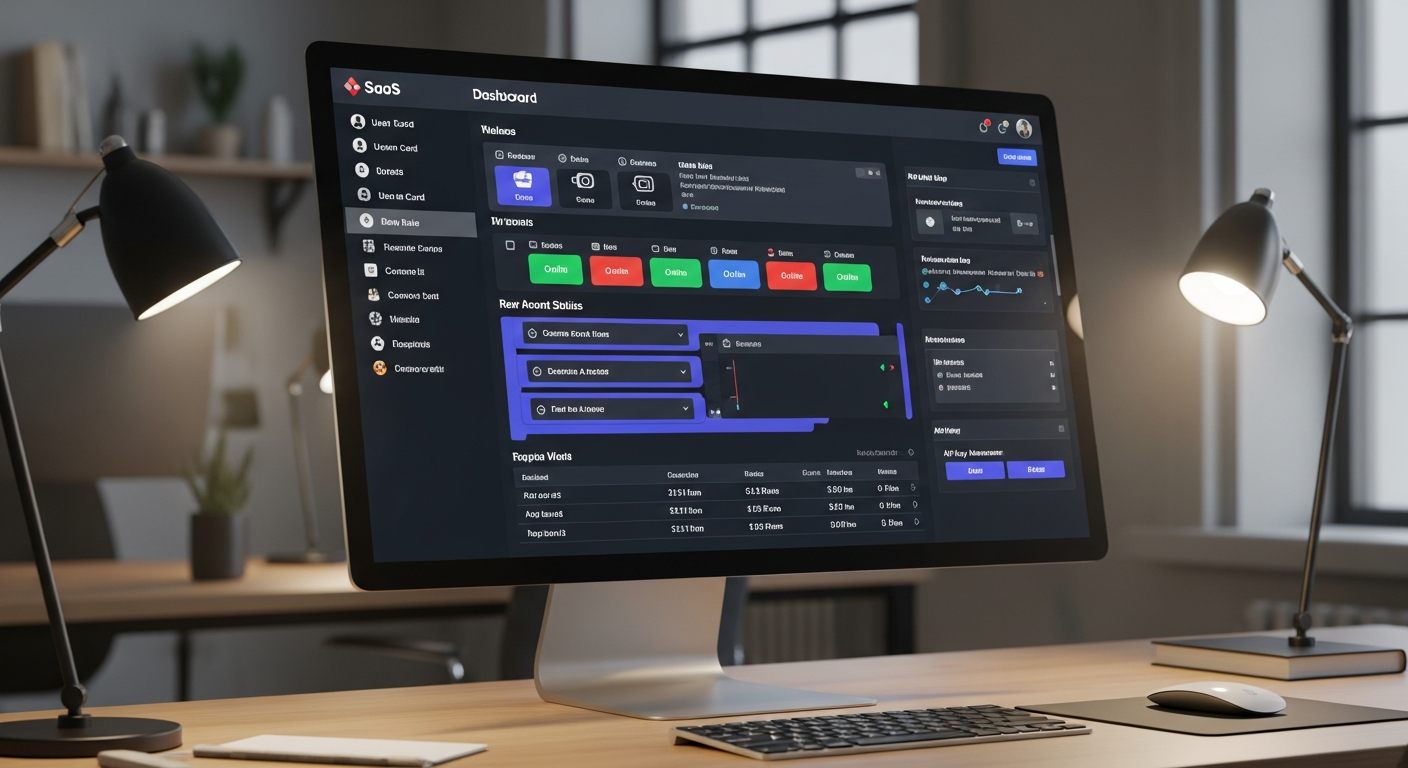
The iFovea Admin Portal is the centralized command layer for the entire cloud VMS deployment — user management, camera configuration, role-based access, alert rules, API keys, billing visibility, and audit logging, all accessible through a single administrative interface with role-based access controls for IT, security, and operations leadership.
For security integrators and white-label VMS partners, the admin portal is the platform from which customer accounts, sub-administrator access, and multi-tenant operations are managed at scale.
Admin Portal Capabilities
User and Role Management
Create users, assign roles, define camera group permissions, set location-level access, configure MFA requirements, and manage active sessions — from one interface without touching individual cameras or location systems.
Camera and Location Configuration
Add cameras, set recording schedules, configure retention periods, define camera groups, assign cameras to locations, and manage camera health status across the full deployment from the admin console.
Access Audit Logging
Every administrative action — user creation, permission change, camera configuration update, footage export, alert rule modification — is logged with user identity, timestamp, and action type in an immutable audit trail. Essential for compliance and governance documentation.
AI Alert Rule Configuration
Define virtual zones, set behavioral thresholds, configure alert recipients, and manage notification routing for all AI video analytics types from the admin interface — without requiring on-site configuration at each location.
API Key Management
Generate, revoke, and monitor API keys for integrations with third-party platforms — access control systems, alarm monitoring software, business intelligence tools, and custom applications accessing camera data via the iFovea API.
Subscription and Billing Visibility
View current camera count, subscription tier, renewal status, and storage consumption across the deployment. For integrators, the billing layer provides per-customer tracking for VSaaS subscription management.
Who the Admin Portal Is Built For
IT Directors and Security Administrators
Enterprise IT teams managing surveillance infrastructure for multi-location businesses need a management plane that eliminates location-by-location administration. The iFovea admin portal centralizes user provisioning, deprovisioning, access policy management, and system health monitoring — removing the need to manage access at each location’s local NVR or camera system.
Corporate Security Directors
Security leadership needs visibility into system health, alert configuration compliance, and access audit records without depending on IT to generate reports. The admin portal provides security directors with the oversight tools to confirm that surveillance policy is being enforced — that the right users have the right access, that alert rules are configured correctly, and that audit records exist for any access event that might be reviewed in an investigation.
Security Integrators and White-Label VMS Partners
For security integrators building managed surveillance services, the admin portal provides multi-tenant management capability. Integrators can manage multiple customer accounts from a single administrative interface, configure sub-administrator access for each customer, and maintain centralized visibility across their entire managed customer base without accessing each customer’s platform separately.
Multi-Site Operations Teams
Operations managers at retail chains, restaurant groups, healthcare networks, and logistics companies need camera systems that are configured consistently and managed centrally. The admin portal allows a single operations team to push configuration changes, define alert policies, and manage user access across dozens or hundreds of locations without location-by-location IT involvement.
Role-Based Access Control Framework
The admin portal’s access control model operates at multiple levels — organization, location, camera group, and individual camera — enabling precise access scoping that matches operational reality:
| Access Level | Scope | Typical Role |
|---|---|---|
| Organization Admin | Full access to all locations, cameras, users, and configuration | IT Director, Security Director, VMS Administrator |
| Location Admin | Full access to one location’s cameras, local user management | Facility Manager, Store Manager |
| Security Operator | View-only access to assigned cameras and AI event feed | Security Officer, Guard, Operations Monitoring Team |
| Investigator | Footage review, AI search, clip export for defined investigation scope | Loss Prevention, HR Investigator, Legal |
| API Integration | Programmatic access via API key with defined scope permissions | Third-party system integration, custom application |
Audit Logging for Compliance and Governance
Organizations deploying AI surveillance in commercial and workplace environments face governance requirements that traditional NVR systems cannot satisfy. Every access event, configuration change, and data export should be logged in a manner that creates organizational accountability and supports compliance documentation.
The iFovea admin portal maintains a comprehensive audit log covering:
- User login events (successful and failed), with device and timestamp
- Footage view events — which user, which camera, which time range
- AI forensic search events — search parameters, cameras searched, results accessed
- Footage export events — user, camera, time range, export recipient
- Alert rule configuration changes — what was changed, by whom, when
- User provisioning and deprovisioning events
- Access permission changes
- API key generation and revocation events
Audit logs are exportable for regulatory review, compliance documentation, and internal governance reporting. For organizations subject to data protection requirements relevant to AI video processing, audit logs provide the access documentation that demonstrating controlled and purposeful use of surveillance data requires. See iFovea’s compliance and security capabilities for the full framework.
Admin Portal for Security Integrators
For security integrators building a VSaaS business on top of iFovea’s platform, the admin portal’s multi-tenant architecture is the operational foundation. Key capabilities for integrators:
- Customer account management — create and manage separate customer accounts with isolated data and configurable access levels
- Sub-administrator access — grant customers admin access to their own account without exposing other customer data or integrator administrative access
- Centralized billing visibility — track per-customer camera counts and subscription consumption for accurate client billing
- White-label configuration — for partners in the iFovea white-label VMS program, brand configuration (logo, color scheme, portal domain) is managed through the admin layer
- Configuration templates — apply standard camera configuration, alert rule sets, and retention policies across new customer deployments without manual per-customer setup
Frequently Asked Questions
Can users be limited to specific cameras or locations in the admin portal?
Yes. Role-based access controls are configurable at the organization level, location level, camera group level, and individual camera level. Users only see the cameras and locations their role explicitly grants access to. This access scoping is enforced at the platform level — not just at the interface level.
Is MFA required for admin portal access?
Multi-factor authentication is supported for all admin portal accounts and is required by default for administrator-level roles. MFA settings are configurable at the organization level through the admin portal.
Can the admin portal be used to manage alert rules without being on-site?
Yes. All alert rule configuration — virtual zone definitions, behavioral thresholds, detection sensitivity, alert recipients — is managed remotely through the admin portal. Changes apply to cameras at the location immediately without requiring on-site access.
How are audit logs accessed and exported?
Audit logs are available in the admin portal’s reporting interface, filterable by user, event type, camera, location, and time range. Logs can be exported for compliance documentation or integrated with SIEM systems via the API for organizations with security information management requirements.
Does the admin portal support multiple levels of integrator and customer hierarchy?
The platform supports multi-tier account structures relevant to VSaaS integrators: integrator admin accounts can manage multiple customer accounts, configure customer-specific access levels, and maintain separation between customer data environments. For detailed integrator management capabilities, contact the iFovea team via the demo request form.
Related Resources
- Cloud Video Portal: Browser-Based Camera Access and AI Analytics
- Compliance and Cloud Video Security: Governance Framework
- White-Label VMS for Integrators and Resellers
- Multi-Site Cloud Surveillance Management
- VSaaS Billing Module for Recurring Revenue Management
- Technology Partners and Integrations
See How iFovea Centralizes Camera and User Management
Request a demo to see how the admin portal handles user provisioning, role-based access, AI alert configuration, and audit logging across your locations.
Looking to join iFovea as a partner?
Apply for early access to the iFovea Partner Program — partner pricing, deal registration, and a multi-tenant dashboard for every client.