

Migration planning resource
Axis Communications is the world’s market leader in network video – and for good reason. Axis cameras are consistently recognized for image quality, firmware reliability, broad ONVIF compliance, and one of the most active developer ecosystems in the IP camera industry. If your organization has invested in Axis cameras, you’ve made a solid hardware decision. The question worth asking is whether your video management system is delivering the cloud management, AI analytics, and multi-site capabilities that your Axis infrastructure deserves.
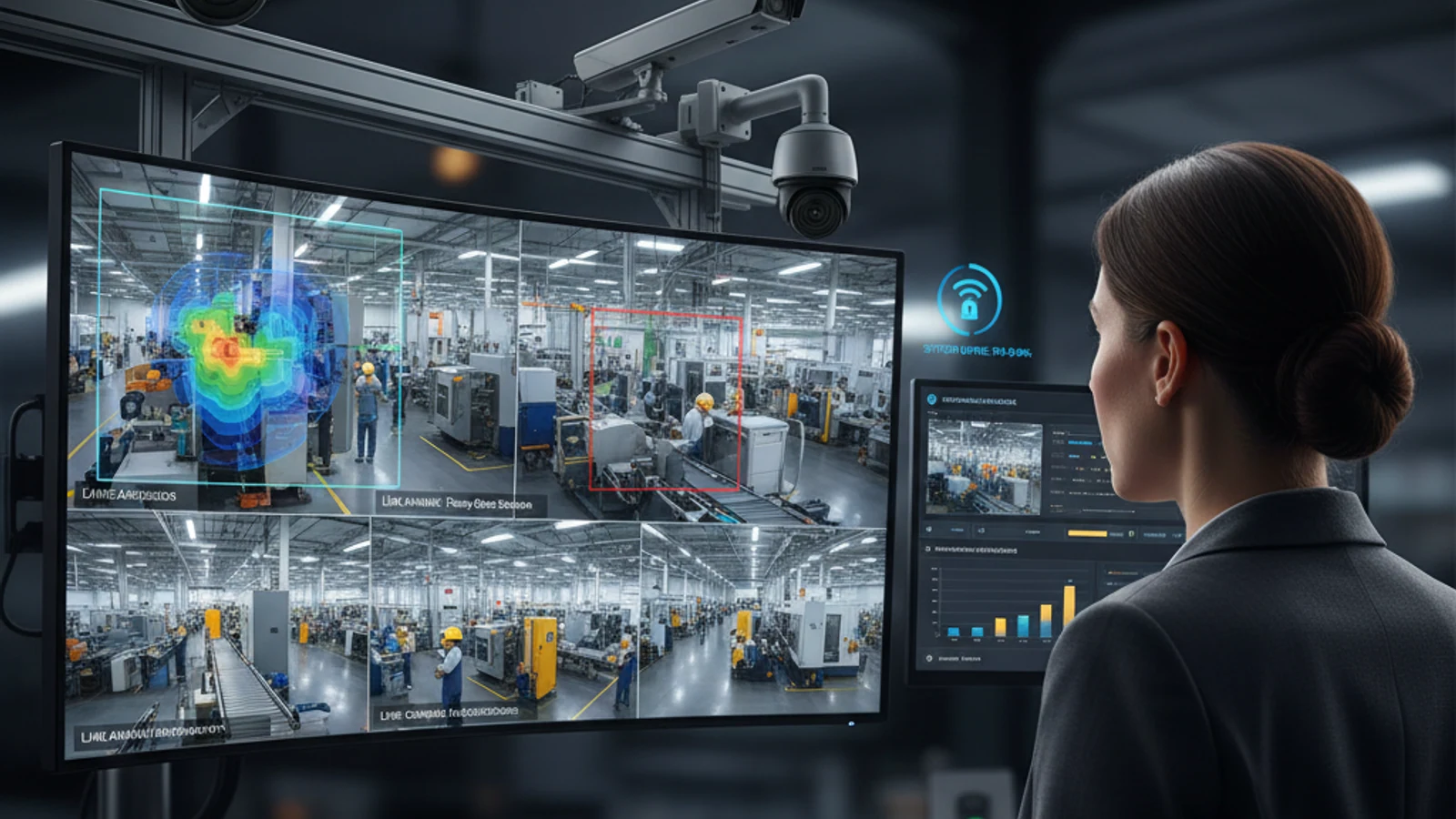
Axis Communications is the world’s market leader in network video – and for good reason. Axis cameras are consistently recognized for image quality, firmware reliability, broad ONVIF compliance, and one of the most active developer ecosystems in the IP camera industry. If your organization has invested in Axis cameras, you’ve made a solid hardware decision. The question worth asking is whether your video management system is delivering the cloud management, AI analytics, and multi-site capabilities that your Axis infrastructure deserves.
Inventory first
Confirm camera models, ONVIF support, bandwidth, retention, and access requirements before cutover.
Pilot before rollout
Validate live view, playback, AI search, alerts, and local survivability at a lower-risk site.
Decommission cleanly
Archive required footage, document ownership, and retire legacy hardware without gaps.
Are Axis Cameras Compatible With Cloud VMS Platforms?
Yes – broadly and reliably. Axis cameras support ONVIF Profile S (for live and recorded video), ONVIF Profile G (for edge storage access), and ONVIF Profile T (for advanced streaming). This comprehensive ONVIF support means Axis cameras connect to any ONVIF-compliant cloud VMS platform, including Ifovea, without manufacturer-specific drivers or proprietary adapters.
Axis cameras are among the most consistently ONVIF-compliant cameras available. Organizations migrating from legacy VMS platforms or on-premises NVR systems to cloud VMS consistently find that Axis cameras migrate cleanly – no firmware changes, no configuration rebuilding, no compatibility surprises.
Why Organizations Running Axis Cameras Move to Cloud VMS
On-Premises VMS Overhead
Many Axis deployments were originally built around on-premises VMS platforms – Genetec, Milestone, Avigilon On-Prem, or Axis’s own Camera Station. These platforms require local server infrastructure, ongoing IT maintenance, firmware management, and storage hardware at every site. As organizations scale to more locations, this infrastructure overhead compounds. Cloud VMS eliminates the server and storage management overhead at each site while delivering better remote access and AI analytics than on-premises systems typically provide.
Inadequate Remote Management
Axis Camera Station and similar on-premises VMS platforms require VPN access for remote viewing and management – functional, but friction-heavy for multi-site operators. Cloud VMS provides native remote access from any browser or mobile device without VPN configuration.
AI Analytics Gap
Axis cameras have impressive onboard analytics capabilities – object detection, line crossing, people counting – built into the camera firmware via Axis AXIS Camera Application Platform (ACAP). These edge analytics are valuable. But platform-level AI – forensic search across all cameras simultaneously, natural language search, ALPR at the VMS level, cross-camera timeline reconstruction – is a separate capability that requires a VMS with AI analytics, not just cameras with edge analytics.
Turn this into a practical surveillance plan
iFovea can review your camera fleet, sites, bandwidth, AI analytics needs, and migration path.
How Ifovea Works With Axis Cameras
ONVIF Connection
Axis cameras connect to Ifovea via ONVIF Profile S. The connection process: enable ONVIF on the camera (Settings ? System ? ONVIF), set ONVIF credentials, add the camera to Ifovea by IP address or ONVIF discovery. For site-wide Axis deployments, Ifovea’s gateway discovers all Axis cameras on the local network automatically via ONVIF scan.
Full Resolution Support
Ifovea handles any resolution and frame rate that the Axis camera outputs. Whether you’re running Axis Q-line 4K cameras for high-definition coverage or Axis M-line 1080p cameras for standard coverage, Ifovea records and manages at the full resolution the camera provides.
Axis Edge Analytics + Ifovea Platform Analytics
Axis cameras’ onboard analytics (motion detection, object detection, people counting, audio detection) operate independently at the camera level. Ifovea’s AI analytics operate at the platform level on the video stream from Axis cameras. This means you benefit from both layers: camera-level analytics generating events that can trigger Ifovea alerts, and platform-level AI forensic search, ALPR, and behavioral analytics running on the full video stream.
Axis Companion and Camera Station Migration
Organizations moving from Axis Camera Station or Axis Companion to Ifovea don’t need to reconfigure cameras – ONVIF credentials stay the same. The migration is a VMS-side change: remove cameras from Axis Camera Station, add them to Ifovea. Local server hardware can be decommissioned once migration is complete.
Axis Camera Models That Work With Ifovea
Virtually all current Axis camera models are ONVIF-compliant and work with Ifovea. This includes:
- Axis P-line: Professional fixed cameras with high image quality, wide dynamic range, and advanced analytics. Fully compatible with Ifovea via ONVIF.
- Axis Q-line: High-end cameras including 4K, multi-sensor, PTZ, and thermal models. ONVIF-compliant across the line.
- Axis M-line: Mid-range cameras for cost-sensitive deployments. ONVIF-compliant, strong compatibility with Ifovea.
- Axis T-line: Thermal cameras and specialized devices. ONVIF support varies by model – confirm before deployment.
- Axis F-line: Modular camera systems. ONVIF-compliant on compatible main units.
Frequently Asked Questions
Do I need to replace my Axis cameras to move to cloud VMS?
No. Axis cameras are ONVIF-compliant and connect to Ifovea directly. Your Axis hardware investment is preserved through the VMS migration.
Does Ifovea support Axis-specific features like deep learning analytics?
Axis ACAP applications (onboard deep learning analytics) operate at the camera level independently of the VMS. These camera-level events can be used to trigger Ifovea alerts via ONVIF event integration. Ifovea’s own AI analytics run at the platform level on the video stream, providing forensic search and cross-camera analysis capabilities that camera-edge analytics don’t address.
Can I use Axis cameras alongside cameras from other manufacturers in Ifovea?
Yes. Ifovea’s ONVIF-based approach supports mixed-manufacturer camera environments. Axis cameras at one location and Hanwha cameras at another, or mixed Axis and Hikvision cameras at a single large facility, all work in the same Ifovea account without differentiation at the platform level.
How does Ifovea handle Axis cameras with edge storage (ACAP + SD card)?
Cameras with edge SD card storage can use ONVIF Profile G to make locally stored footage accessible from Ifovea. The specific configuration depends on the camera model and firmware version. Ifovea’s team can advise on edge storage integration for your specific Axis camera models.
Move Your Axis Cameras to Cloud VMS
If you’re running Axis cameras on an on-premises VMS, aging NVR, or a platform that doesn’t deliver the cloud management and AI analytics your operations require – Ifovea’s team can assess your current deployment and design a migration path that preserves your Axis hardware investment.
Frequently asked questions
What should be checked before migration?
Camera model, ONVIF support, network bandwidth, retention policy, user permissions, legal hold footage, and legacy contract dates should be reviewed first.
Should every location migrate at once?
Usually no. A pilot site helps validate configuration, recording, alerts, AI search, and user workflows before a broader rollout.
Can hybrid cloud reduce risk?
Hybrid cloud can preserve local recording during internet interruptions while still giving teams cloud access and centralized management.
What does iFovea review in an assessment?
iFovea can review camera compatibility, deployment architecture, network readiness, retention needs, and total cost considerations.
Related resources
Continue comparing options, planning migration, and estimating the right cloud surveillance architecture.
Ready to plan the next step?
iFovea can review your camera fleet, sites, bandwidth, AI analytics needs, and migration path.