

AI Object Detection and Tracking for Security Cameras
Object detection and tracking is the foundation of modern AI video analytics — it’s how a camera tells the difference between a person, a vehicle, a stray cat, and a swaying tree branch, and follows whatever matters across the frame and across cameras.
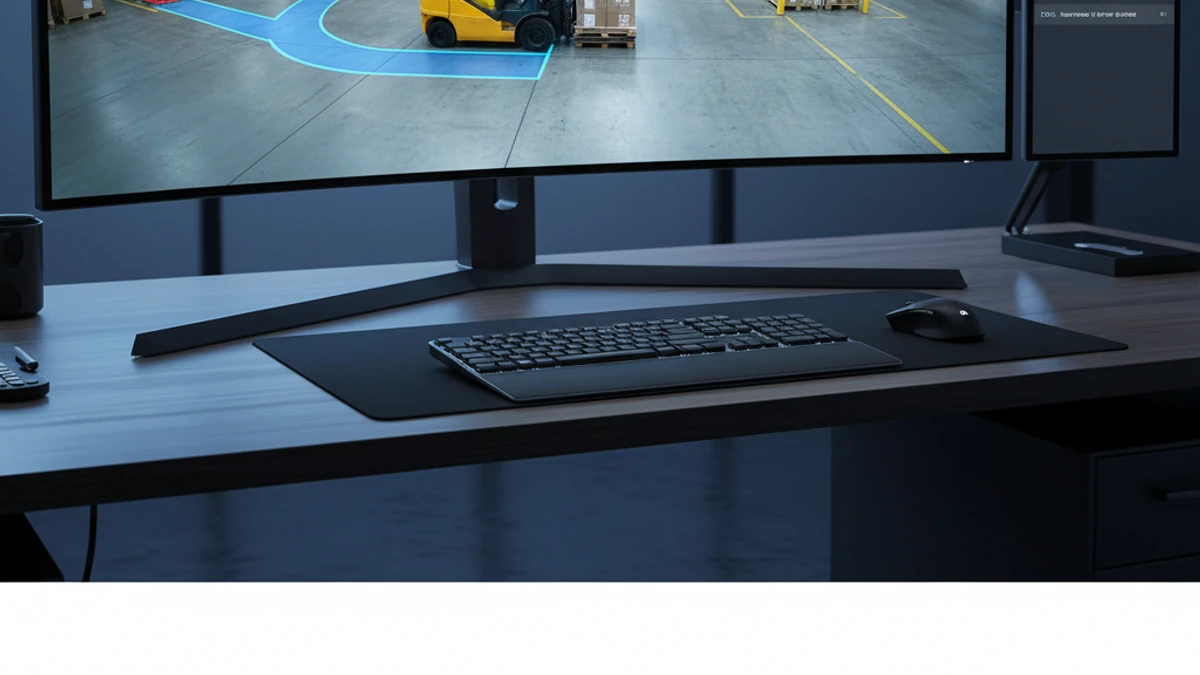
AI object detection is computer-vision technology that identifies and classifies specific objects — people, vehicles, bags, packages, animals — within a camera’s view, in real time. Tracking extends this by following a classified object as it moves through the frame and across multiple cameras on a site, maintaining its identity for the duration it remains visible.
Object Detection vs. Traditional Motion Detection
Motion detection has been part of security cameras for decades — and it has a well-known problem: it can’t tell what caused the motion. Wind, rain, headlights, shadows, and insects all trigger the same generic alert as an actual intruder, which trains people to ignore notifications altogether. Object detection solves this by classifying what moved before deciding whether it matters.
| Question | Motion Detection | Object Detection & Tracking |
|---|---|---|
| “Did something move?” | Yes/no only | Yes — and it identifies what moved |
| “Was it a person, vehicle, or animal?” | Cannot answer | Classified automatically |
| “Where did it go after it left this camera?” | Cannot answer | Tracked across cameras on the same site |
| Alerts from rain, shadows, headlights, insects | Frequent | Filtered out by classification |
What Can Be Detected and Tracked
- People — including direction of movement and dwell time in a zone
- Vehicles — cars, trucks, vans, and other classes, often paired with vehicle counting or license plate recognition
- Bags and packages — useful for detecting items left behind, or removed, in a monitored area
- Animals — distinguished from people and vehicles to reduce nuisance alerts on rural and perimeter sites
- General objects entering or leaving defined zones — configurable per camera and per site
Tracking Across Multiple Cameras
On a single-camera system, tracking ends the moment a person or vehicle leaves the frame. iFovea’s platform extends tracking across a site’s full camera network, so a person who walks from a parking lot camera into a building-entrance camera can be followed as a continuous event rather than two disconnected clips. This is especially useful for multi-site operations piecing together how an incident moved through a property — and it dramatically shortens investigation time, because your team isn’t manually cross-referencing timestamps across a dozen camera feeds.
Where Object Detection & Tracking Gets Used
- Perimeter security: detect a person or vehicle crossing a fence line or restricted boundary, day or night, and alert immediately — see also intrusion and perimeter detection.
- Parking lots and garages: identify vehicles entering after hours, lingering in restricted spots, or moving in unusual patterns.
- Retail loss prevention: flag when an item is removed from a display or a person lingers near high-value merchandise.
- Warehouses and logistics yards: track forklifts, trailers, and personnel movement across large, busy sites where manual monitoring isn’t practical.
- Construction sites: detect equipment and vehicle movement after hours, and confirm that secured zones remain undisturbed.
Reducing False Alerts With Classification
The single biggest reason security teams stop trusting their camera alerts is alert fatigue — too many notifications about nothing. Because iFovea’s object detection classifies what it sees before triggering a rule, you can configure alerts like “notify me only when a person enters this loading dock between 10 PM and 6 AM” instead of “notify me about literally any movement, all the time.” The result is a system your team actually responds to, because the alerts that reach them are the ones that matter.
Built on the Cameras You Already Have
Object detection and tracking runs as part of iFovea’s included AI video analytics suite on ONVIF-compatible cameras — in most cases, your existing camera fleet is enough to get started. See the full cloud VMS platform overview for how detection, tracking, and the rest of the analytics suite fit together.
See object detection and tracking in action
Walk us through your site layout and we’ll show you what detection and cross-camera tracking would look like for your specific cameras and zones.
Frequently Asked Questions
What is AI object detection?
AI object detection is computer-vision software that identifies and classifies specific objects — such as people, vehicles, bags, and animals — within a camera’s field of view in real time, rather than simply flagging that something moved.
How is object detection different from motion detection?
Motion detection triggers on any pixel change with no understanding of what caused it. Object detection classifies what actually moved, which filters out false alerts from weather, shadows, and animals, and enables features like targeted alerts, counting, and tracking.
Can the system track a person across multiple cameras?
Yes. iFovea tracks classified objects across a site’s full camera network, following a person or vehicle as it moves from one camera’s view into another’s — turning what used to be disconnected clips into a single continuous record.
What types of objects can be detected?
iFovea’s object detection can classify and track people, vehicles, bags and packages, and animals, and can be configured to watch for objects entering or leaving specific zones.
Will this reduce false security alerts?
Yes — because detections are classified before triggering a rule, alerts can be limited to specific object types, zones, and time windows, which significantly cuts down on the noise that causes teams to ignore notifications.
Do I need new cameras for object detection and tracking?
In most cases, no. Object detection and tracking is part of iFovea’s included AI analytics suite and runs on ONVIF-compatible IP cameras many businesses already have installed.