

iFovea vs Nx Witness
Cloud-native managed VMS vs. on-premise enterprise VMS — own and operate your infrastructure, or have it managed for you.
🏢 Nx Witness — Best When
- Strict data sovereignty requirements
- Air-gapped or restricted-internet environment
- In-house IT team can manage servers
- Deep on-premise integration needed
- Existing Windows/Linux server infrastructure
- Large single-site campus or facility
☁️ iFovea — Best When
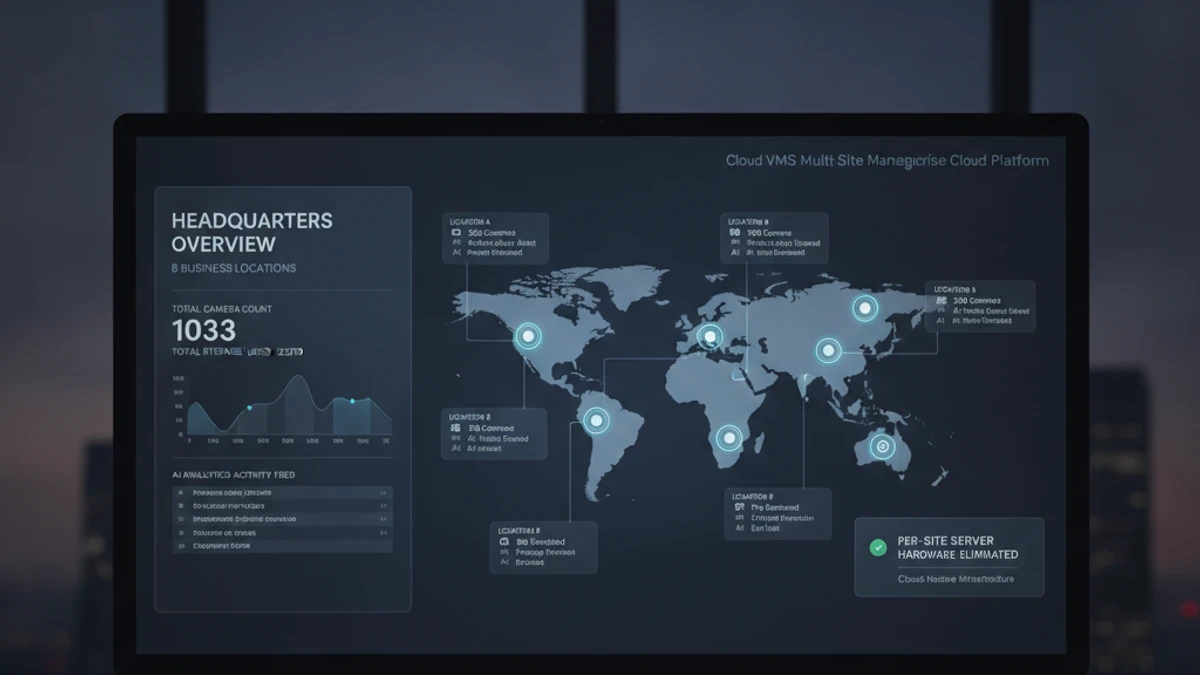
- Multi-site with centralized management
- No local server infrastructure desired
- Cloud-native AI analytics (ALPR, people counting)
- Subscription pricing preferred over CapEx
- Integrator / reseller multi-tenant model
- Rapid deployment across distributed sites
What Makes Nx Witness a Strong On-Premise Choice
Nx Witness (branded as DW Spectrum by Digital Watchdog) is among the better-designed on-premise VMS platforms. It outperforms most legacy NVRs and open-source alternatives in several areas: polished desktop and web client, cross-platform server (Windows or Linux), broad camera compatibility with fisheye dewarping and PTZ control, Nx Cloud relay for remote desktop client access, edge storage support, and a developer SDK.
Full Platform Comparison
Cost Structure: On-Premise CapEx vs. Cloud OpEx
Nx Witness 50-Camera Deployment Estimate
• Software licenses: ~$2,500–$4,000
• Annual maintenance renewal: ~$500–$800/year
• Server hardware: $2,000–$6,000
• Storage: $1,000–$2,000
• IT setup and configuration: $1,500–$4,000
• AI add-on (optional): additional per channel
Cloud VMS converts this to OpEx — monthly subscription with no hardware CapEx for servers or storage. For organizations managing capital budgets carefully, cloud VMS often fits better from a financial planning perspective.
Evaluating Nx Witness vs. Cloud VMS?
We’ll build a side-by-side cost model for your specific camera count, site count, and AI analytics requirements — including 3-year TCO.
The True Cost of Running NX Witness: What “Free” Actually Costs
NX Witness: server license + per-channel fees. On-premise server hardware and maintenance: additional.
The software license is the smallest item in your total cost. The real costs are infrastructure: the server that runs it, the electricity that powers it, the storage that holds footage, the IT time that keeps it running, and the remote access tools required to view it from anywhere. Here is what 10 cameras on a self-hosted VMS actually costs per month.
Self-Hosted VMS (10 cameras, conservative)
$8–$27 / camera / month
Infrastructure + labor. Software license not the main cost.
- No native AI analytics (people counting, ALPR, forensic search)
- No multi-site dashboard
- Remote access requires VPN or cloud relay setup
- You are responsible for uptime, backups, and recovery
iFovea Cloud VMS (10+ cameras)
Contact for per-camera quote
One line item. Infrastructure, AI, and maintenance included.
- 10 AI analytics types included: ALPR, people counting, forensic search, heat maps, and more
- All sites on one dashboard
- Native mobile app remote access — no VPN required
- Cloud infrastructure managed and monitored by iFovea
The honest math
For organizations with a dedicated sysadmin who manages many other systems (where surveillance is a minor time allocation), self-hosted VMS can make sense. For businesses paying someone to manage surveillance infrastructure specifically — or where IT time has opportunity cost — cloud VMS is often cheaper on a per-camera basis when all costs are counted. Use the NVR Replacement ROI Calculator to model your specific deployment.
Open-Source VMS Resource Center
Compare platforms, estimate costs, and plan your migration
Blue Iris Alternative
Frigate NVR Alternative
ZoneMinder Alternative
Shinobi Alternative
Self-Hosted VMS Security Risks
GPU Requirements for AI Surveillance
VPN vs Cloud Remote Access
Migrate Blue Iris to Cloud VMS
Edge Recording vs Cloud Recording
NVR Replacement ROI Calculator
Centralized Camera Management