

Cloud VMS comparison
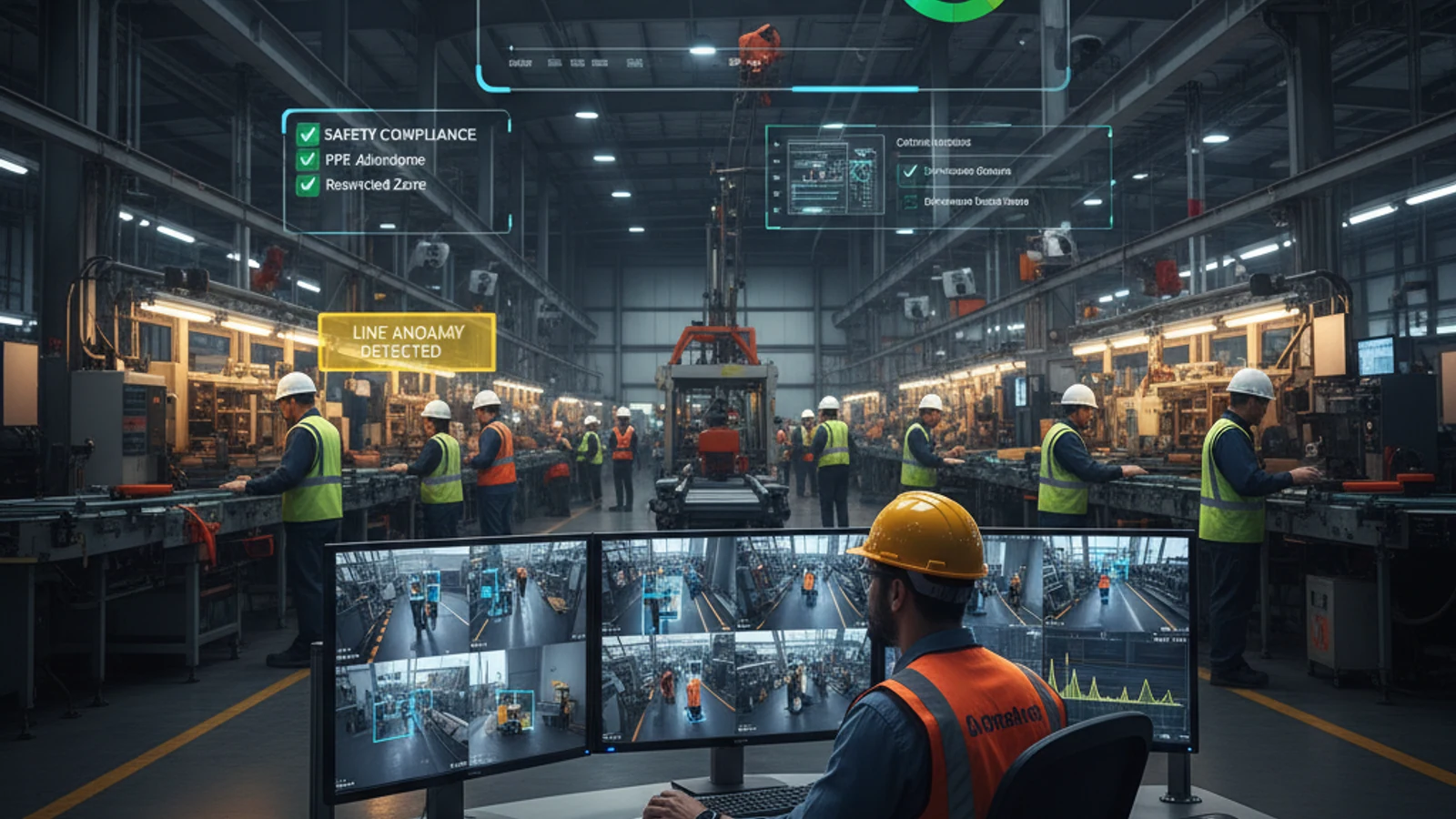
Motion detection triggers alerts every time pixels change – animals, wind, shadows, headlights. iFovea object detection uses AI to confirm specific object classes (people, vehicles) before triggering any alert, eliminating the noise that causes security teams to ignore their systems entirely.
Motion detection triggers alerts every time pixels change – animals, wind, shadows, headlights. iFovea object detection uses AI to confirm specific object classes (people, vehicles) before triggering any alert, eliminating the noise that causes security teams to ignore their systems entirely.
No hardware lock-in
Keep compatible ONVIF and supported IP cameras instead of replacing working hardware.
Hybrid cloud resilience
Use cloud access with local recording continuity where uptime and bandwidth matter.
Lower migration risk
Phase the rollout by site, validate camera compatibility, and avoid all-at-once replacement.
Object Detection vs. Motion Detection
| Factor | iFovea AI Object Detection | Pixel Motion Detection |
|---|---|---|
| Trigger condition | AI confirms object class | Any pixel difference |
| Animals trigger | No – classified non-target | Yes – every time |
| Weather triggers | No – filtered | Yes – constantly |
| Alert specificity | Person in Zone B after hours | Motion detected |
| Forensic search | By color, zone, class, trajectory | Not possible |
Advanced Features
- Multi-class classification – People, vehicles (car, truck, motorcycle, bicycle), animals, luggage, packages, and thousands more
- Zone-based alert rules – Different rules per zone per schedule
- Color search – Find footage by object color across your archive
- Area search – Retrieve every object that appeared in a defined region during a time range
- Trajectory tracking – Trace complete movement path of any detected object
- Left object detection – Alert when an object is unattended beyond a threshold
Turn this into a practical surveillance plan
iFovea can review your camera fleet, sites, bandwidth, AI analytics needs, and migration path.
Related Resources
FAQ
Does object detection eliminate all false alarms?
It eliminates the vast majority – false alarms from animals, weather, shadows, and lighting changes are filtered. The key metric is dramatically fewer false alerts compared to motion detection, meaning security teams actually respond when alerts do fire.
Can I configure which object classes trigger alerts?
Yes – configure alert rules per zone: only people, only vehicles, or specific combinations depending on your security needs for each zone.
See iFovea Live – Request a Free Demo
Works with your existing cameras. No contracts. No hardware replacement required.
Frequently asked questions
Can iFovea reuse cameras from my current system?
In many deployments, yes. iFovea is designed around compatible IP cameras and ONVIF workflows, so teams can often keep supported cameras instead of replacing every device.
How is iFovea different from proprietary cloud camera platforms?
iFovea focuses on cloud VMS flexibility, hybrid recording options, AI search, and camera compatibility rather than forcing a single proprietary hardware stack.
Is migration disruptive?
A planned migration can be phased by location. The safest path is to inventory cameras, pilot a lower-risk site, validate recording and alerts, then roll out by priority.
What is the best next step?
Request a migration or compatibility assessment so iFovea can review camera models, bandwidth, retention requirements, and deployment goals.
Related resources
Continue comparing options, planning migration, and estimating the right cloud surveillance architecture.
Ready to plan the next step?
iFovea can review your camera fleet, sites, bandwidth, AI analytics needs, and migration path.