

Cloud VMS comparison
Motion detection has been the default alert system for security cameras for decades. It works by detecting changes in pixels between frames – if enough pixels change, it triggers an alert. The problem: almost everything moves. Wind moves leaves. Lights change shadows. Animals cross the frame. Sprinkler systems activate. The result is dozens of false alerts every day, and security teams that learn to ignore them entirely.
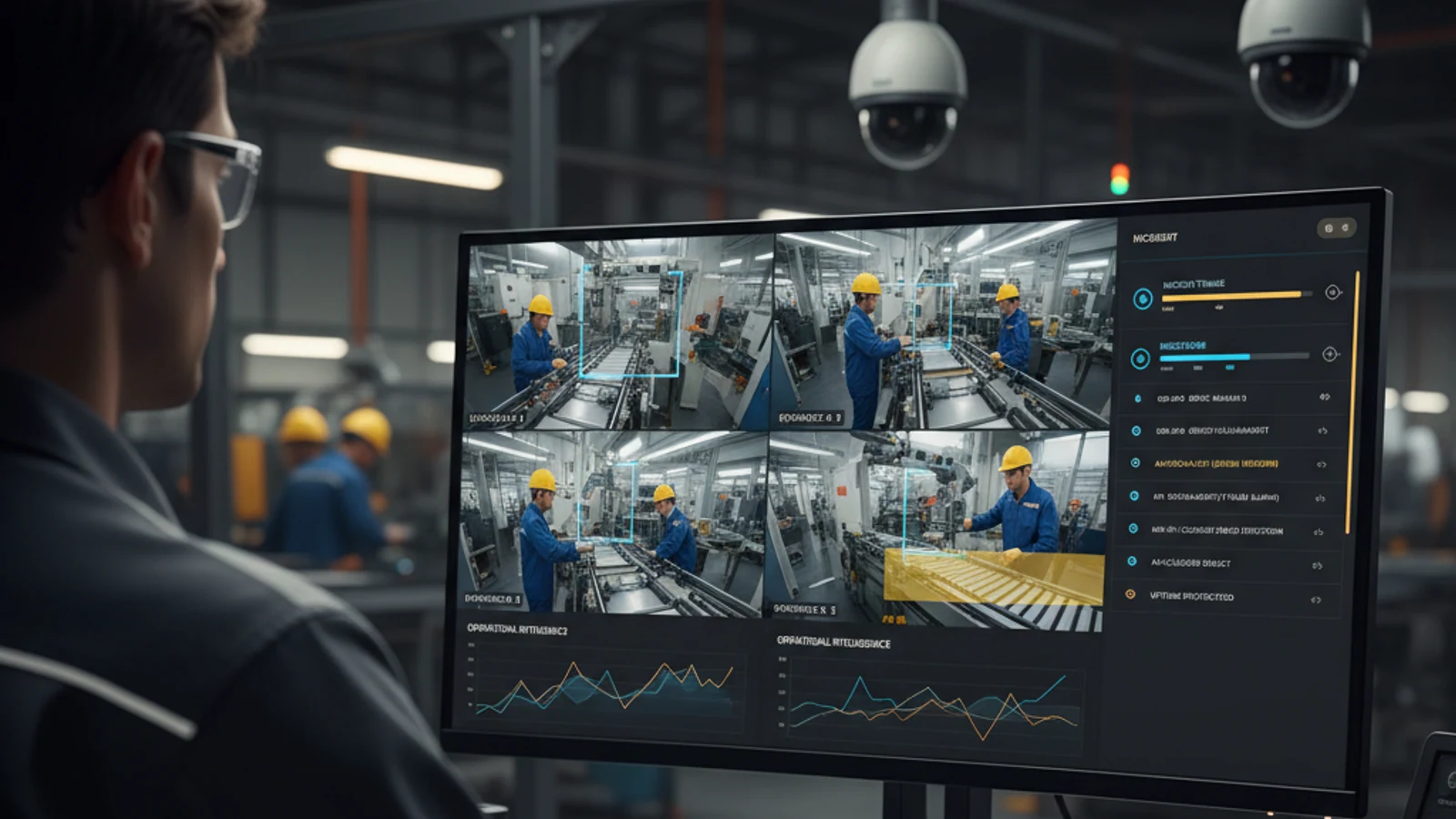
Motion detection has been the default alert system for security cameras for decades. It works by detecting changes in pixels between frames – if enough pixels change, it triggers an alert. The problem: almost everything moves. Wind moves leaves. Lights change shadows. Animals cross the frame. Sprinkler systems activate. The result is dozens of false alerts every day, and security teams that learn to ignore them entirely.
No hardware lock-in
Keep compatible ONVIF and supported IP cameras instead of replacing working hardware.
Hybrid cloud resilience
Use cloud access with local recording continuity where uptime and bandwidth matter.
Lower migration risk
Phase the rollout by site, validate camera compatibility, and avoid all-at-once replacement.
What Is Object Detection?
Object detection uses deep learning AI to identify specific types of objects in video footage – people, vehicles, luggage, packages. Instead of asking “did pixels change?” it asks “is there a person in this frame?” and “is that person in a zone they shouldn’t be in after hours?”
This distinction is the difference between a system that floods your phone with alerts every time a moth flies past an outdoor camera, and one that sends a single precise alert when a person enters your warehouse at 2am.
Object Detection vs. Motion Detection: Key Differences
| Feature | Object Detection (AI) | Motion Detection (Pixel-based) |
|---|---|---|
| What it detects | Specific objects: people, vehicles, luggage | Any pixel change in the frame |
| False alarm rate | Very low – filters out weather, animals, light changes | Very high – triggers on any movement |
| Alert specificity | “Person detected in Zone B after hours” | “Motion detected” |
| Hardware required | AI processing (cloud or on-device) | Any camera |
| Cost | Higher (AI subscription) | Built into most cameras |
| Usefulness | High – actionable alerts | Low – requires human review |
Turn this into a practical surveillance plan
iFovea can review your camera fleet, sites, bandwidth, AI analytics needs, and migration path.
Real-World Impact: What False Alarms Cost
False alarms aren’t just annoying – they’re expensive. The alarm industry estimates that 94-99% of all alarm dispatches are false. Law enforcement in many jurisdictions now charges fees for repeated false alarm responses ($50-$500 per incident depending on location). Beyond fees, there’s the staff time spent reviewing footage and resetting systems, and the alert fatigue that causes security teams to stop responding to alerts altogether.
A security system that cries wolf constantly becomes invisible. The moment a real incident occurs, it’s treated like all the other alerts – ignored or reviewed too late.
How iFovea’s Object Detection Eliminates False Alarms
iFovea’s AI object detection is trained to classify thousands of object types with high confidence before triggering an alert. Specifically:
- Animals are ignored – a dog or cat crossing the camera view doesn’t trigger a person alert
- Weather is ignored – rain, wind, falling leaves don’t register as object events
- Light changes are ignored – headlights, shadows from passing cars, flickering lights don’t trigger alerts
- Only relevant objects trigger alerts – people and vehicles in specified zones during specified times
Zone-Based Object Detection
Beyond filtering by object type, iFovea lets you define specific zones within each camera view and set alert rules per zone. For example:
- Alert when any person enters the server room zone after 6pm
- Alert when a vehicle enters the loading dock zone between midnight and 6am
- Alert when a person crosses the property line perimeter at any time
- Count all people who enter Zone A (entrance) vs. Zone B (checkout) for retail analytics
Stop drowning in false alarms – see iFovea’s AI object detection live.
Frequently asked questions
Can iFovea reuse cameras from my current system?
In many deployments, yes. iFovea is designed around compatible IP cameras and ONVIF workflows, so teams can often keep supported cameras instead of replacing every device.
How is iFovea different from proprietary cloud camera platforms?
iFovea focuses on cloud VMS flexibility, hybrid recording options, AI search, and camera compatibility rather than forcing a single proprietary hardware stack.
Is migration disruptive?
A planned migration can be phased by location. The safest path is to inventory cameras, pilot a lower-risk site, validate recording and alerts, then roll out by priority.
What is the best next step?
Request a migration or compatibility assessment so iFovea can review camera models, bandwidth, retention requirements, and deployment goals.
Related resources
Continue comparing options, planning migration, and estimating the right cloud surveillance architecture.
Ready to plan the next step?
iFovea can review your camera fleet, sites, bandwidth, AI analytics needs, and migration path.