

Cloud VMS feature
Small businesses need security camera systems that are affordable, simple to set up, and do not require a dedicated IT person to maintain. iFovea cloud VMS provides enterprise-grade AI surveillance starting from a single camera – no NVR to buy, no server to maintain, no technical complexity, accessible from your phone from anywhere.
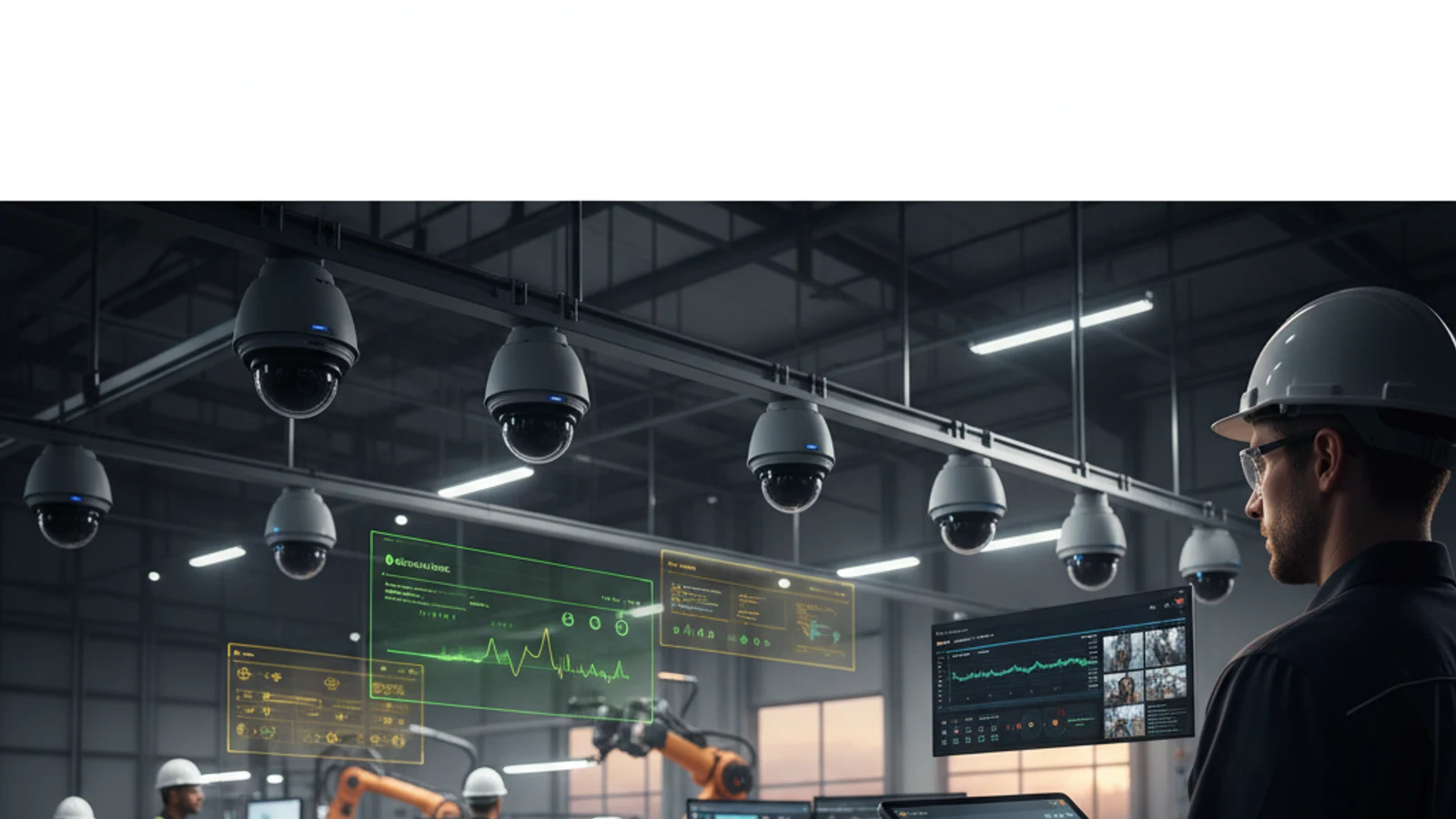
Small businesses need security camera systems that are affordable, simple to set up, and do not require a dedicated IT person to maintain. iFovea cloud VMS provides enterprise-grade AI surveillance starting from a single camera – no NVR to buy, no server to maintain, no technical complexity, accessible from your phone from anywhere.
Cloud-first access
Centralize live view, playback, user permissions, and investigation workflows.
AI analytics built in
Use smarter search and event detection to reduce manual review time.
Camera flexibility
Deploy with supported existing cameras and avoid unnecessary rip-and-replace projects.
Why Traditional Security Systems Fail Small Businesses
| Problem | Traditional NVR System | iFovea Cloud VMS |
|---|---|---|
| Upfront hardware cost | 1,500-5,000+ for NVR and storage | Zero – use cameras you have or buy individually |
| Remote access | Port forwarding complexity or VPN | Instant – phone app from anywhere |
| AI analytics | Not included – motion alerts only | Face recognition, object detection, people counting |
| Maintenance | Hard drive replacement every 2-3 years | Zero – cloud managed automatically |
| Scaling to more cameras | NVR channel capacity limit | Add cameras anytime – no hardware limit |
iFovea Features for Small Business
- Start with any number of cameras – One camera, five cameras, or fifty. No minimum. Pay only for what you connect.
- Phone app access – iOS and Android. Check cameras from anywhere in seconds.
- AI motion filtering – Object detection sends alerts only for people and vehicles – not animals, wind, or shadows.
- Cloud storage – 7, 30, or 90+ days of footage storage per camera, accessible from any device.
- Works with existing cameras – Most IP cameras from Axis, Hikvision, Uniview, Vivotek, and others are compatible. No new cameras required to start.
- No long-term contracts – Subscribe month-to-month or annually. Cancel anytime.
Turn this into a practical surveillance plan
iFovea can review your camera fleet, sites, bandwidth, AI analytics needs, and migration path.
Small Business Use Cases
- Retail shops and restaurants – Theft prevention, after-hours intrusion detection, remote monitoring while away
- Professional offices – After-hours access alerts, reception and parking monitoring
- Warehouses and storage – Perimeter intrusion, inventory zone monitoring, delivery confirmation
- Service businesses – Employee oversight, customer interaction documentation, liability protection
Related Resources
FAQ
How much does iFovea cost for a small business?
Pricing is custom based on camera count, storage retention, and features. No minimum camera count. Request a quote for your specific setup – most small business deployments are significantly less expensive than purchasing NVR hardware.
Do I need an IT person to set this up?
No. The iFovea Gateway device requires no technical knowledge – plug cameras in, connect the Gateway to the internet, and cameras appear in your cloud dashboard. The Push Installer software requires basic computer skills to install on a PC.
See iFovea Live – Request a Free Demo
Works with your existing cameras. No contracts. No hardware replacement required.
Frequently asked questions
Who is Small Business Video Surveillance: Cloud VMS That Scales With You most relevant for?
It is most relevant for organizations evaluating cloud VMS, AI analytics, camera compatibility, or migration away from legacy surveillance systems.
Does iFovea support existing cameras?
iFovea is designed to support many existing IP camera deployments through compatible camera and ONVIF workflows.
How does AI search help investigations?
AI search reduces manual review by helping teams find people, vehicles, objects, colors, areas, and events faster than timeline scrubbing alone.
What should I do next?
Request a demo or assessment so iFovea can map the topic to your camera fleet, sites, bandwidth, and retention requirements.
Related resources
Continue comparing options, planning migration, and estimating the right cloud surveillance architecture.
Ready to plan the next step?
iFovea can review your camera fleet, sites, bandwidth, AI analytics needs, and migration path.