

Expert guide
BYOC – Bring Your Own Camera – is one of the most valuable features in a cloud VMS, and one of the most misunderstood. It means you can connect existing IP cameras from your facility to a cloud platform without replacing them with proprietary hardware. No rip-and-replace. No $600-$1,600 per-camera hardware budget. Just plug your existing cameras into the cloud and start getting AI analytics the same week.
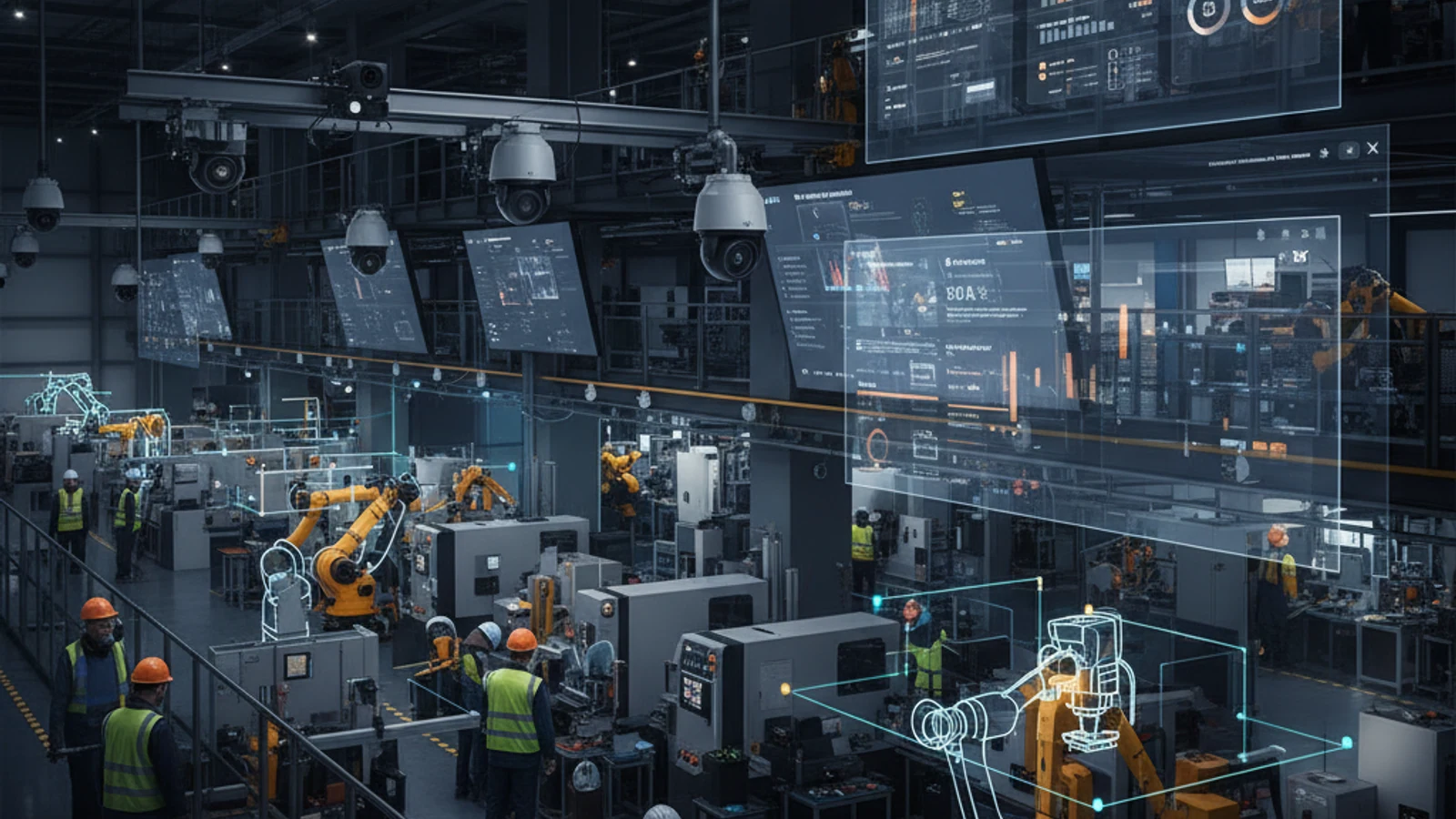
BYOC – Bring Your Own Camera – is one of the most valuable features in a cloud VMS, and one of the most misunderstood. It means you can connect existing IP cameras from your facility to a cloud platform without replacing them with proprietary hardware. No rip-and-replace. No $600-$1,600 per-camera hardware budget. Just plug your existing cameras into the cloud and start getting AI analytics the same week.
Cloud-first access
Centralize live view, playback, user permissions, and investigation workflows.
AI analytics built in
Use smarter search and event detection to reduce manual review time.
Camera flexibility
Deploy with supported existing cameras and avoid unnecessary rip-and-replace projects.
What Is BYOC VMS?
BYOC VMS (Bring Your Own Camera Video Management System) is a cloud surveillance platform that accepts cameras from multiple manufacturers rather than requiring proprietary hardware. The opposite of BYOC is a “closed” platform like Verkada, which only works with cameras purchased directly from Verkada.
iFovea supports cameras from 8 major manufacturers: Axis, Hikvision, Uniview, Vivotek, Milesight, TVT, Tiandy, and 2M Technology. These brands collectively account for the majority of commercial IP camera installations worldwide. If you have any of these cameras, you can connect them to iFovea today.
Why BYOC Matters
For End-User Businesses
Most businesses already have cameras installed. Many of those cameras are perfectly functional – they record high-definition video and have years of useful life remaining. The idea of replacing them to access cloud features is financially painful and operationally disruptive.
BYOC means your existing camera investment is protected. You add cloud capabilities – remote access, AI analytics, scalable storage – without throwing away hardware that already works.
For Security Integrators
BYOC is the single best sales tool in cloud VMS. When you can tell a prospect “your existing cameras are compatible – we can have you running in the cloud by end of week,” the conversation changes entirely. There’s no capital expenditure objection. No “we need to budget for new hardware.” Just a simple subscription upgrade that adds remote access and AI analytics to cameras the client already owns and trusts.
Turn this into a practical surveillance plan
iFovea can review your camera fleet, sites, bandwidth, AI analytics needs, and migration path.
How BYOC Works: Two Connection Methods
Method 1: Built-In Push Module
Many newer IP camera models have the iFovea push module built directly into their firmware. These cameras connect to iFovea’s cloud with minimal configuration – just enter the server address and credentials in the camera’s network settings. No additional hardware or software required at the installation site.
Method 2: Push Installer Software
For cameras without a built-in push module, iFovea provides a lightweight Push Installer software. Install it on any computer (Windows or Mac) on the same local network as the cameras. The Push Installer manages the connection between your cameras and iFovea’s cloud. The computer just needs to stay on and connected to the internet.
Supported Camera Brands
- Hikvision – the world’s most deployed camera brand
- Axis – premium commercial cameras with broad firmware support
- Uniview – cost-effective IP cameras widely deployed in commercial settings
- Vivotek – professional IP cameras with VIVOTEK-branded cloud integration
- Milesight – AI-enabled cameras for retail and enterprise
- TVT – cost-effective commercial cameras
- Tiandy – commercial IP cameras with strong low-light performance
- 2M Technology – professional surveillance cameras
What You Get After Connecting Your Cameras
- Cloud storage – 7, 30, or 90+ days depending on your plan
- Remote access – browser and mobile app (iOS/Android) from anywhere
- Face recognition – watchlists, real-time alerts, demographic analytics
- Object detection – people, vehicles, luggage – with zone-based alert rules
- People counting – foot traffic analytics for retail and access control
- Heat maps – activity frequency visualization across your monitored space
- Multi-camera dashboard – manage all cameras from one interface regardless of brand
Check if your cameras are compatible – request a free demo with your camera list.
Related Resources
Open camera infrastructure planning
Use these migration resources to validate camera compatibility and prevent an open-camera strategy from becoming an unplanned replacement project.
Frequently asked questions
Who is BYOC VMS: How to Connect Any IP Camera to the Cloud most relevant for?
It is most relevant for organizations evaluating cloud VMS, AI analytics, camera compatibility, or migration away from legacy surveillance systems.
Does iFovea support existing cameras?
iFovea is designed to support many existing IP camera deployments through compatible camera and ONVIF workflows.
How does AI search help investigations?
AI search reduces manual review by helping teams find people, vehicles, objects, colors, areas, and events faster than timeline scrubbing alone.
What should I do next?
Request a demo or assessment so iFovea can map the topic to your camera fleet, sites, bandwidth, and retention requirements.
Related resources
Continue comparing options, planning migration, and estimating the right cloud surveillance architecture.
Ready to plan the next step?
iFovea can review your camera fleet, sites, bandwidth, AI analytics needs, and migration path.