

Industry surveillance solution
Retail foot traffic analytics turns the cameras you already have into a business intelligence engine. Instead of footage that sits on a hard drive and gets reviewed only when something goes wrong, foot traffic analytics gives you real-time data on how many customers enter your store, where they go, how long they stay, and which areas they skip entirely.
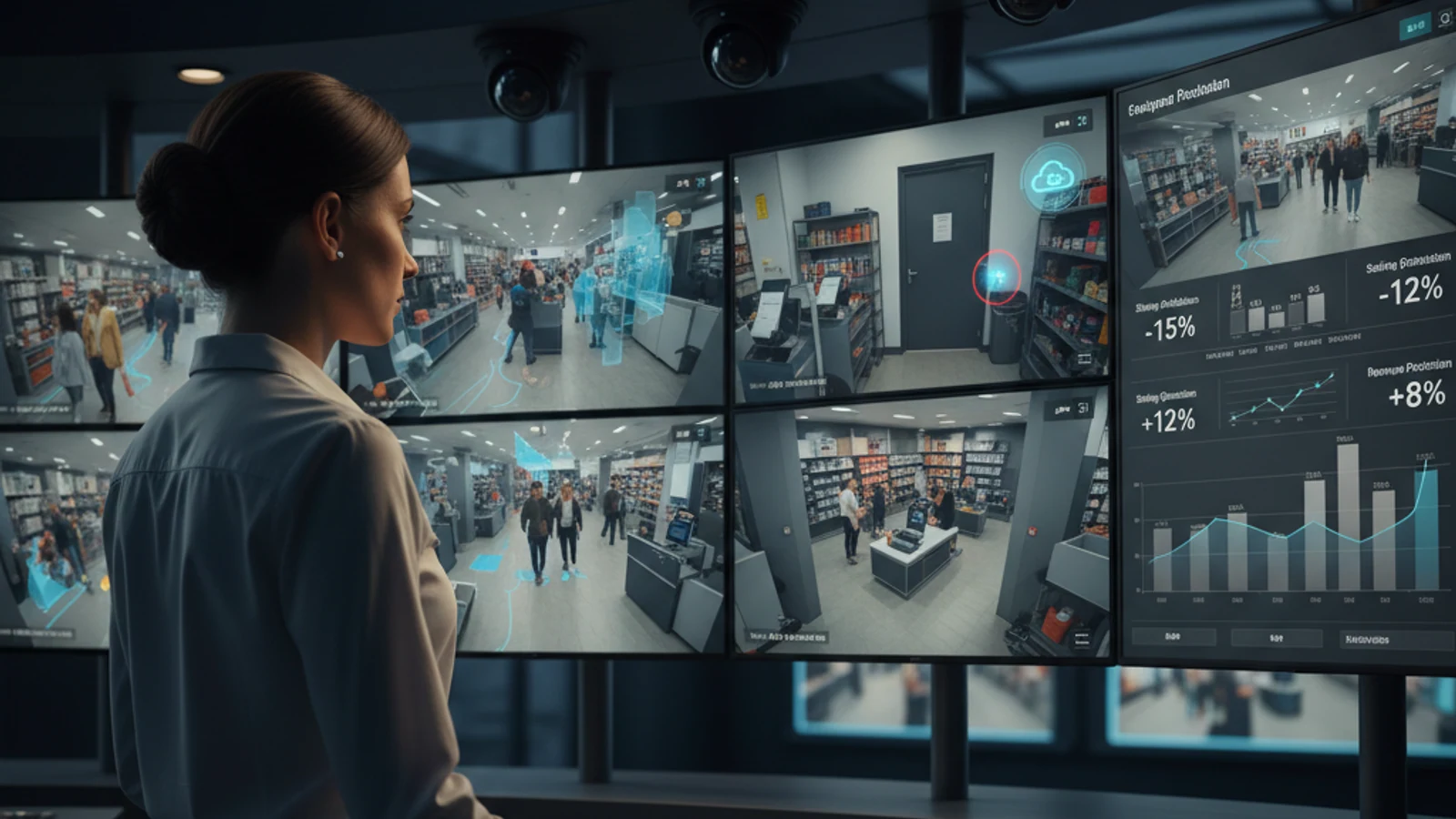
Retail foot traffic analytics turns the cameras you already have into a business intelligence engine. Instead of footage that sits on a hard drive and gets reviewed only when something goes wrong, foot traffic analytics gives you real-time data on how many customers enter your store, where they go, how long they stay, and which areas they skip entirely.
Multi-site visibility
Give operations and security teams one place to monitor locations, users, and incidents.
AI-assisted review
Find events faster with video search, analytics, and alert workflows tied to real business needs.
Flexible deployment
Support existing cameras, cloud access, and hybrid recording for practical rollouts.
What Is Retail Foot Traffic Analytics?
Retail foot traffic analytics is the process of automatically counting and tracking customers as they move through a physical store. Using AI-powered cameras, the system counts entries and exits, tracks movement through zones, and generates reports on traffic patterns over time.
Unlike manual people counting (a staff member with a clicker) or simple entry sensors (infrared beam counters), AI foot traffic analytics from iFovea distinguishes between customers and staff, tracks movement throughout the store (not just at the door), and integrates with your existing IP cameras.
5 Ways Retailers Use Foot Traffic Data
1. Optimize Store Layout
iFovea’s heat maps reveal exactly where customers spend time in your store. High-traffic zones show up as “hot” areas; zones customers rarely visit show as “cold.” This data directly informs decisions about product placement – high-margin products should be in hot zones, not dead corners. Promotional displays should be positioned where customers actually walk, not where they look good on the floor plan.
2. Optimize Staffing Levels
If you know exactly when foot traffic peaks – 11am-1pm on weekdays, 2pm-5pm on weekends – you can schedule staff to match demand rather than guessing based on past experience. Overstaffing costs money; understaffing loses sales. Foot traffic data makes staffing decisions data-driven rather than intuitive.
3. Measure Marketing Effectiveness
Did the weekend sale drive more foot traffic than the same weekend last month? Did the new window display increase conversions from passersby? Foot traffic data gives you a before/after baseline to measure whether marketing initiatives actually drive people into your store.
4. Calculate Conversion Rate by Zone
Foot traffic analytics combined with sales data reveals conversion rate by department or zone. If 500 customers walk past the electronics section but only 20 make a purchase, that’s a 4% conversion rate. If the adjacent accessories section converts at 18%, the electronics layout, pricing, or product mix needs attention – not the accessories display.
5. Benchmark Performance Across Locations
For multi-location retailers, iFovea’s cloud dashboard shows foot traffic data for all stores in one view. Compare traffic patterns, conversion rates, and peak hours across locations to identify which stores are performing above or below chain average – and why.
Turn this into a practical surveillance plan
iFovea can review your camera fleet, sites, bandwidth, AI analytics needs, and migration path.
How iFovea Delivers Retail Foot Traffic Analytics
iFovea’s people & vehicle counting uses deep learning AI trained to identify and count people with over 90% accuracy in typical retail camera setups. The system works with your existing IP cameras from Axis, Hikvision, Uniview, Vivotek, and other supported brands – no hardware replacement required.
Combined with heat map analytics, you get both the quantitative data (how many people, when) and the spatial data (where they go, how long they stay). Together, these tools give retail operations managers a complete picture of customer behavior in their physical spaces.
Frequently Asked Questions
How accurate is AI people counting for retail?
iFovea’s people counting achieves over 90% accuracy in typical retail environments. Accuracy is optimized when cameras are positioned at entry points at a 45-60 degree downward angle, with sufficient resolution (1080p or higher recommended) and adequate lighting.
Does it count staff as well as customers?
You can configure exclusion zones (e.g., staff-only areas behind the counter) to filter staff from customer counts. For more precise customer-only counting, position entry-point cameras specifically to capture customer entries rather than staff movement.
Do I need to replace my existing cameras?
No. iFovea works with cameras from Axis, Hikvision, Uniview, Vivotek, Milesight, and others. Most retail camera installations built in the past 10 years are compatible. Request a demo to confirm your specific camera models work.
See retail foot traffic analytics live on your cameras – request a free demo.
Related Industry Resources
Frequently asked questions
Which teams use iFovea for this environment?
Security, operations, IT, facilities, and executive teams use iFovea to centralize camera access, incident review, and AI-assisted monitoring across locations.
Can iFovea support multiple sites?
Yes. iFovea is built for multi-site cloud surveillance with centralized user management, live viewing, playback, and search workflows.
Does the system require replacing every camera?
Not always. Supported IP cameras can often be connected through compatible cloud or hybrid deployment paths, reducing unnecessary hardware replacement.
How do we start?
Start with a camera and network assessment so iFovea can confirm compatibility, bandwidth needs, retention goals, and rollout priorities.
Related resources
Continue comparing options, planning migration, and estimating the right cloud surveillance architecture.
Ready to plan the next step?
iFovea can review your camera fleet, sites, bandwidth, AI analytics needs, and migration path.