

AI surveillance feature
Hikvision is the most widely deployed camera brand in commercial security. iFovea is the cloud VMS that connects your existing Hikvision cameras to AI-powered cloud storage and analytics – no NVR replacement, no new cameras, no complex configuration. Plug your Hikvision cameras into iFovea cloud and get remote access, AI analytics, and scalable storage in hours.
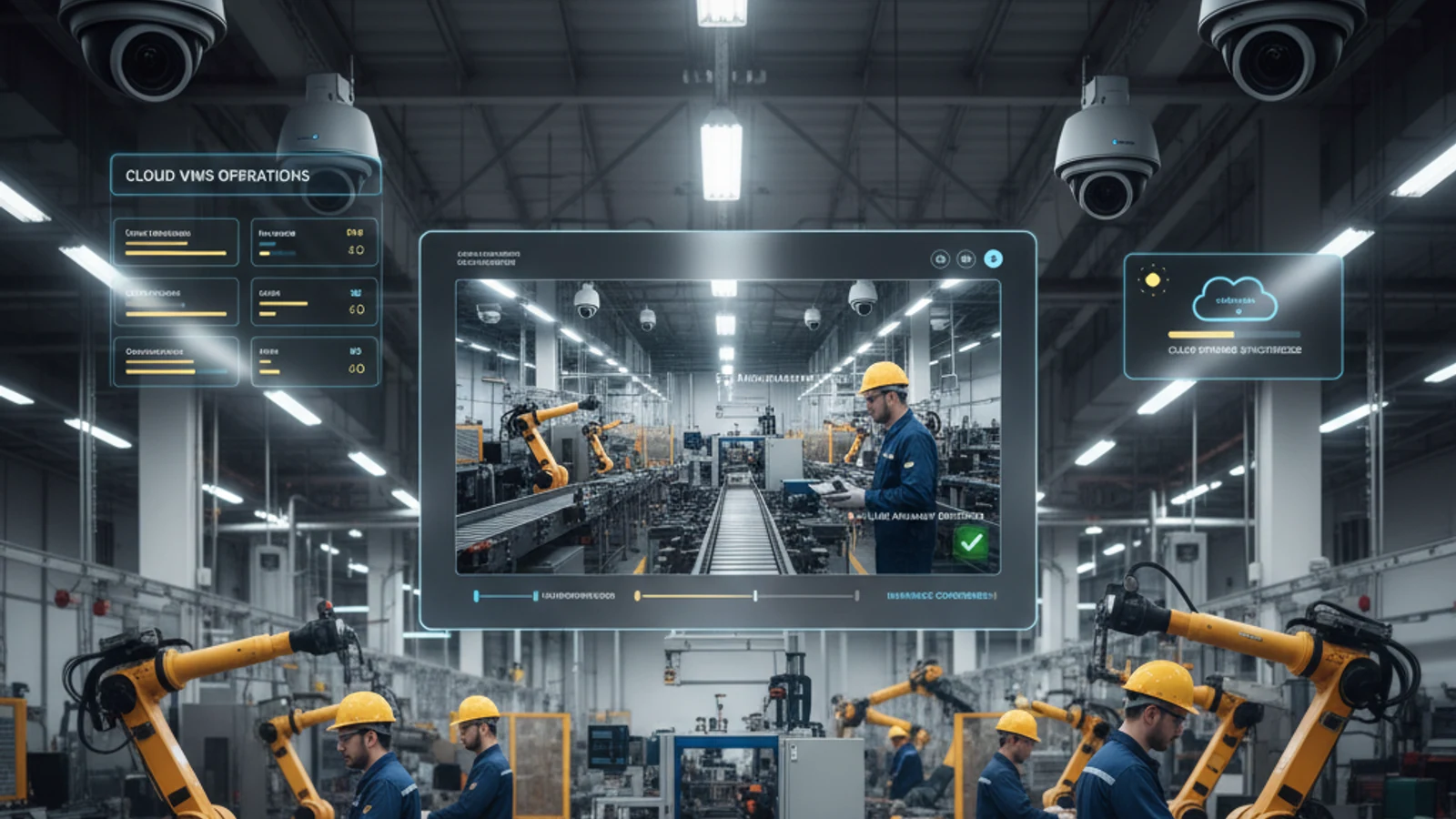
Hikvision is the most widely deployed camera brand in commercial security. iFovea is the cloud VMS that connects your existing Hikvision cameras to AI-powered cloud storage and analytics – no NVR replacement, no new cameras, no complex configuration. Plug your Hikvision cameras into iFovea cloud and get remote access, AI analytics, and scalable storage in hours.
Cloud-first access
Centralize live view, playback, user permissions, and investigation workflows.
AI analytics built in
Use smarter search and event detection to reduce manual review time.
Camera flexibility
Deploy with supported existing cameras and avoid unnecessary rip-and-replace projects.
Why Connect Hikvision Cameras to a Cloud VMS?
| Capability | Hikvision + iFovea Cloud | Hikvision + NVR Only |
|---|---|---|
| Remote access | Instant – browser and mobile app | Port forwarding or VPN required |
| AI analytics | Face recognition, ALPR, gun detection, fire detection, and 6 more | None on standard NVR |
| Storage scalability | Unlimited – scale on demand | Limited by HDD capacity |
| Multi-site management | One dashboard for all locations | Separate NVR per site |
| Maintenance | Zero – cloud managed | HDD replacement, software updates |
Connection Methods for Hikvision Cameras
Method 1: Built-In Push Module (Newer Models)
Many recent Hikvision camera models have the iFovea push module built into their firmware. These cameras connect to iFovea cloud with minimal configuration – enter the iFovea server address in the camera network settings and footage begins uploading automatically.
Method 2: Push Installer Software (Older Models)
For Hikvision cameras without the built-in module, install the iFovea Push Installer on any Windows or Mac computer on the same network as your cameras. The software handles cloud connection. The computer just needs to stay on and connected to the internet.
Turn this into a practical surveillance plan
iFovea can review your camera fleet, sites, bandwidth, AI analytics needs, and migration path.
What You Get After Connecting Hikvision to iFovea
- Remote access from any browser or iOS/Android app
- Cloud storage from 7 to 90+ days per camera
- Face recognition – watchlists and real-time alerts
- License plate recognition – 10,000-plate watchlists
- Gun detection – real-time firearm alerts
- Fire and smoke detection
- People and vehicle counting
- Heat maps
- Loitering detection
Hikvision Model Compatibility
iFovea supports a wide range of Hikvision models. See the Hikvision compatibility page for the complete list organized by model and firmware version, including which models require the Push Installer vs. which have the module built-in.
Related Resources
FAQ
Do I need an NVR to connect Hikvision cameras to iFovea?
No. iFovea replaces the NVR entirely. Cameras connect to the cloud directly – no NVR hardware required.
Will all my Hikvision cameras work?
Most commercial Hikvision IP cameras built in the past 10 years are compatible. Check the Hikvision compatibility page for your specific model numbers. If your model is not listed, contact iFovea support to check planned compatibility.
See iFovea Live – Request a Free Demo
Works with your existing cameras. No contracts. No hardware replacement required.
Frequently asked questions
Who is Hikvision Cloud VMS: Complete Guide to Cloud Storage and AI Analytics most relevant for?
It is most relevant for organizations evaluating cloud VMS, AI analytics, camera compatibility, or migration away from legacy surveillance systems.
Does iFovea support existing cameras?
iFovea is designed to support many existing IP camera deployments through compatible camera and ONVIF workflows.
How does AI search help investigations?
AI search reduces manual review by helping teams find people, vehicles, objects, colors, areas, and events faster than timeline scrubbing alone.
What should I do next?
Request a demo or assessment so iFovea can map the topic to your camera fleet, sites, bandwidth, and retention requirements.
Related resources
Continue comparing options, planning migration, and estimating the right cloud surveillance architecture.
Ready to plan the next step?
iFovea can review your camera fleet, sites, bandwidth, AI analytics needs, and migration path.